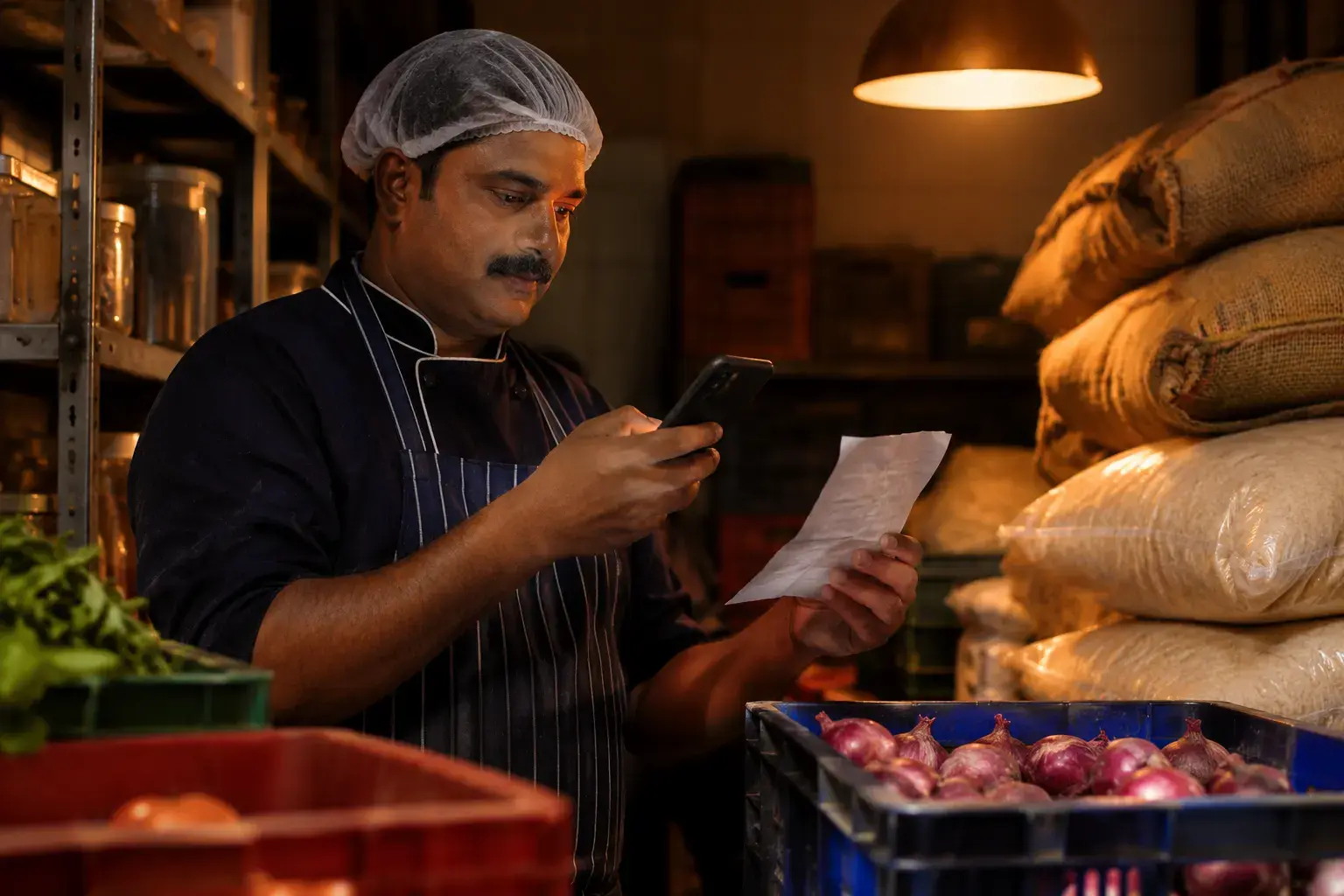
Receive the delivery from its own paper.
Receive a delivery from its own paper. AI reads it against your purchase order. Optional AI features, switched on after launch.
- AI reads the paper
- Checked against your order
- Optional, on or off for each brand
When goods arrive, photograph the paper that came with them.
How it works
Goods arrive
Open the purchase order and take a photo of the paper.
AI reads it
It fills in what is on the paper, line by line.
Gaps are flagged
Short, extra and price differences show against the order.
You confirm
Stock comes in. A tax invoice is booked and matched.
Optional, on or off for each brand
What it uses
The delivery challan or tax invoice that came with the goods, and your purchase order
You stay in control
AI only reads the paper. The flags and the invoice match come from fixed checks against your order. Nothing posts until you confirm.
Who decides
You confirm. Nothing posts before that
- AI-assisted
- Optional
- Planned for launch, February 2027
- Who decides: You confirm. Nothing posts before that
- Inputs: The delivery challan or tax invoice that came with the goods, and your purchase order
What it does.
AI reads the paper
The delivery challan or tax invoice is read line by line into the goods receipt.
Checked against your order
Each line shows what you ordered, what came before and what is on the paper. Short, extra and price differences are flagged by fixed checks against the order.
Book the invoice at the same time
When the paper is a tax invoice, the invoice is booked too. It is matched with the order and the receipt by fixed rules.
Nothing posts until you confirm
You check every figure first. Lines not on the order can be assigned or ignored.
Worked example (sample data).
One made-up restaurant, to show how Receive goods from the supplier paper works from start to finish.
Example, not real data
A sample hub kitchen has a purchase order for rice, oil and lentils.
- Input
- The storekeeper opens the purchase order and photographs the challan.
- Output
- AI reads the challan line by line. Fixed checks compare it with the order: the oil line shows short, and the rice price differs from the order.
- What you check or change
- The storekeeper checks every figure against the paper and confirms.
- If it is wrong
- If AI misreads a line, he sees it in the comparison and corrects it first. The flags come from fixed checks against the order, not from AI, and nothing posts until he confirms.
Ordered against received.
Each line shows what you ordered, what came before and what is on the paper. Sample data.
Sample data, not real
| Item | Ordered | Came before | On the paper | Flag |
|---|---|---|---|---|
| Rice | 50 kg | 0 kg | 50 kg | Price differs |
| Oil | 20 L | 0 L | 15 L | Short |
| Lentils | 30 kg | 0 kg | 30 kg | No flag |
The flags come from fixed checks against your order, not from AI. Nothing posts until you confirm.
Product screens
The screens you and your team will use for this.
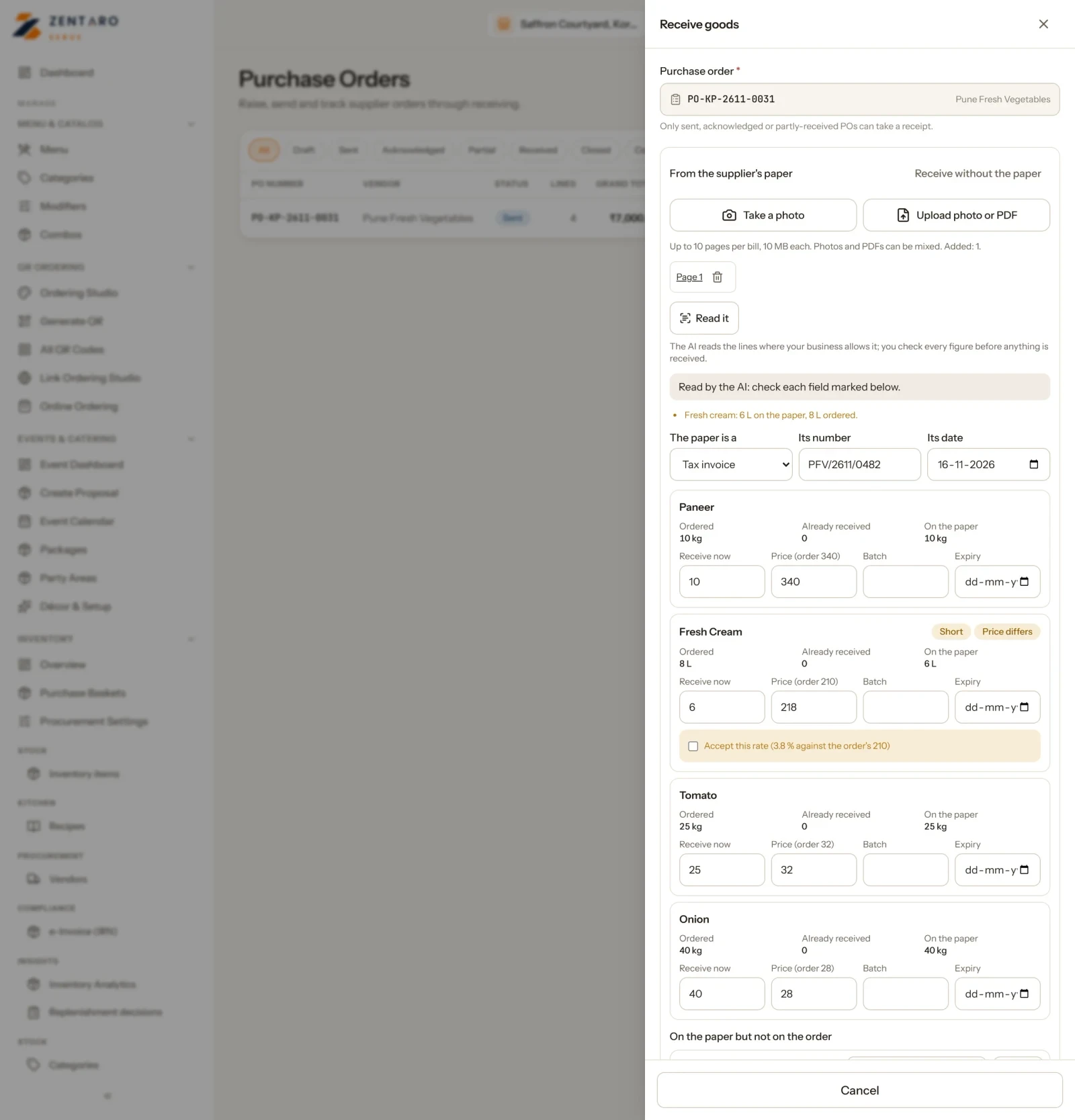
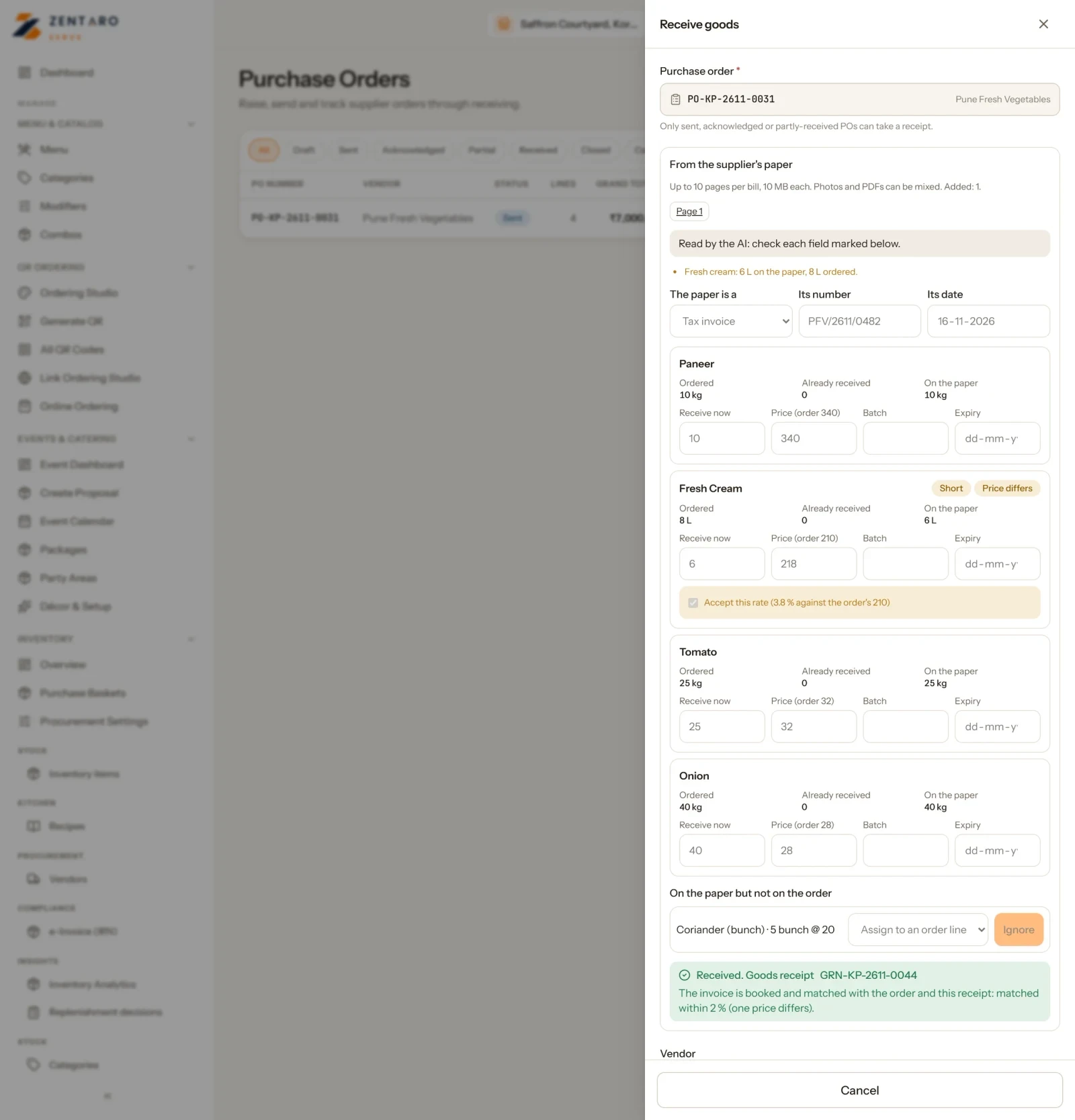
Example screens with sample data
Who it helps.
Receive a delivery without typing every line.
See at once when a supplier sends less or charges more.
You stay in control. AI only reads the paper. The flags and the invoice match come from fixed checks against your order. Nothing posts until you confirm.
Good to know
- This AI feature is optional. You switch it on or off for each brand.
- Each AI task uses credits from your balance.
Common questions.
What paper can AI read?
The delivery challan or the tax invoice that came with the goods.
Does AI decide what is short?
No. AI reads the paper. Fixed checks compare it with your purchase order and flag the gaps.
Can I receive goods without an order?
Yes, by hand. Reading the paper with AI works when you receive against a purchase order.
More AI in Zentaro Serve.
Part of AI tools for restaurants See also Ask your data. Daily briefing. Leak watchdog explanations. Menu import.
Tell us about your restaurant.
Zentaro Serve launches in February 2027. Tell us what you run today and we will get in touch.
Last updated: