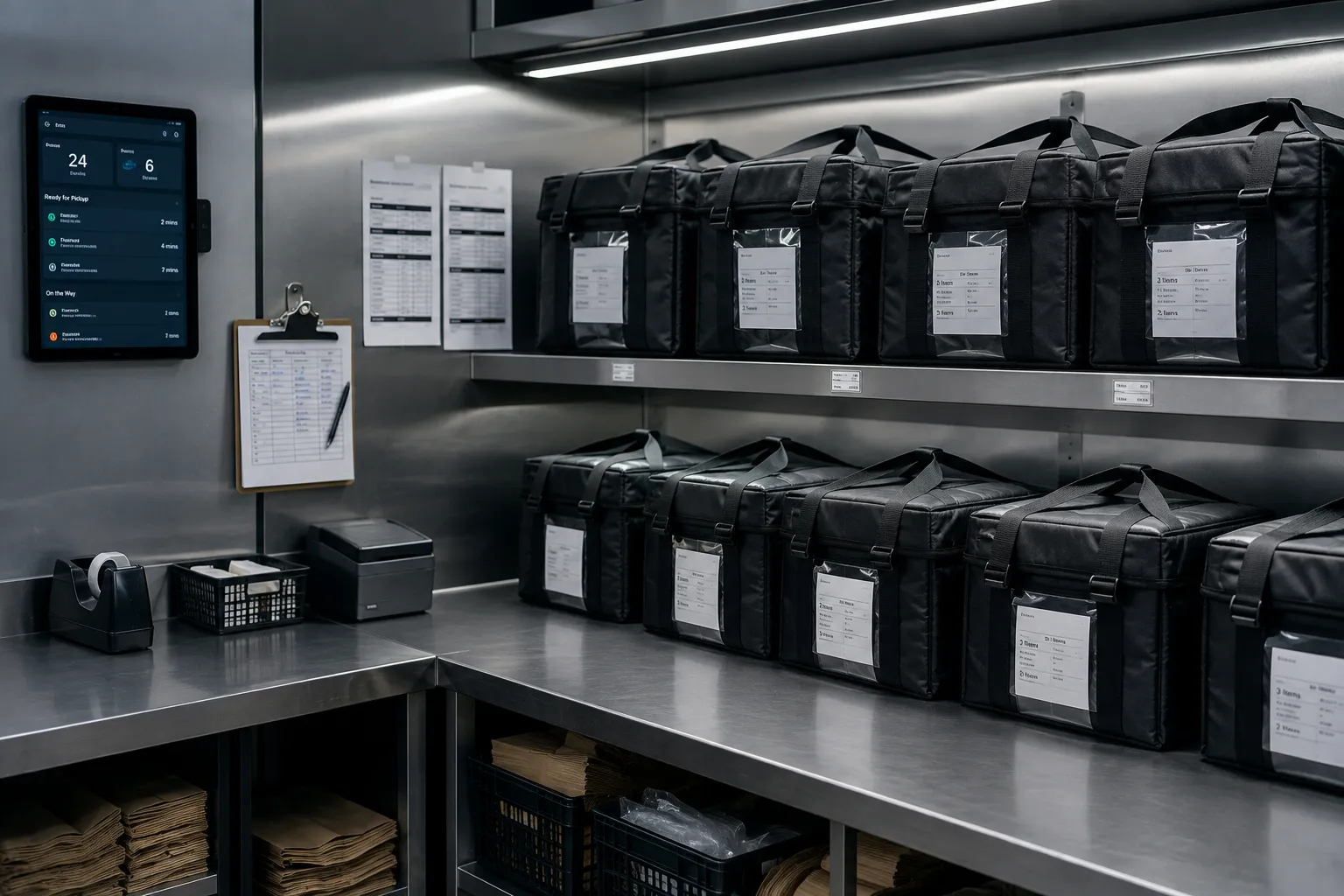
Cloud kitchen POS: one kitchen, many brands
Start with one outlet. Add more outlets and brands later in the same system. A cloud kitchen POS merges every brand and channel into one flow. Zentaro Serve gives one multi-brand kitchen screen. It helps enter aggregator orders with AI, from a photo, screenshot or order email, and adds your own ordering link. Reports show each brand and source apart, and a dispatch step moves each order from the pass to handover.
- One kitchen screen
- A multi-brand kitchen
- Reports by source
- Dispatch from pass to handover
What it does.
One kitchen screen
Dine-in and every delivery brand show on one kitchen screen.
A multi-brand kitchen
Orders are routed to the right place for each brand.
Reports by source
Tag orders by source and report on them.
Dispatch from pass to handover
A dispatch workflow takes each order from the pass to handover.
Delivery details
Keep delivery details and an address book.
A packing slip for each order
Every order gets its own packing slip.
The problem you know
Why many brands in one kitchen get messy
- Each channel has its own tablet, and orders are typed again.
- You cannot say which brand earns.
- The pass is a mess when several brands peak together.
How does a multi-brand kitchen take aggregator orders?
- Set up each brand with its own menu and channels.
- Orders arrive from your own link. Orders from outside channels are entered into the POS, by hand or with AI order entry, so they are in one place.
- One kitchen screen shows every order, with a channel badge.
- The pass packs, and the dispatch moves the order out.
- Reports show each brand and each source apart.
What a cloud kitchen POS includes, as cloud kitchen software
- A multi-brand kitchen, with orders routed to the right place.
- Delivery details and an address book.
- AI order entry for aggregator orders: a photo, a screenshot or an order email, read by AI into the POS. An add-on.
- A packing slip for each order.
What it is not
- Zentaro Serve does not supply riders. Delivery providers are connected where set up.
- There is no direct link to a delivery partner app. Your team captures the order and checks it before it is created.
Who uses it in a cloud kitchen
Who it is for
- Owner: many brands, one kitchen.
- Kitchen head: one screen.
- Dispatcher: packs and hands over.
Talk to us. Talk to us
Common questions.
What is cloud kitchen software?
It is software that runs one kitchen for several brands and merges all channels into one flow.
Can one cloud kitchen run several brands?
Yes. One kitchen can cook for several brands, and each order goes to the right place.
Can AI enter aggregator orders for me?
Mostly. There is no direct link to the delivery partner app. Your team takes a photo or screenshot of the order, or forwards an order email to the address set up for the outlet, and AI reads it and enters the order into the POS. Your team checks it first. AI order entry is an add-on.
How do I open a cloud kitchen?
Read our guide on opening a cloud kitchen. It covers licences, menu, costs and channels.
Can I start my own ordering link?
Yes. Each outlet gets an ordering link that you share anywhere.
The parts that matter most for this format.
Not your format?
One core underneath them all — the difference is what it puts on the screen.
Run your cloud kitchen on Zentaro Serve.
Zentaro Serve launches in 2027. Talk to us and we will show you how it works for your restaurant.