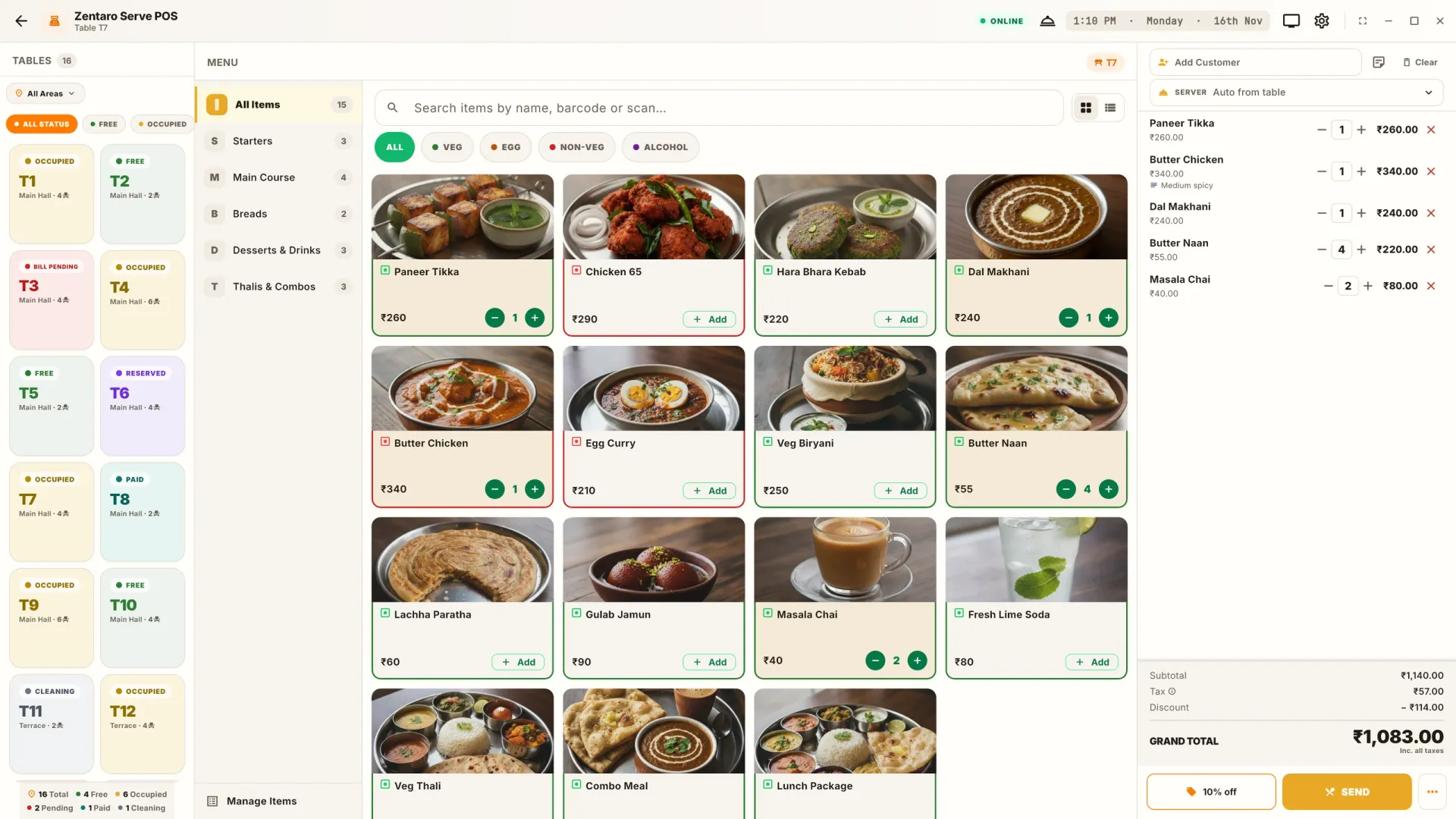
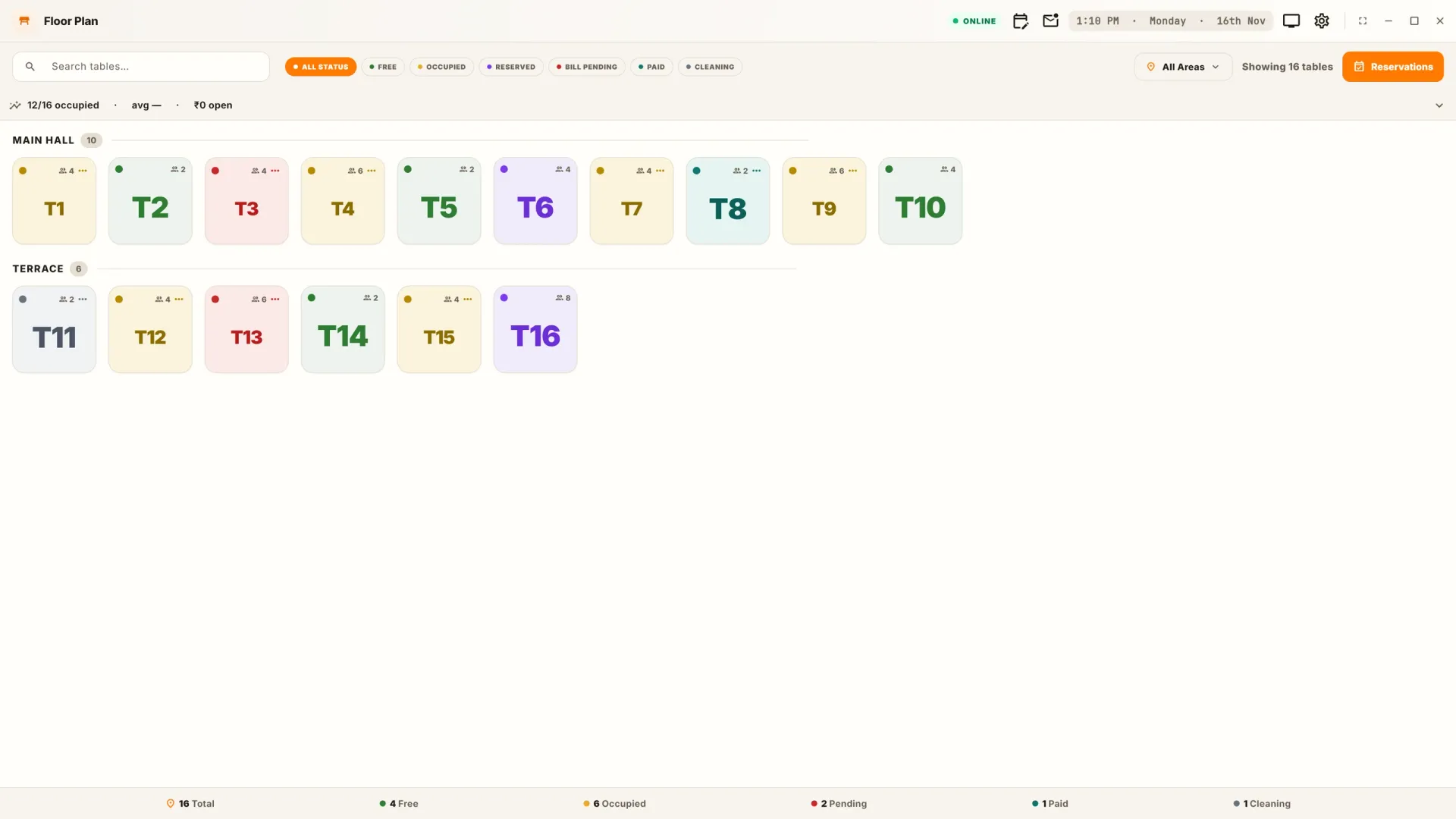
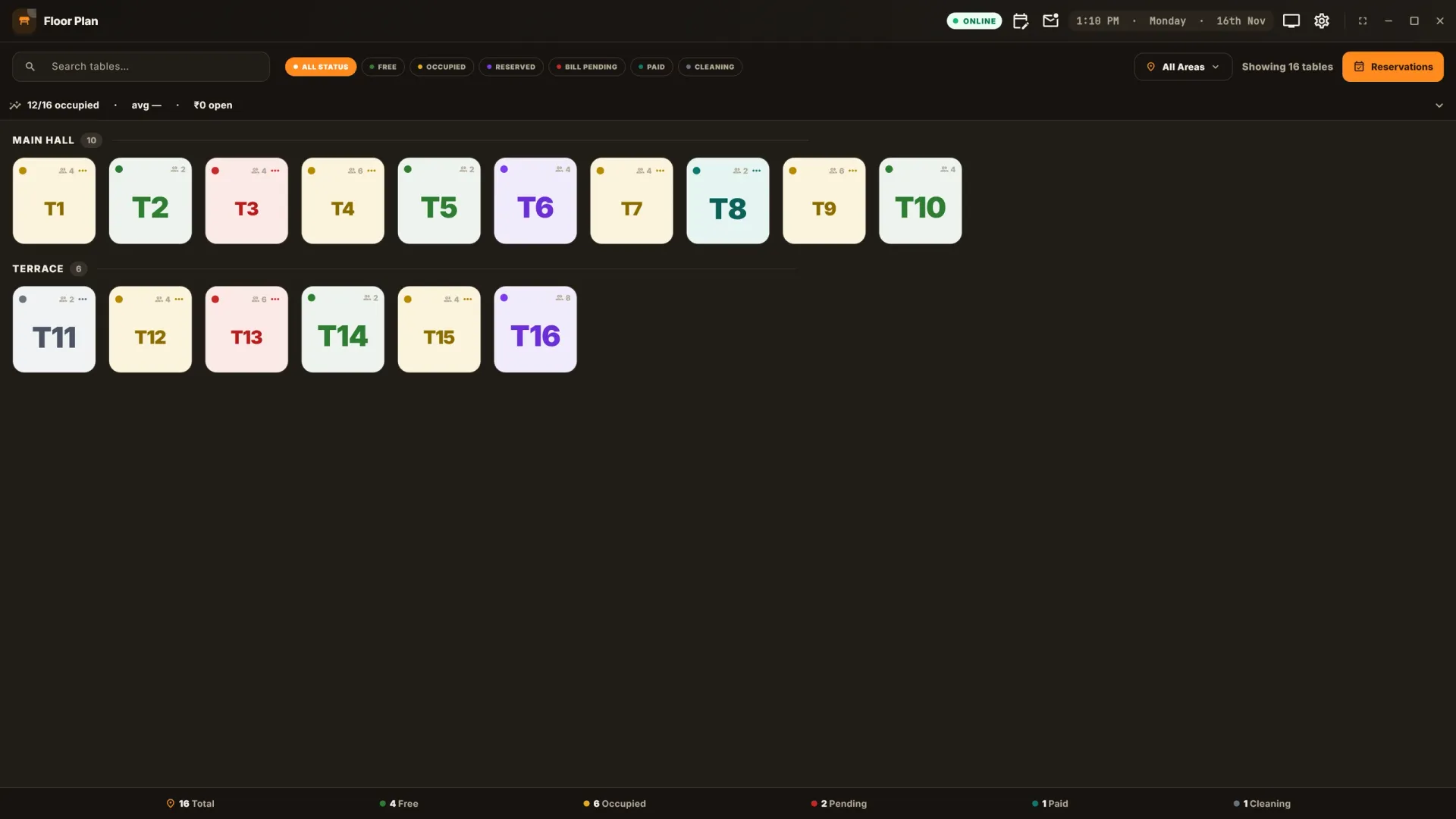
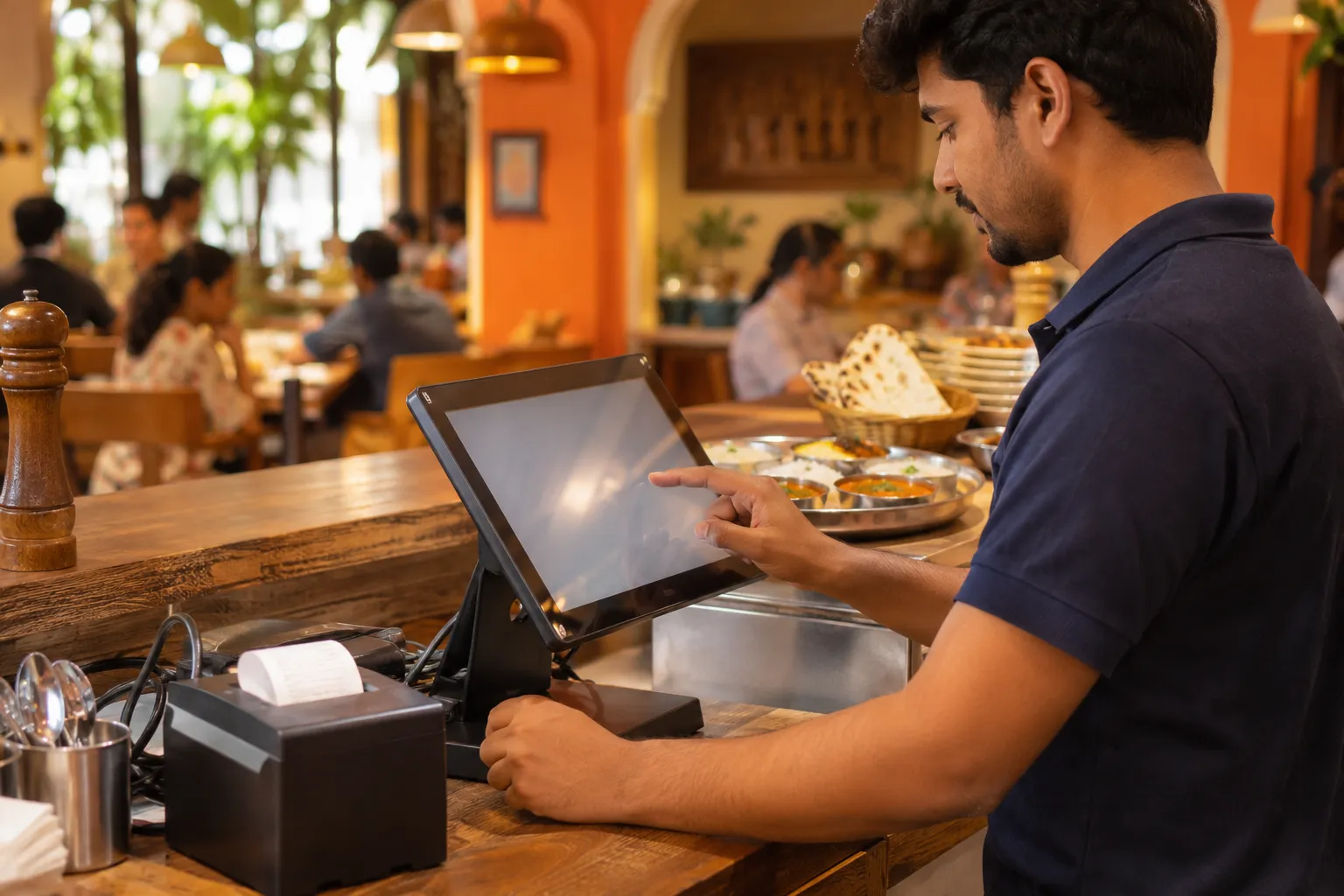
Restaurant staff taking an order on the Zentaro Serve POS at the counter
POS & billing

Restaurant POS software where the till decides the money

Restaurant POS software is the screen your team uses to take orders and payments. With Zentaro Serve, your team takes orders on any device and settles bills by cash, card or UPI. Billing keeps working when the internet drops.

  • Take orders on any device
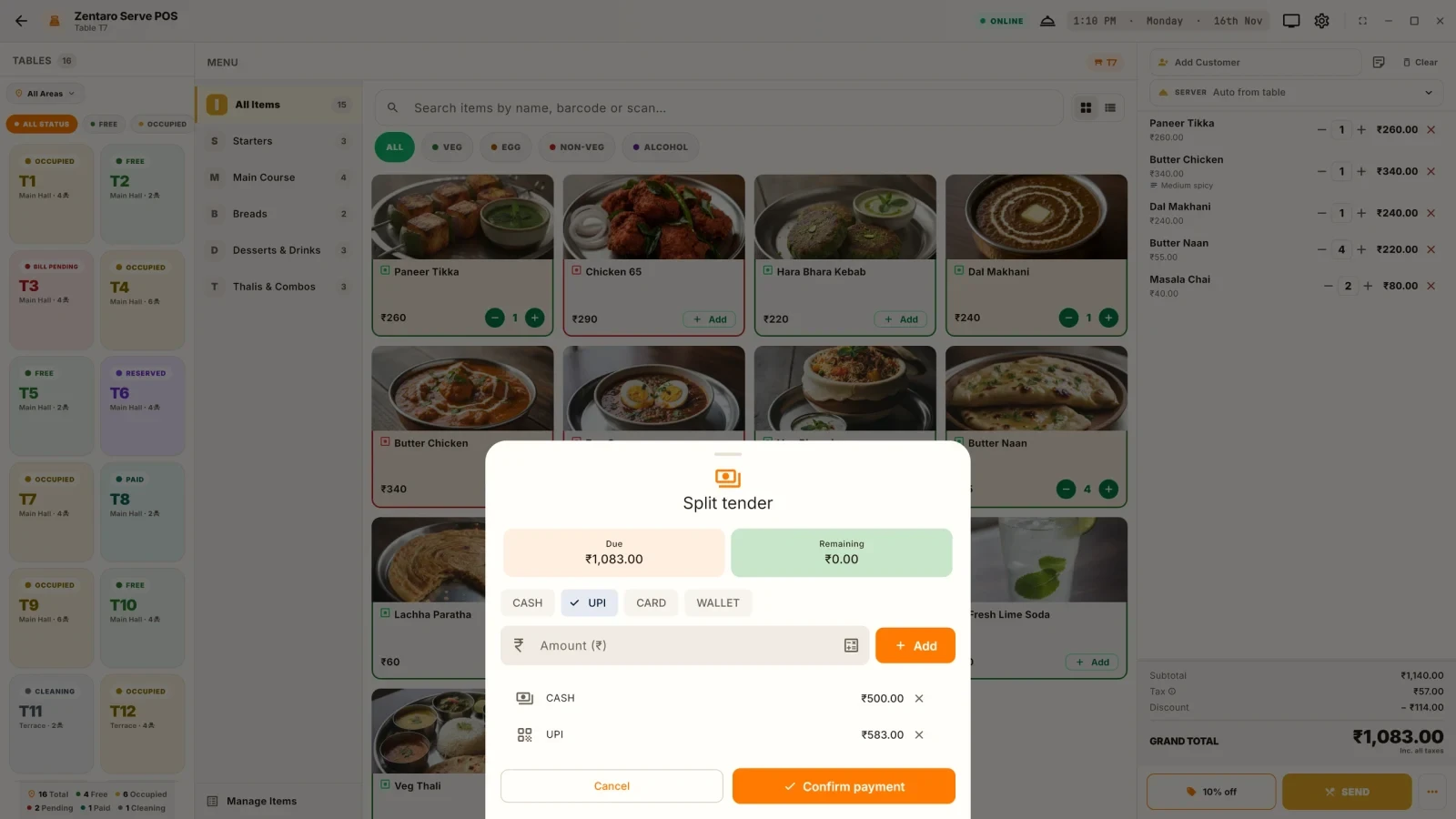
  • Split bill payments across cash, card and UPI
  • Manager approval for voids and discounts
  • Kitchen tickets print even offline

Without it

  • A void needs nobody's approval, so a sale can quietly stop existing.
  • Discounts depend on who is standing at the till, not on what their role permits.
  • Unsettled bills are found at close, if anyone looks.

What it does.

Dine-in and counter, one till

Table service goes from floor to order to bill. Counter and QSR skip table choice, so the flow fits how you serve.

Split the bill any way

Pay one bill with cash, card and UPI in any mix. You do not have to start again.

A void needs a reason

Every cancellation needs a reason. Above your limit, a second person must approve it. This works online and offline.

Discounts inside a role limit

Staff can give discounts up to the limit for their role. Above that, a manager decides.

Nothing is lost at close

Unpaid bills show up before the day ends. Revenue does not vanish when the shift changes.

POS Armor watches the till

Risky patterns are flagged for you to review. You set the limits.

Today, as it happens

See the service as it runs. You do not wait for a report tomorrow.

Find any bill later

The invoice archive answers a guest question or an audit question. No digging through paper.

Know which devices can take money

Each till is paired to your outlet with a code. You can see every terminal and switch one off if it is lost.

How it works.

Order takenyour team

At the table or the counter. It is linked to the person who took it.

Kitchen gets the ticketautomated

The ticket prints at the right station over your own network. Printing does not need the internet.

Bill paidautomated

Pay with cash, card and UPI in any mix. The invoice number is made on the device.

Day closed by a named personautomated

Closing the day needs permission. The figures carry a name.

Two layouts

One POS, two ways to work.

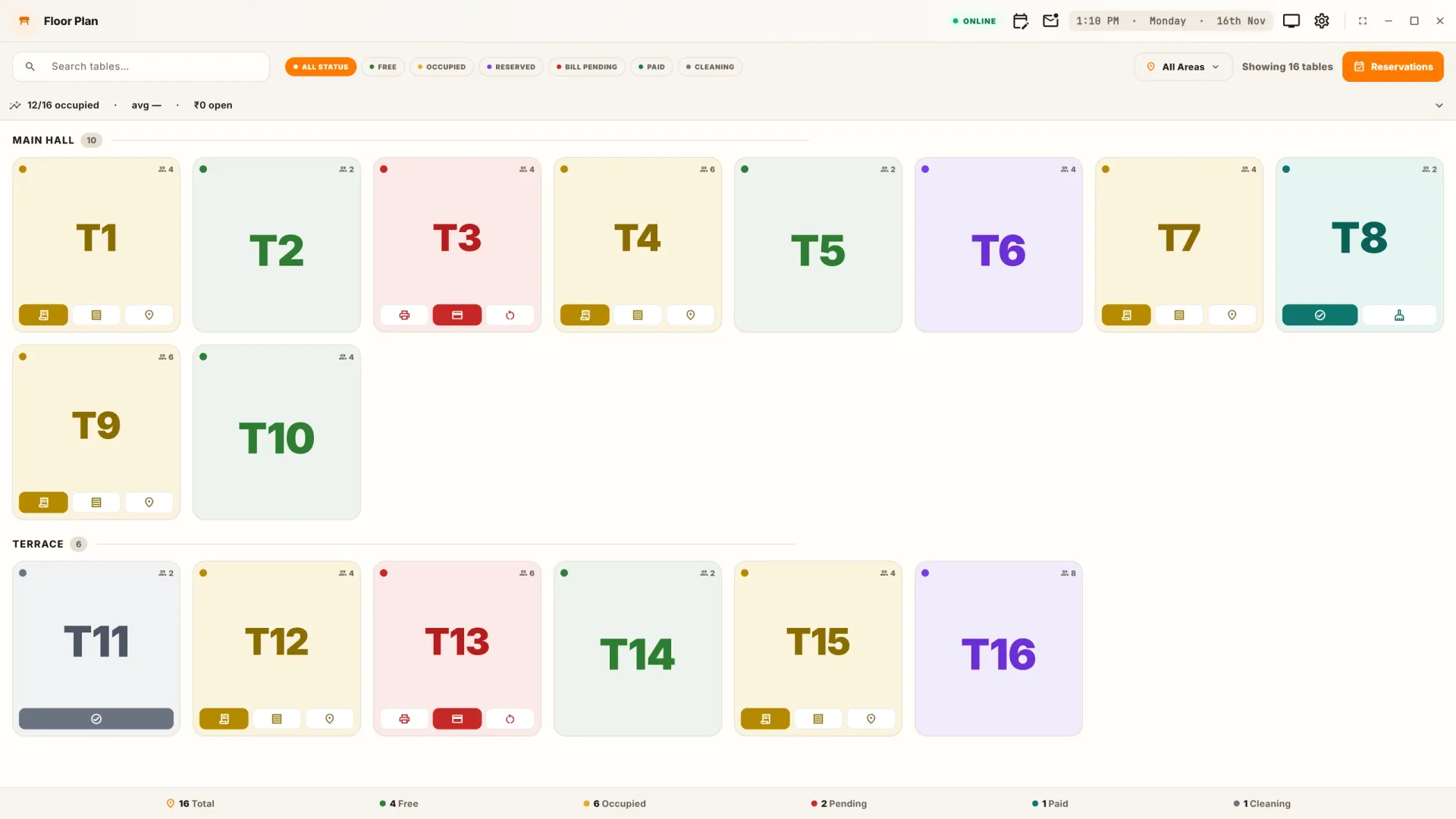
Keep everything on one screen. Or pick a table first, then take the order.

Layout
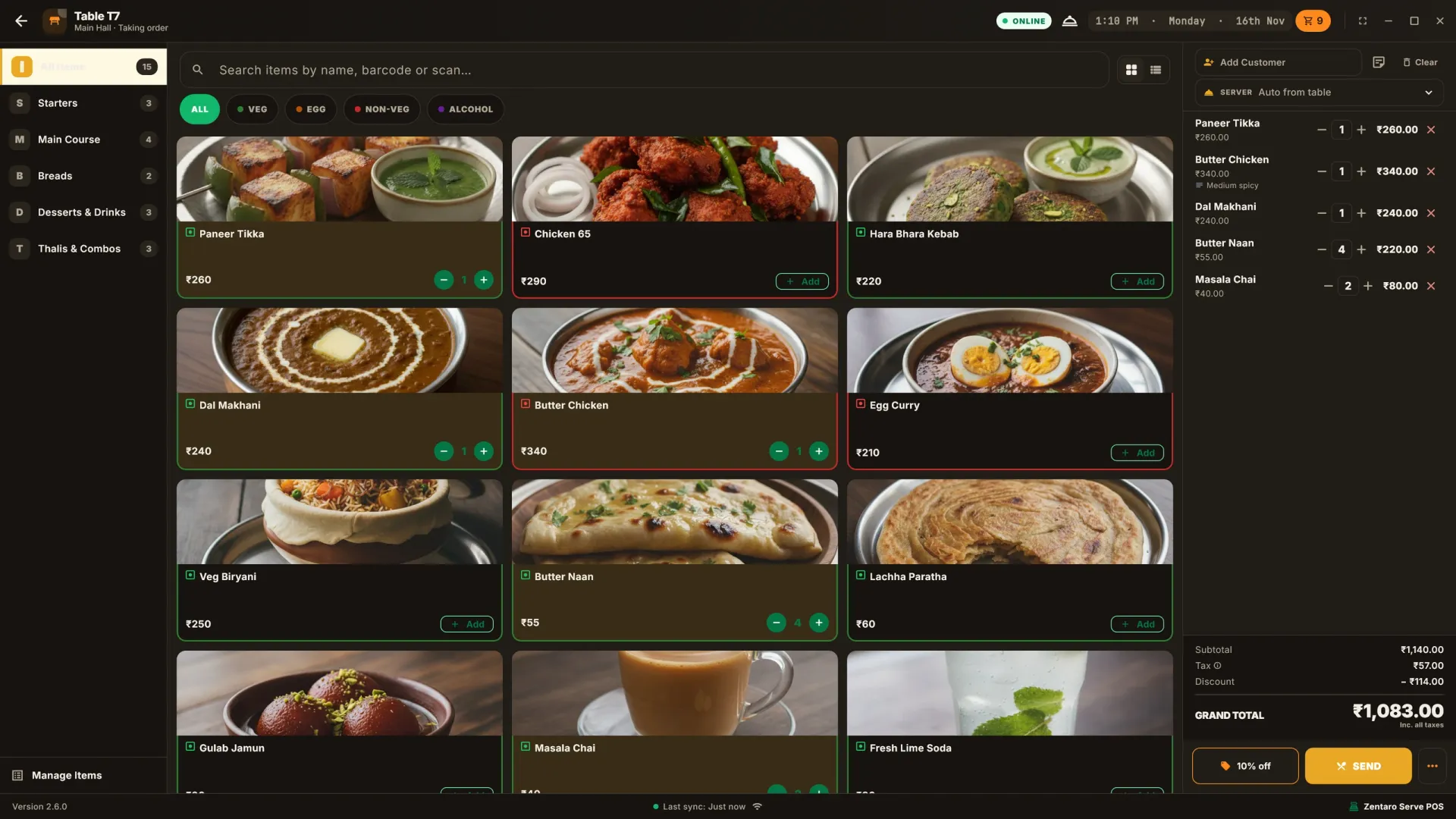
Theme
Tables per row
Menu items per row
Dish photos
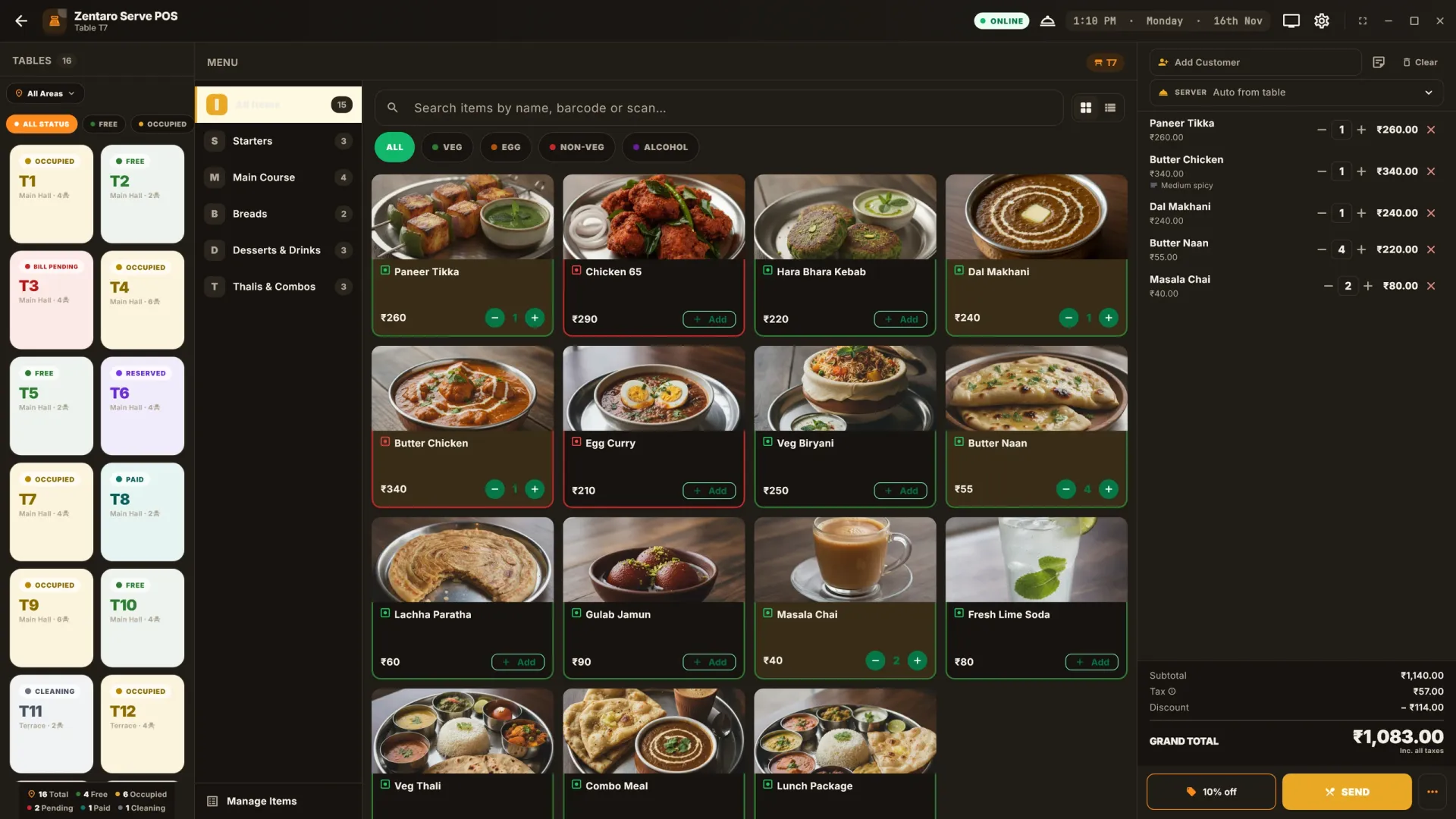
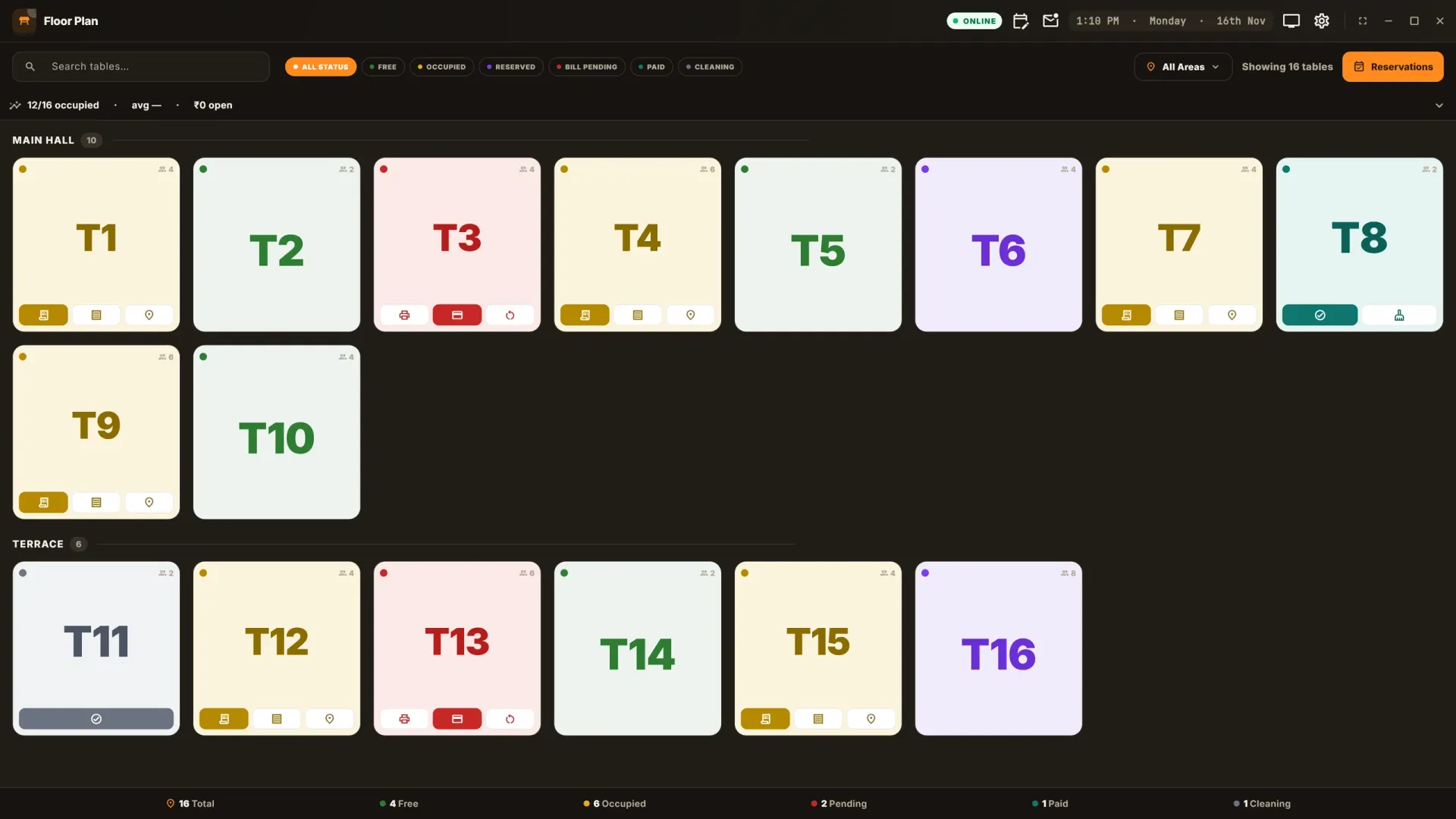
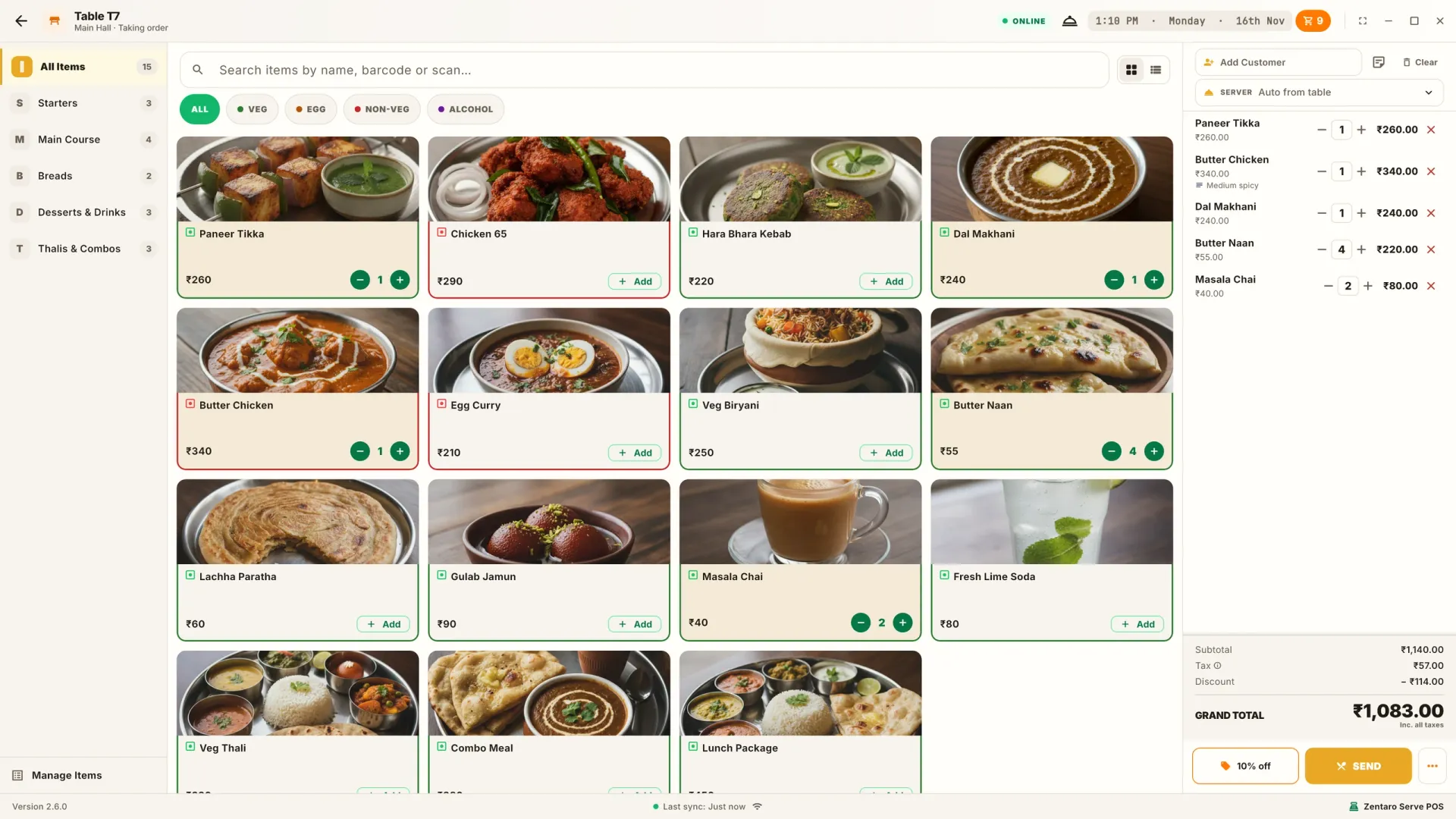
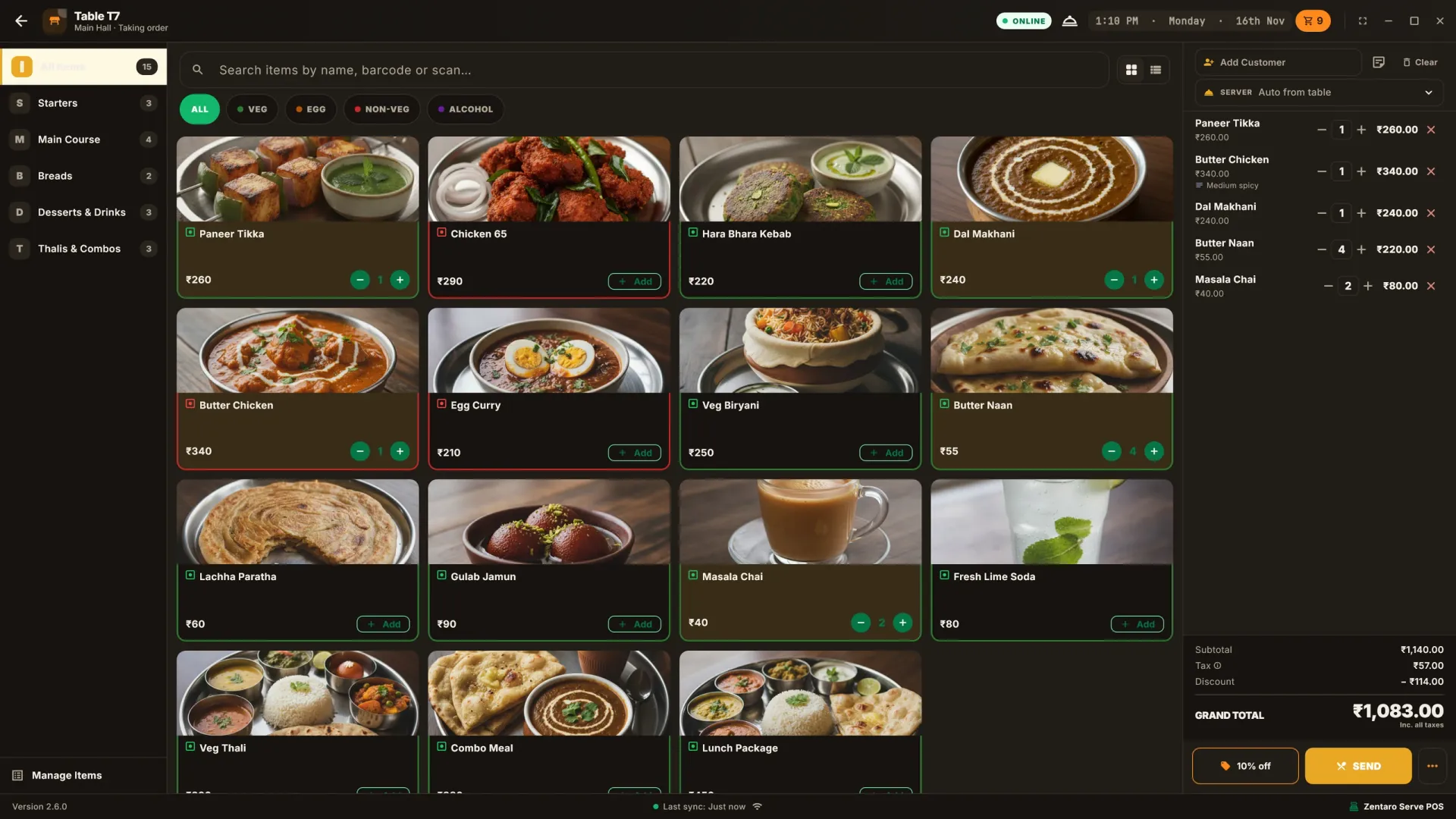
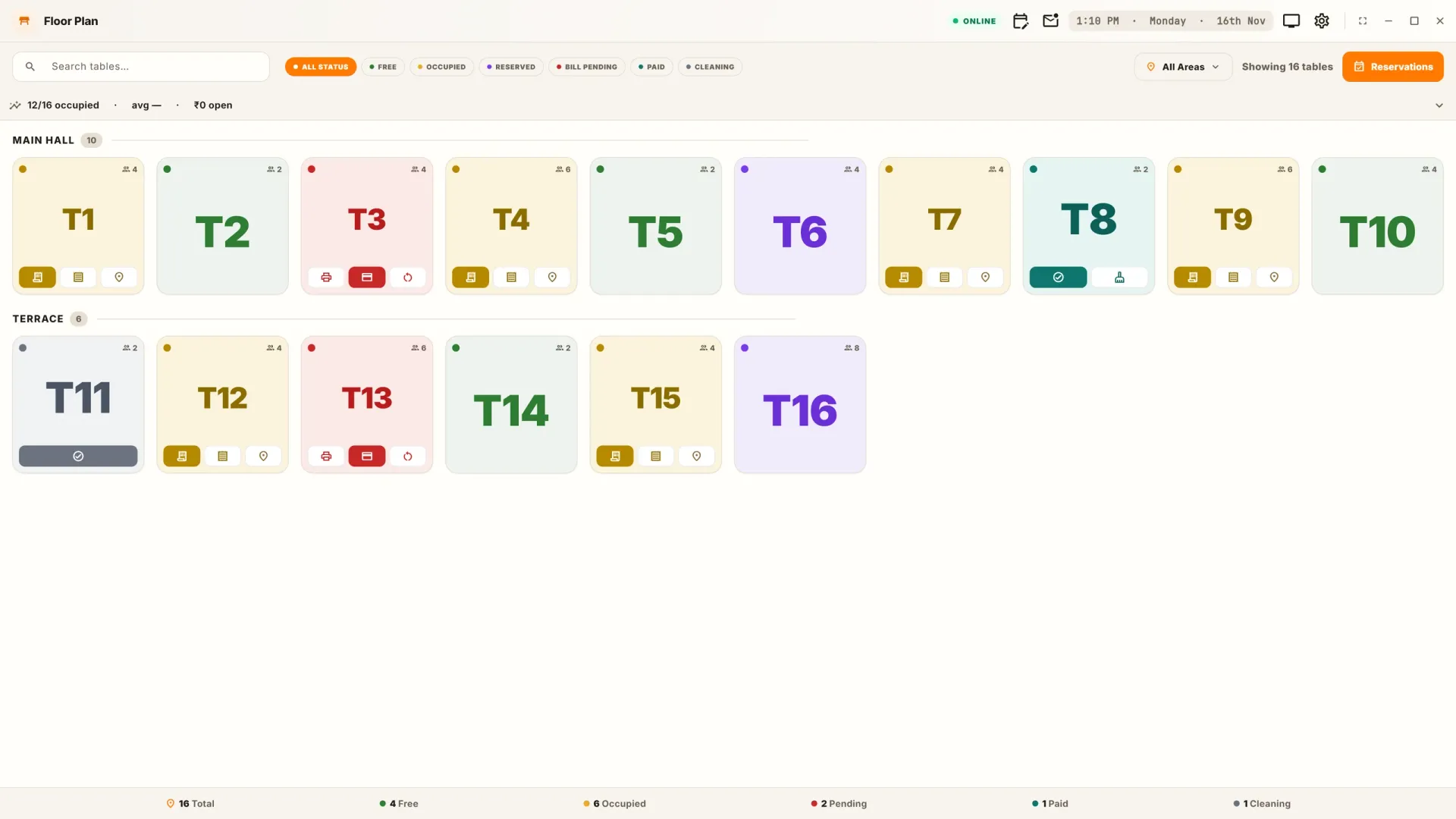
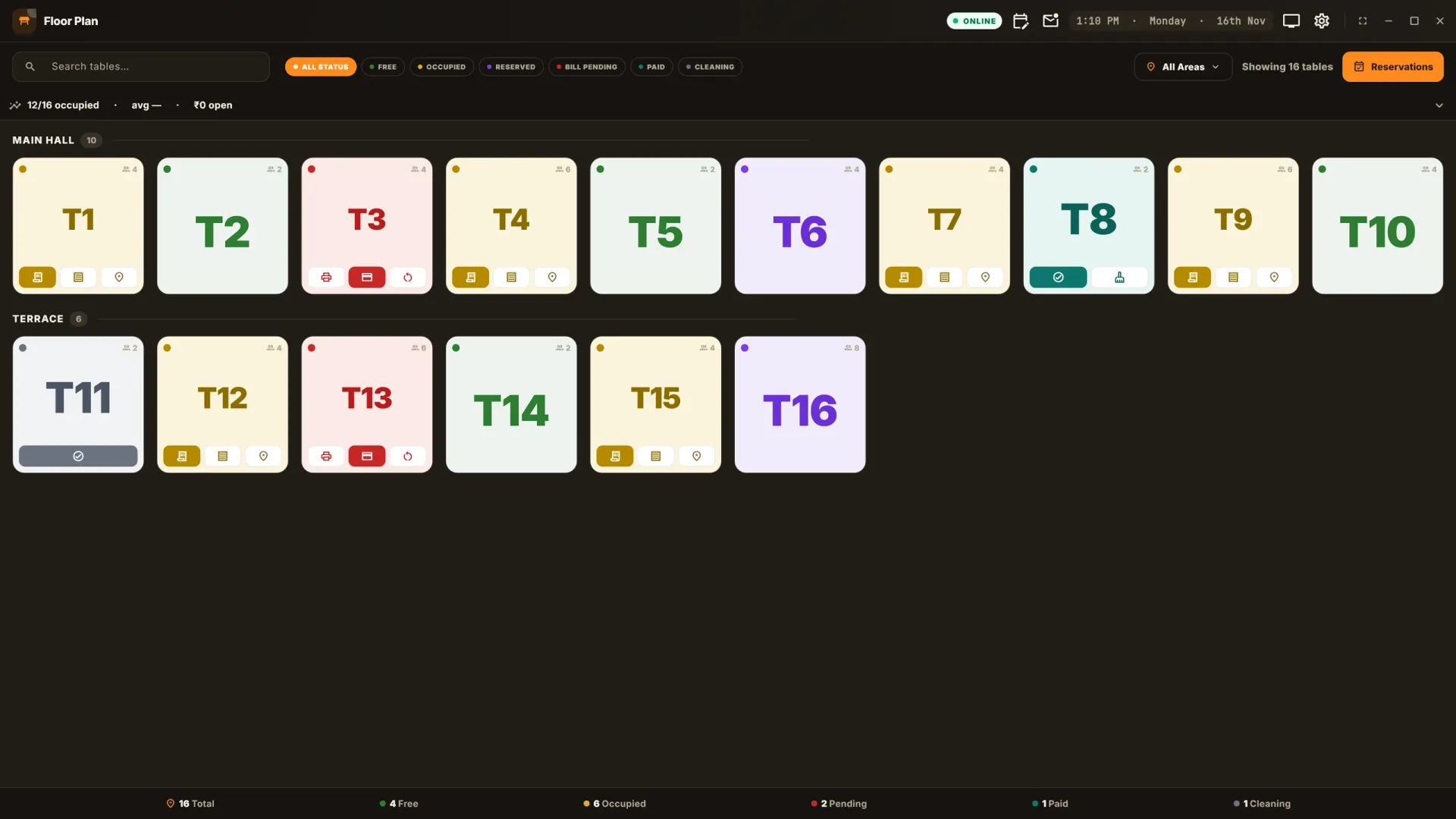
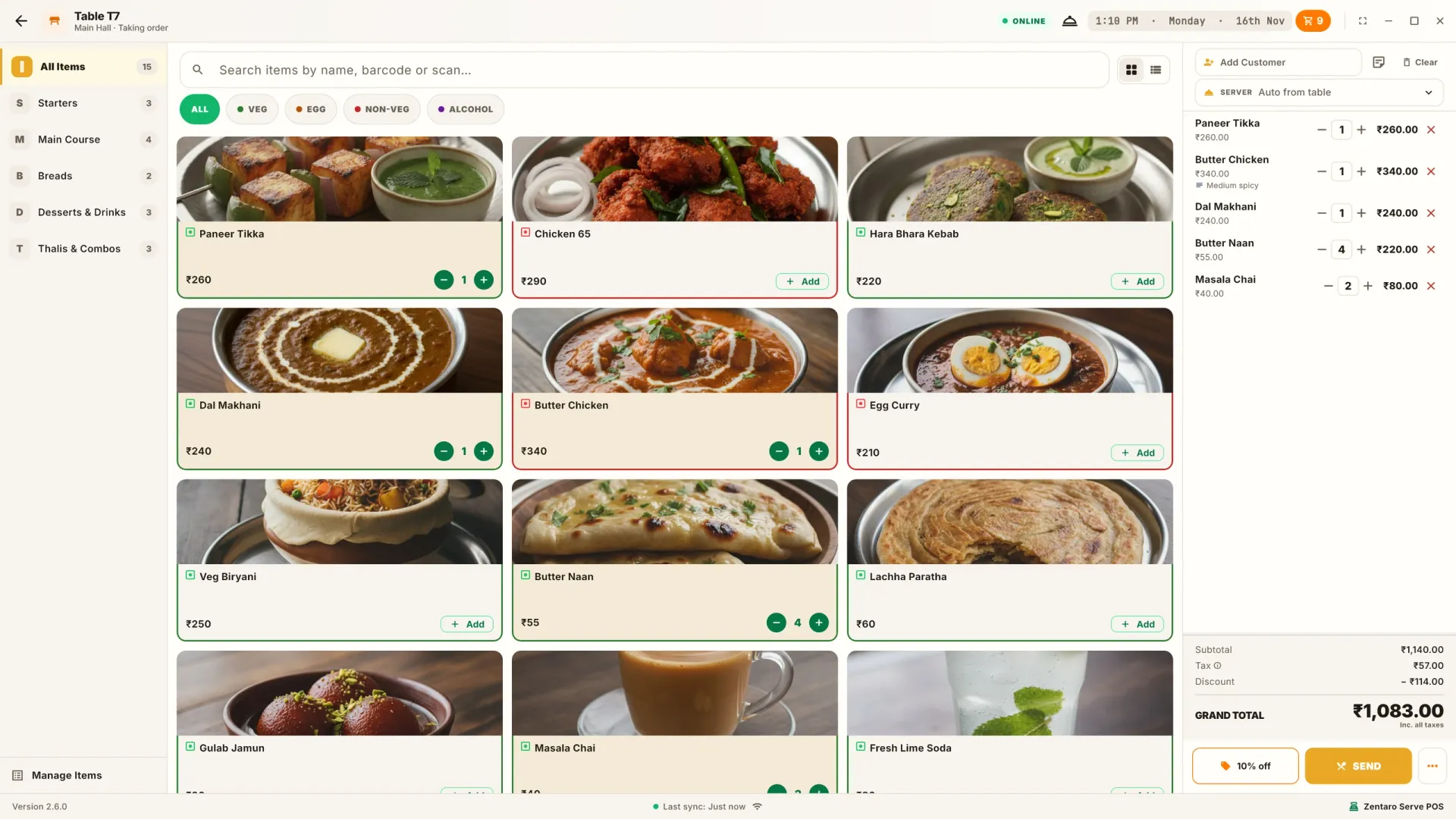
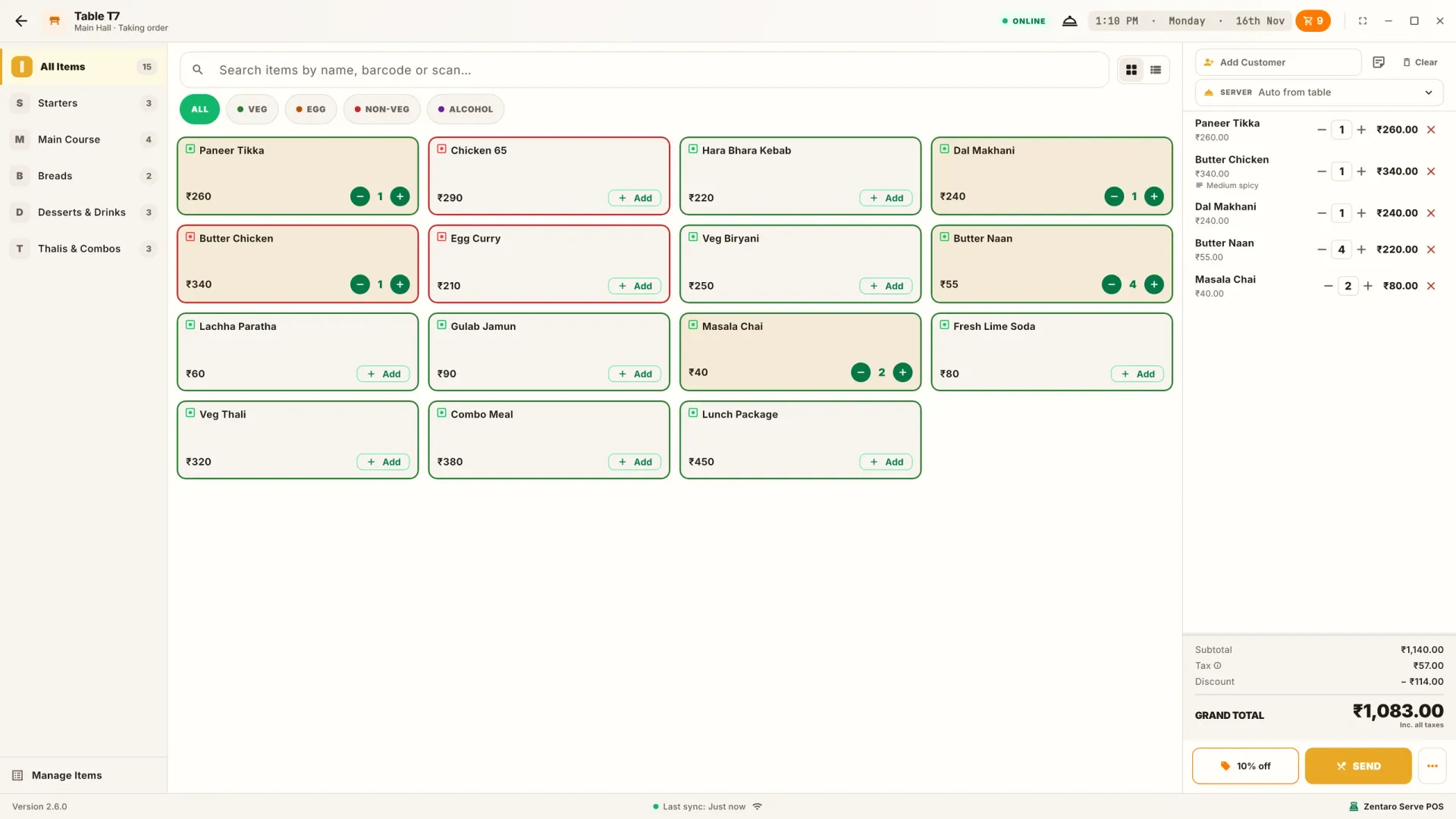
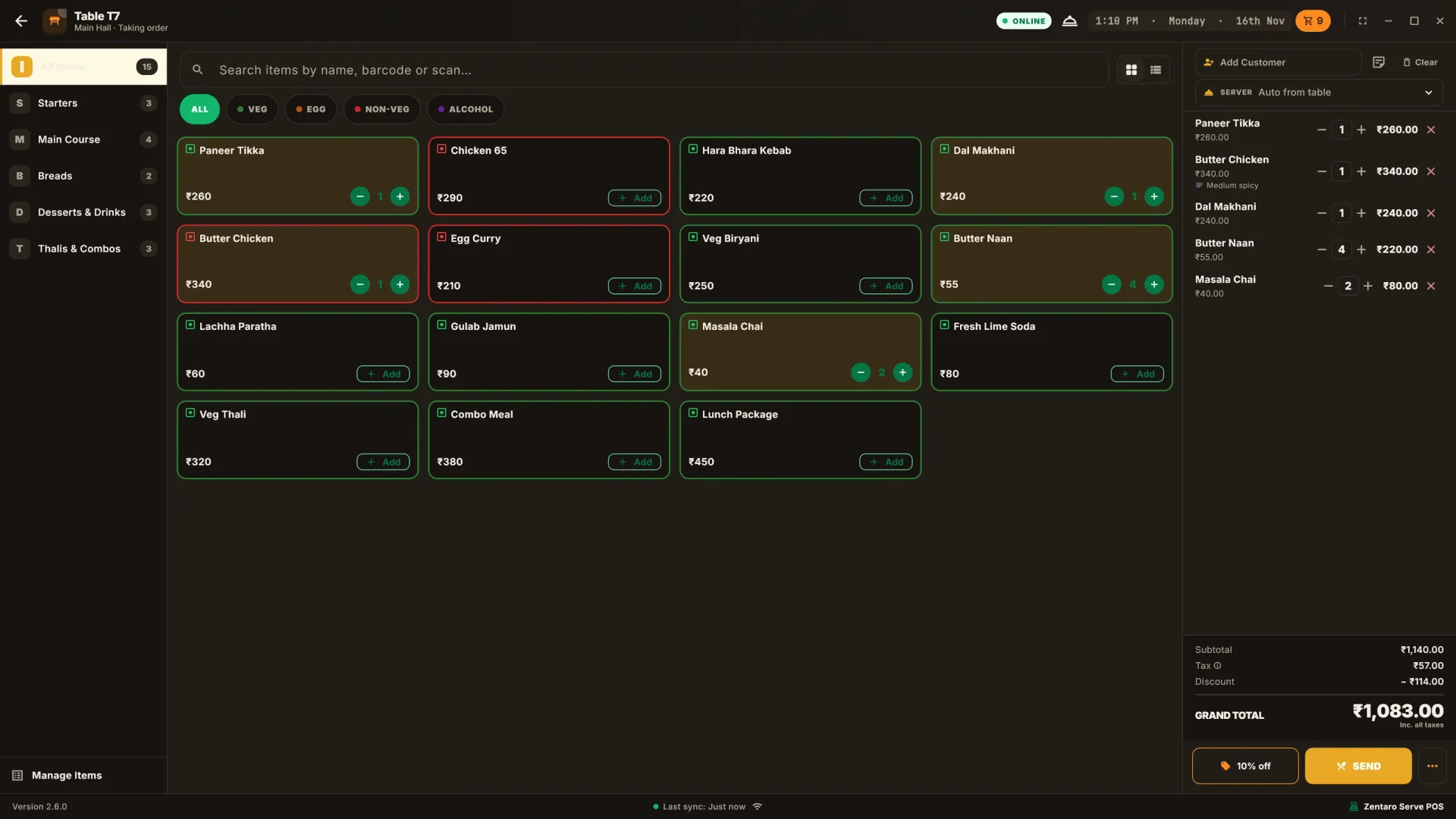
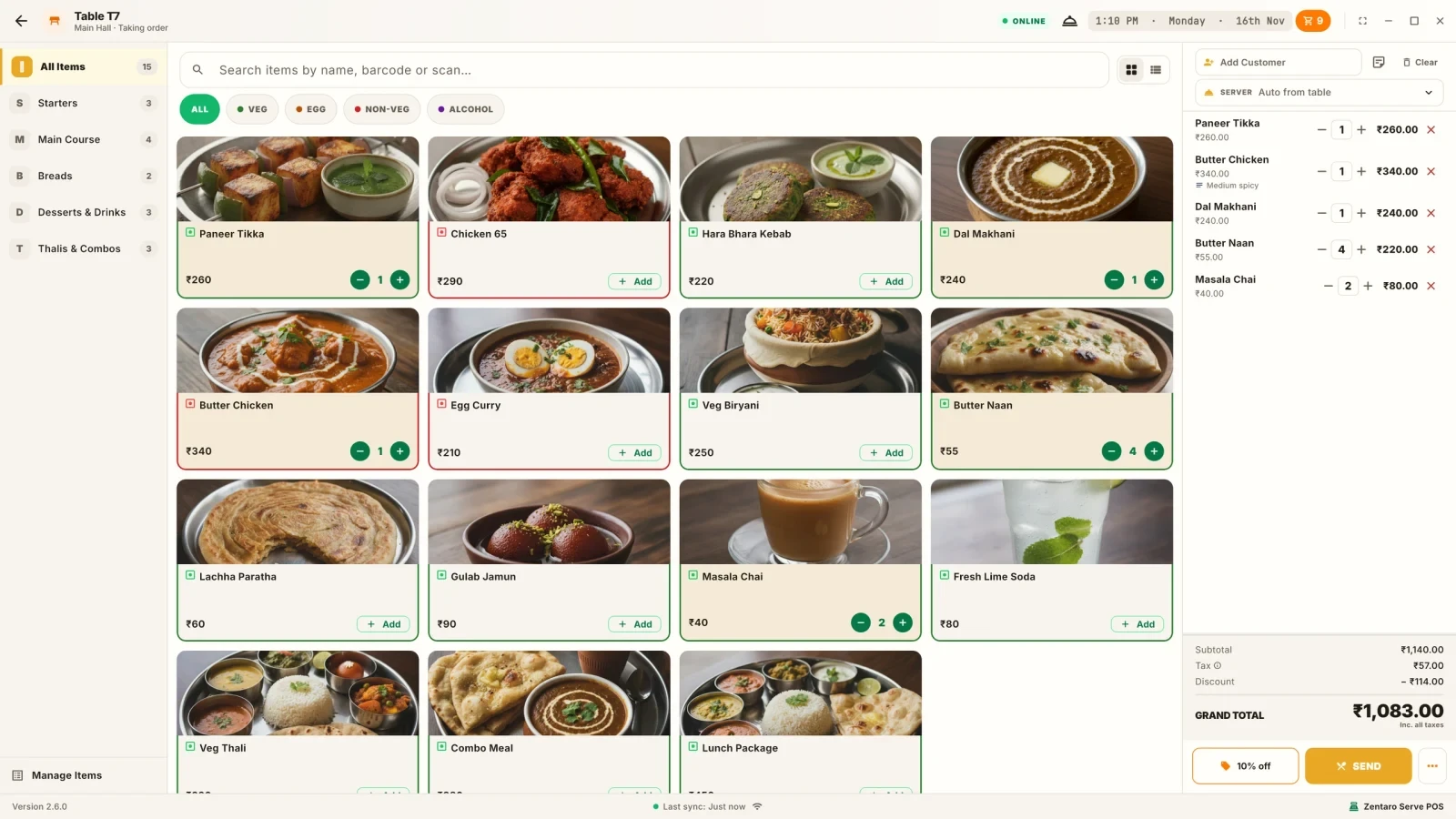
Zentaro Serve POS with tables, menu and bill on one screenZentaro Serve POS with tables, menu and bill on one screenZentaro Serve POS table layout with 8 tables in a rowZentaro Serve POS table layout with 8 tables in a rowZentaro Serve POS menu with dish photos and the bill at the sideZentaro Serve POS menu with dish photos and the bill at the sideZentaro Serve POS table layout with 10 tables in a rowZentaro Serve POS table layout with 10 tables in a rowZentaro Serve POS table layout with 15 tables in a rowZentaro Serve POS table layout with 15 tables in a rowZentaro Serve POS menu with 3 dishes in a row and the bill at the sideZentaro Serve POS menu with 3 dishes in a row and the bill at the sideZentaro Serve POS menu with dish photos off and the bill at the sideZentaro Serve POS menu with dish photos off and the bill at the side
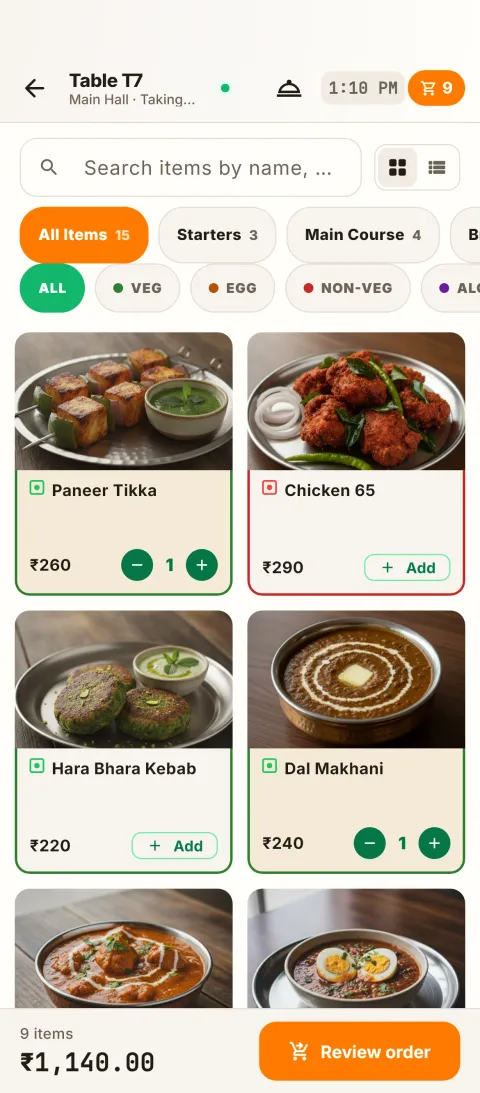
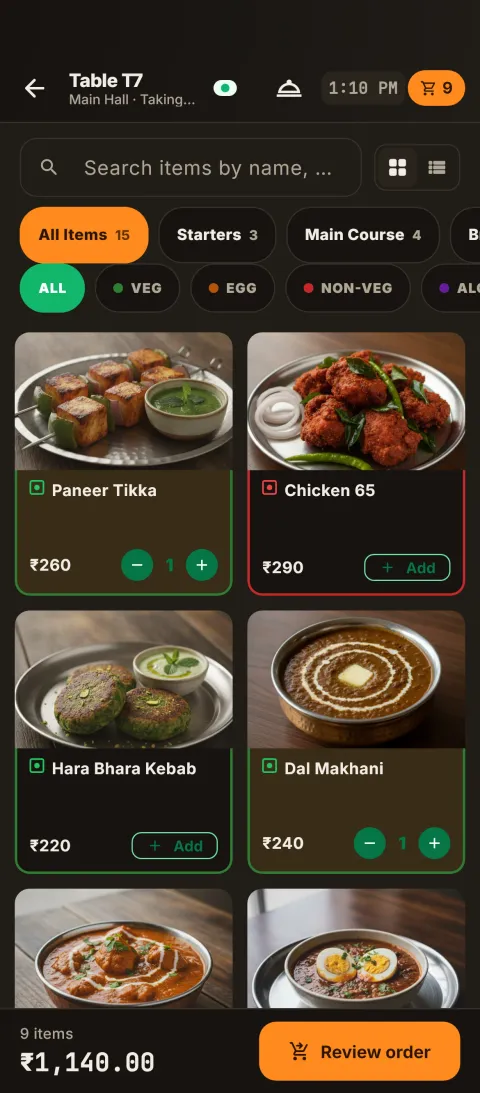
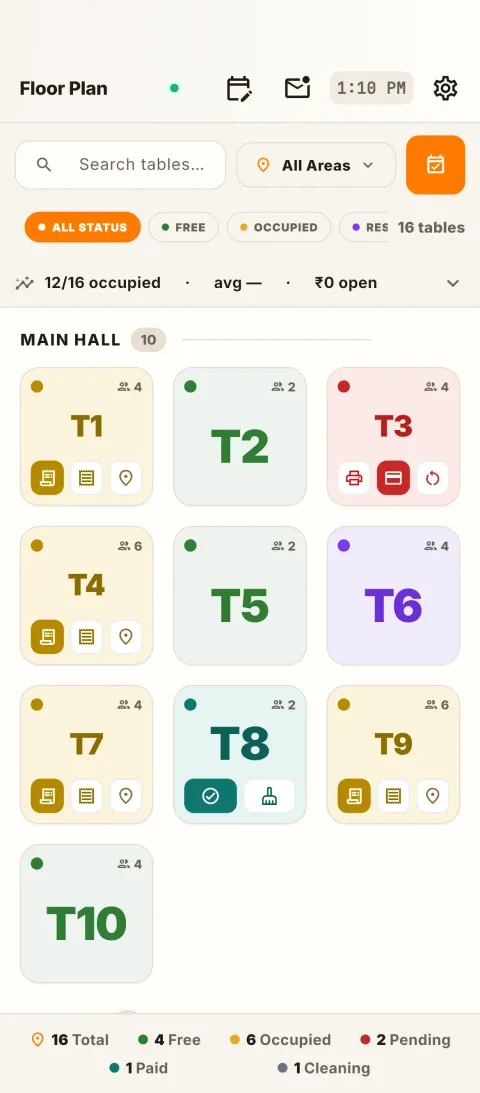
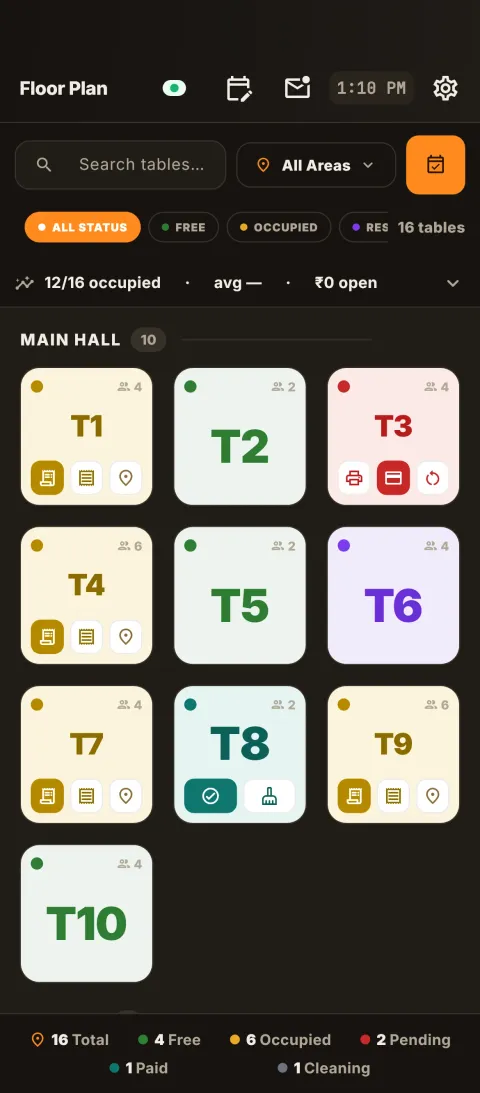
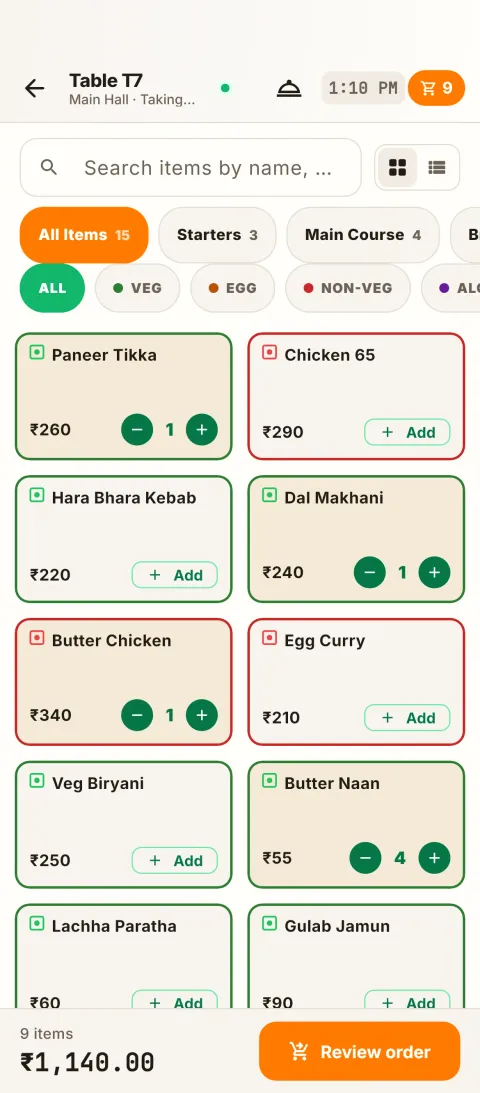
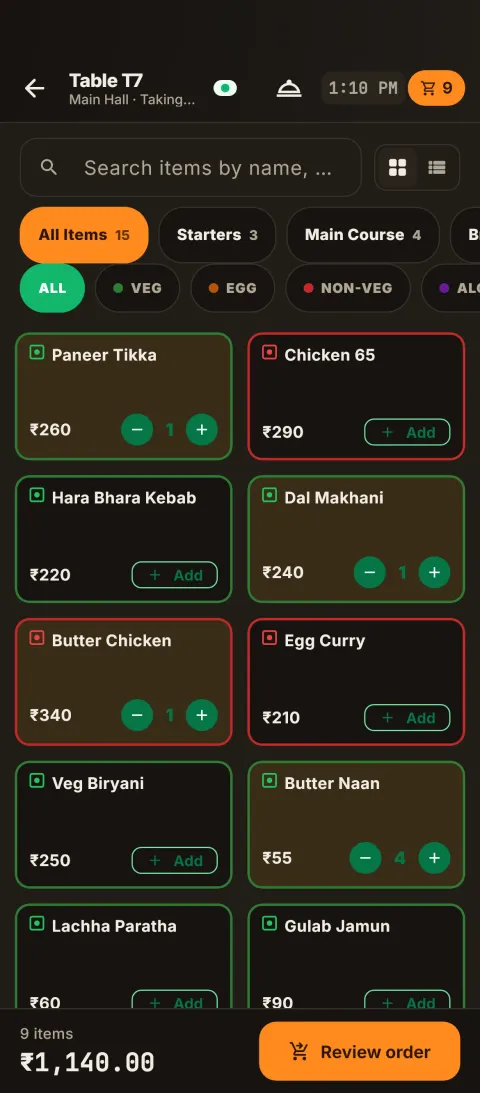
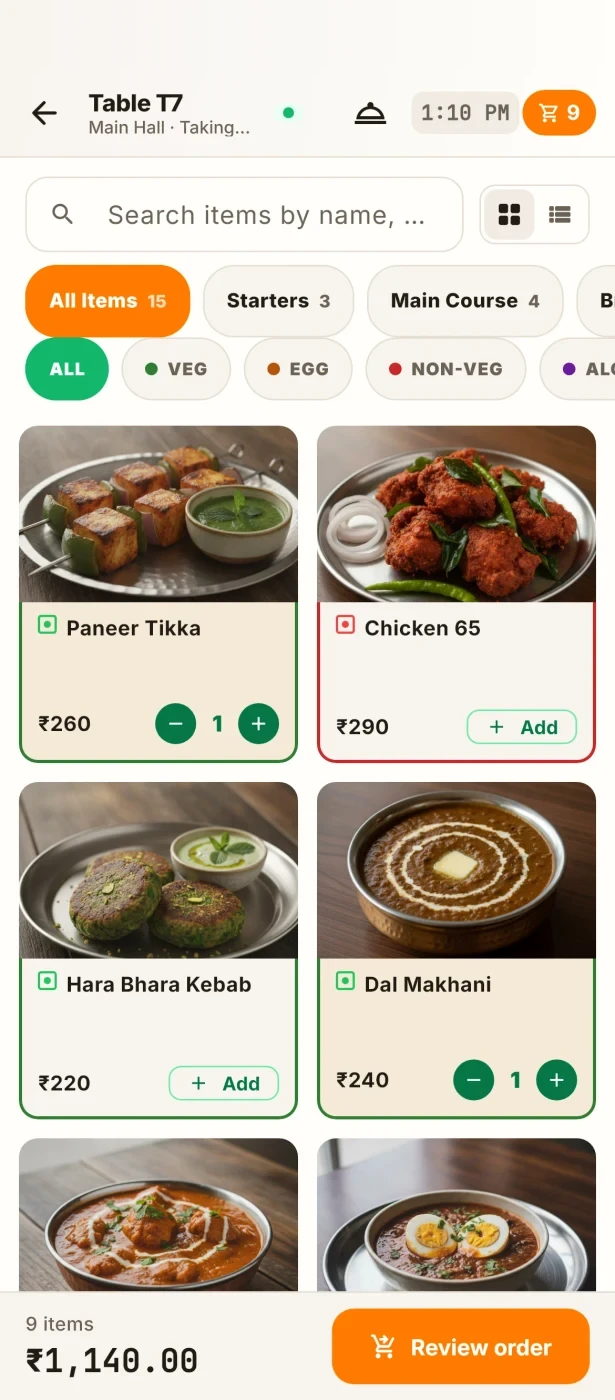
Zentaro Serve POS menu on a phoneZentaro Serve POS menu on a phoneZentaro Serve POS table layout on a phoneZentaro Serve POS table layout on a phoneZentaro Serve POS menu on a phoneZentaro Serve POS menu on a phone

Take the order: the menu, with the bill at the side.

Example screens with sample data

Product screens

The screens you and your team will use for this.

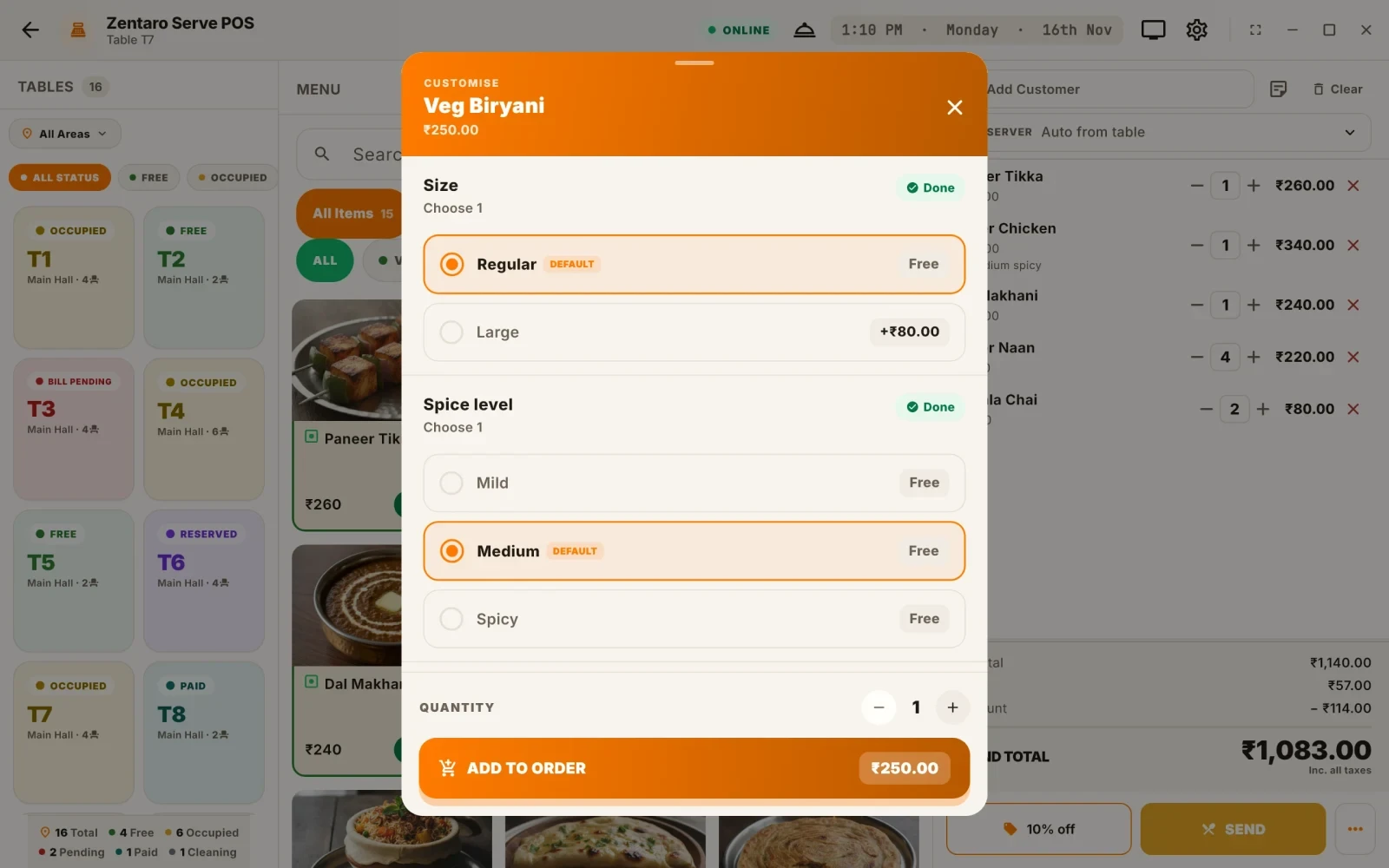
Size and spice
Splitting the bill

Example screens with sample data

The problem you know

Why a restaurant till loses money

  • Friday dinner. Three friends want to pay one bill by cash, UPI and card. The cashier cancels it and starts again while the queue grows.
  • At close the drawer is short. Nobody can say which shift it came from.
  • A cashier gives a big discount to a friend. You find out next week, if at all.

How does restaurant POS software work at the till?

  1. Your cashier signs in and opens a cash session for the shift.
  2. They pick a table, or start a counter order, and add dishes with extras. Weight items work too.
  3. They send the order. The kitchen ticket goes out, and you can hold an order and come back to it.
  4. At payment they take cash, card or UPI, alone or mixed. The same bill can be split.
  5. A void, a refund or a large discount asks for a manager PIN.
  6. At close the cashier counts the drawer, and the shift cash breakdown and tip-out report show the rest.

What a restaurant point of sale includes

  • A limit on discounts for each role, and a lowest price (margin floor) that staff cannot sell under.
  • A customer screen, so the guest sees the cart as it grows.
  • Receipts by print or email.
  • Scheduled orders, and an inbox for orders that arrive from other channels.
  • An address book and delivery details for delivery orders.
  • Lost-device recovery, so a lost till does not stay signed in.
  • POS Armor, which flags patterns such as many voids or high discounts for you to review. It works once you switch it on.

What it is not

  • Zentaro Serve sells the Flutter POS app. There is no browser POS.

Who uses the POS in your restaurant

Who it is for

  • Cashier: fast billing with no retyping.
  • Manager: PIN approvals and shift close.
  • Owner: discount and void patterns, person by person.

Talk to us and we will show the POS with your own menu. Talk to us

Hold, approvals, payouts and more at the till

Hold an order and come back

  • Hold the cart, serve another table, then recall it.
  • You can hold several carts at once. One held for hours is flagged.
  • A held cart stays on that device until you recall it and send it.

Manager approvals

  • A void, a price change, a discount or a bill cancel can ask for a manager PIN on a keypad.
  • It works with no internet too.
  • When online, a void approval is tied to that one order.

Void watch

  • The void report counts voids and their value for each user, device and shift.
  • It spots a run of small voids that each stay under your limit, such as four voids of 400 rupees.
  • It reports after the fact. It does not stop a sale. Each flagged row links to POS Armor, where a named person reviews it.

Customer display

  • A second screen faces the guest. It shows the cart and the total as the cashier rings it up.
  • Connect a second screen to the till. The cashier opens the display once at the start of the shift.
  • It follows the till live. It needs a second screen.

Pay out of the till

  • Take cash out of the open till for a small cost. Say what it was for and pick a category.
  • You can note who was paid.
  • It needs an open till and a connection, so the payout is always recorded.

Tip-out at the end of a shift

  • See the tips guests added, the tip rate and each cashier's share.
  • Use it to share tips fairly.

Offers show before you send

  • When an offer fits the cart, a one-line strip shows it.
  • Tap Apply to use it. Tap Not now to hide it for that cart.
  • The offer comes from the server. With no connection, nothing shows.

A lost or stolen till

  • A device pairs with a one-time code, never a password.
  • Remove a lost device in one tap. Its next request is refused within 30 seconds.
  • You do not have to change any passwords.

Common questions.

Can I split a bill?

Yes. You can pay one bill with cash, card and UPI in any mix.

Who can void a bill?

A cancellation needs a reason. Above your limit, a second, different person must approve it.

Does the POS work without internet?

Yes. The till keeps working offline.

What is restaurant POS software?

It is the software your team uses to take orders and payments. In Zentaro Serve it also sends the kitchen ticket, applies tax and keeps the drawer honest.

Which POS for restaurants in India suits a small outlet?

It depends on how you serve. A small outlet needs billing that is quick, works offline and does not take training. Talk to us and we will show Zentaro Serve on your own menu.

Can a restaurant POS split a bill by cash, card and UPI?

Yes. One bill can be paid with cash, card and UPI in any mix, and it can also be split between guests. You do not cancel and start again.

Does a restaurant POS work without internet?

Yes. Zentaro Serve keeps billing when the internet drops. Orders, payments and invoice numbers are saved on the terminal and sent to the cloud when the internet returns.

Tell us about your restaurant.

Zentaro Serve launches in 2027. Tell us what you run today and we will get in touch.

Talk to us Join the early access list

Last updated:

Pricing is coming soon

We are keeping pricing simple. We will share it when Zentaro Serve launches in 2027. Join early access and we will tell you first.