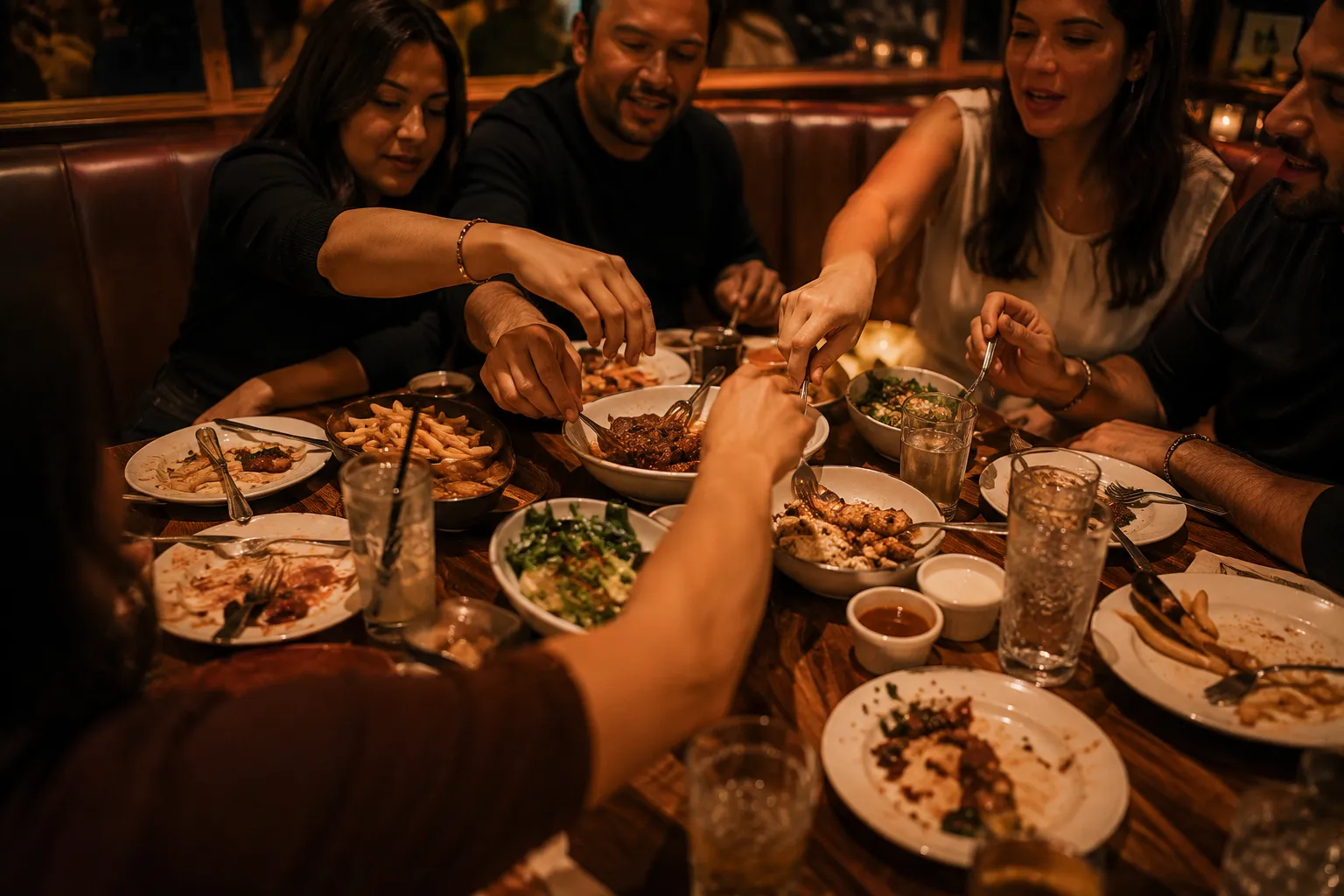
Casual dining POS: tables, servers and split payments
Built simple for one outlet. A casual dining POS handles tables, servers and shared bills. Zentaro Serve gives you a floor plan, table-side ordering tied to the server, and split payments across cash, UPI and card on one bill. It keeps working offline, and a booking can hold a table.
- Table-side ordering
- One bill, several payments
- Pay at the table by QR
- Guest feedback
What it does.
Table-side ordering
A floor plan with table-side ordering. Each order is attributed to the server who took it.
One bill, several payments
Settle one bill across cash, UPI and card together.
Pay at the table by QR
A scan on the bill settles it, straight to your account.
Guest feedback
A QR on the bill opens a rating form for the guest after they pay.
Floor assignment
Assign tables to each server, and hold an order when you need to.
Table booking
Hold a table for a guest, and take scheduled orders.
The problem you know
Why table service gets slow
- Six friends want to pay six ways. The server walks back and forth.
- Nobody knows which server took which order, and the table waits for the bill.
- The kitchen gets the ticket late because the order was written on a pad first.
How does a casual dining POS handle the floor plan and split payments?
- Your floor plan shows each table: free, busy, waiting for the bill.
- A captain takes the order and sends it. The kitchen ticket prints or shows on the screen.
- Guests can also scan the table QR to add a drink.
- At the end the cashier splits the bill, with cash, UPI and card on the same bill.
- A guest can pay from a QR on the bill, if you switch that on.
- At close each cashier counts their drawer, and a named person closes the day.
What a casual dining POS includes
- Floor assignment for each server, and hold order.
- Scheduled orders, and offers and loyalty at the till.
- Table booking, to hold a table for a guest.
- A rating form for the guest after they pay.
What it is not
- Table QR needs the guest's phone to have internet. The till keeps working offline.
Who uses it in a casual dining restaurant
Who it is for
- Owner: one view of the floor.
- Floor manager and captain: tables and orders.
- Cashier: split payments.
Talk to us and tell us how many tables you have. Talk to us
Common questions.
Which POS is best for a casual dining restaurant?
It is the one that handles tables, servers and shared bills: a floor plan, table-side ordering and split payments. Zentaro Serve does this and keeps billing offline.
Can I split payments between friends at one table?
At payment, split the bill and take cash, UPI and card. The bill can be split between guests or paid in a mix.
Can a server see only their tables?
Yes. Floor assignment sets the server for each table, and every order carries the name of who took it.
Does a casual dining POS work offline?
Yes. Billing, tickets and payments keep working when the internet drops, and catch up later.
Can guests give feedback?
Yes. A guest can rate the visit after paying, and you read it in your staff app.
The parts that matter most for this format.
Not your format?
One core underneath them all — the difference is what it puts on the screen.
Run your casual dining on Zentaro Serve.
Zentaro Serve launches in 2027. Talk to us and we will show you how it works for your restaurant.