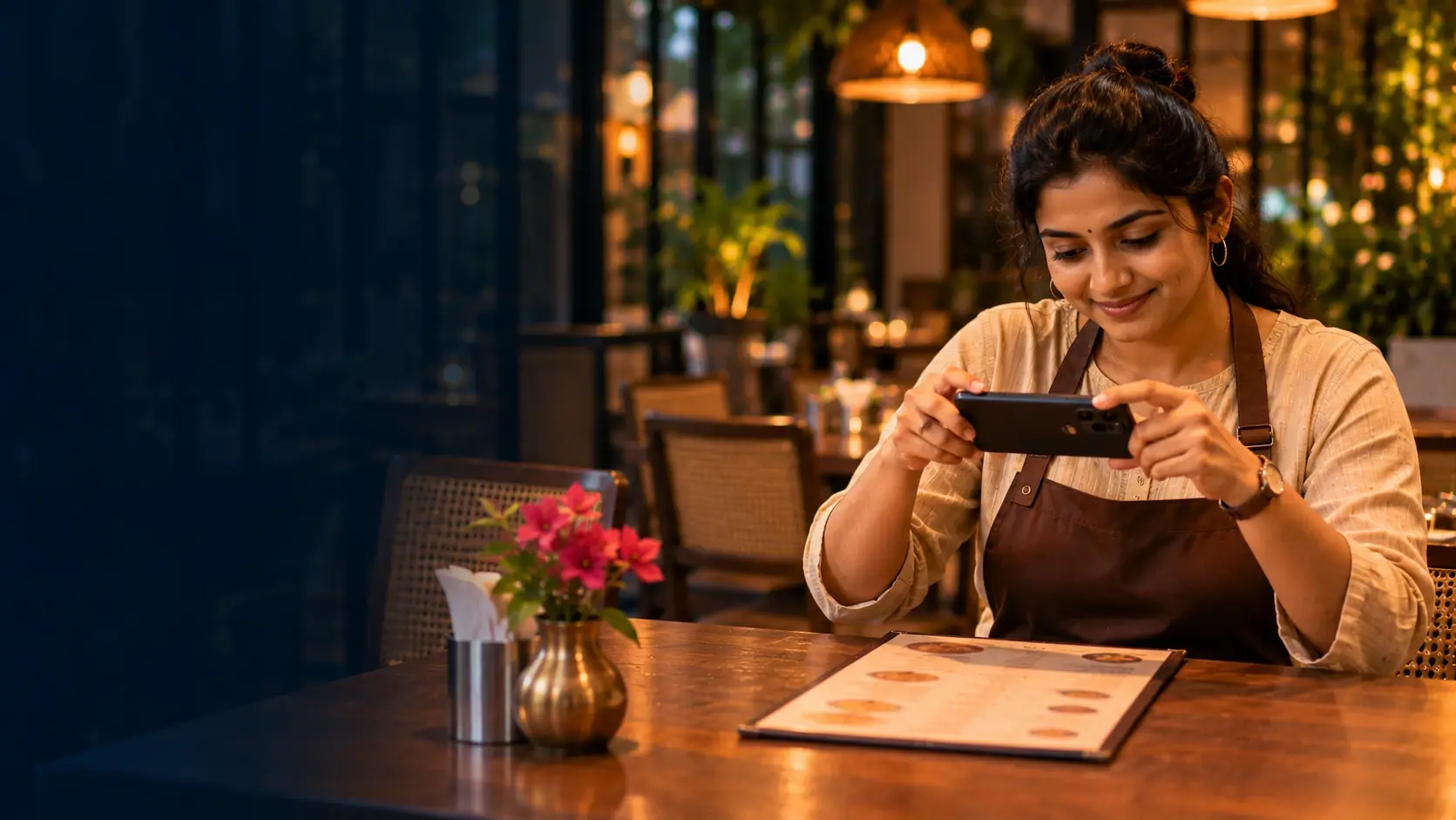
Your menu in, without typing every dish.
Bring in your menu from a photo or a PDF, without typing every dish. Optional AI features, switched on after launch.
- From a photo or a PDF
- AI reads it
- Optional, on or off for each brand
Upload a photo or a PDF of your menu.
How it works
You upload the menu
A photo or a PDF.
AI reads it
It turns the file into menu items.
You check and save
Fix anything before you use it.
Optional, on or off for each brand
What it uses
A photo or a PDF of your menu
You stay in control
Nothing goes on your menu until you have checked it.
Who decides
You approve each line
- AI-assisted
- Optional
- Planned for launch, February 2027
- Who decides: You approve each line
- Inputs: A photo or a PDF of your menu
What it does.
From a photo or a PDF
Use the menu you already have.
AI reads it
Dishes and prices are read from the file for you.
New or already there
Each line shows if the dish is new, already on your menu, or has a different price.
You approve it
Skip a line, keep your price or update it, then approve the ones you want.
Worked example (sample data).
One made-up restaurant, to show how Menu import works from start to finish.
Example, not real data
A sample cafe owner has a photographed paper menu.
- Input
- He uploads the photo. Sample lines on it: Masala Chai, Cold Coffee, Veg Sandwich.
- Output
- AI reads each dish and price and shows them beside the photo. Masala Chai is marked "already on your menu", Cold Coffee is marked "different price", Veg Sandwich is marked "new".
- What you check or change
- He skips one line, keeps his own price for Cold Coffee, and approves the others.
- If it is wrong
- If AI misreads a dish name or a price, he fixes it before saving. Nothing goes on his menu until he has checked it.
Product screens
The screens you and your team will use for this.
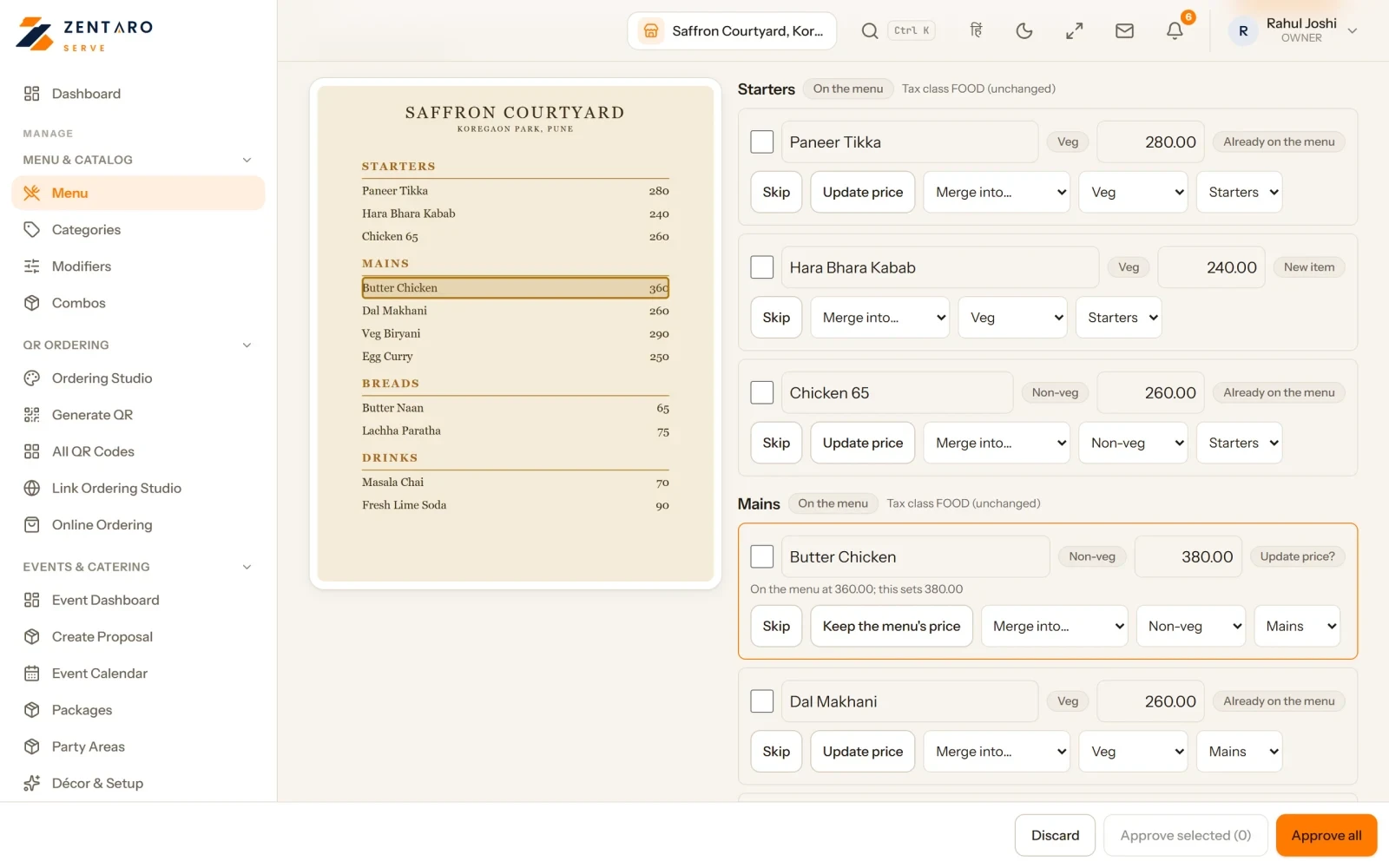
Example screen with sample data
Who it helps.
Get set up faster.
Bring the menu over without typing it again.
You stay in control. Nothing goes on your menu until you have checked it.
Good to know
- This AI feature is optional. You switch it on or off for each brand.
- Each AI task uses credits from your balance.
Common questions.
What file can I use?
A photo or a PDF of your menu.
Does the menu go live straight away?
No. You check the result before you use it.
More AI in Zentaro Serve.
Tell us about your restaurant.
Zentaro Serve launches in February 2027. Tell us what you run today and we will get in touch.
Last updated: