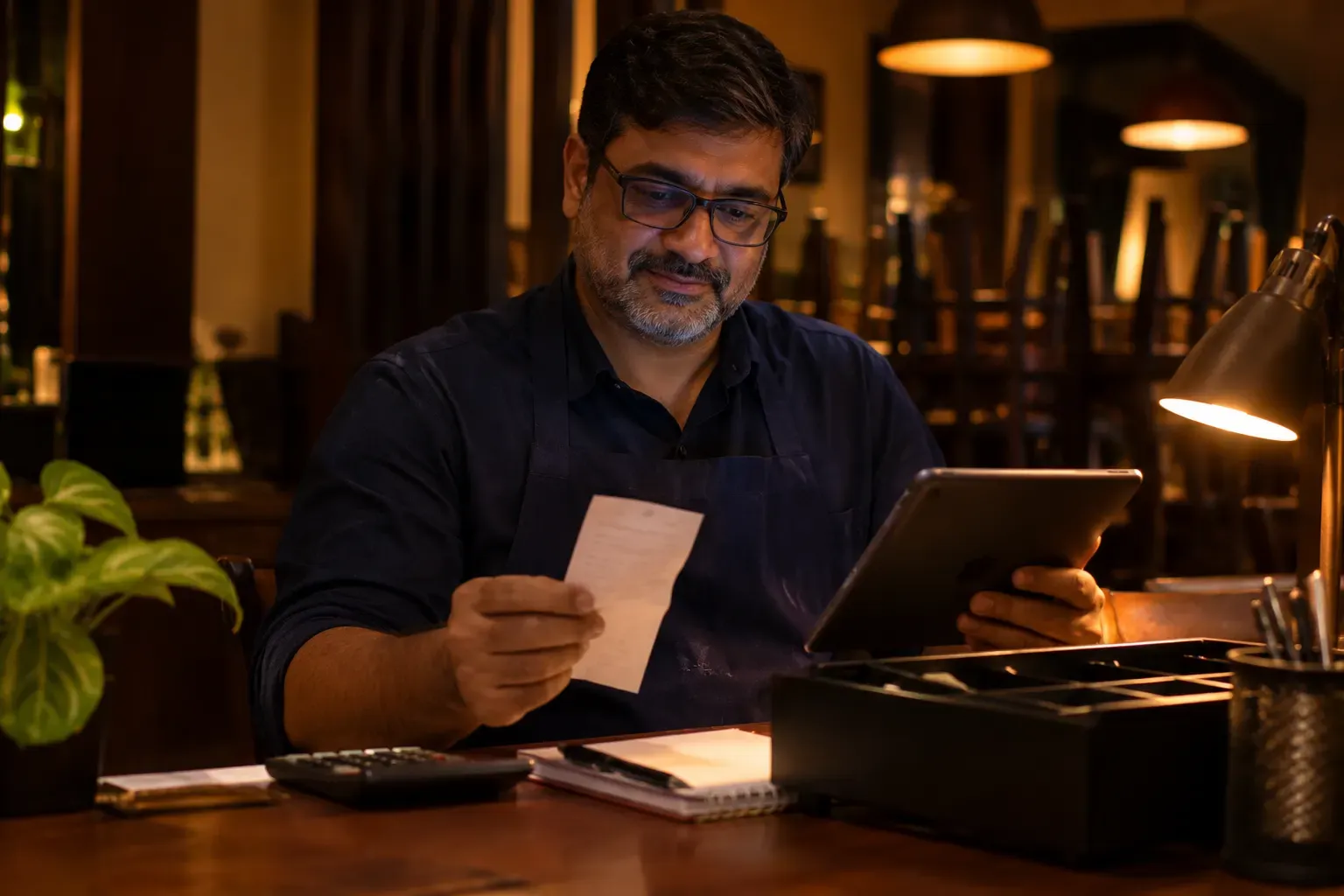
Less typing of orders and payments.
Orders that arrive by email or from outside channels, payment proofs and payout statements can be read by AI. Your team types less. Zentaro Serve launches in 2027. Optional AI features, switched on after launch.
- Orders from a photo, email or outside channel
- Payment proofs
- Payout statements
- Optional, switched on after launch
What it does.
Orders from a photo, email or outside channel
AI reads an order slip photo, an email or an outside order into lines, matched to your own menu items. You review it before the order is created.
Payment proofs
When a rider takes UPI at the door, AI reads the payment screen the rider photographs, so nobody types it.
Payout statements
AI can read a payout statement PDF. This is an optional paid add-on with credits, and a person confirms each one before you claim. CSV and Excel statements need no AI.
How it works.
An order or a proof arrivesautomated
By email, from an outside channel, or as a file.
AI reads itAI
It picks out the details.
You check ityou
A statement read by AI is marked for checking. You confirm it before you claim.
Product screens
The screens you and your team will use for this.
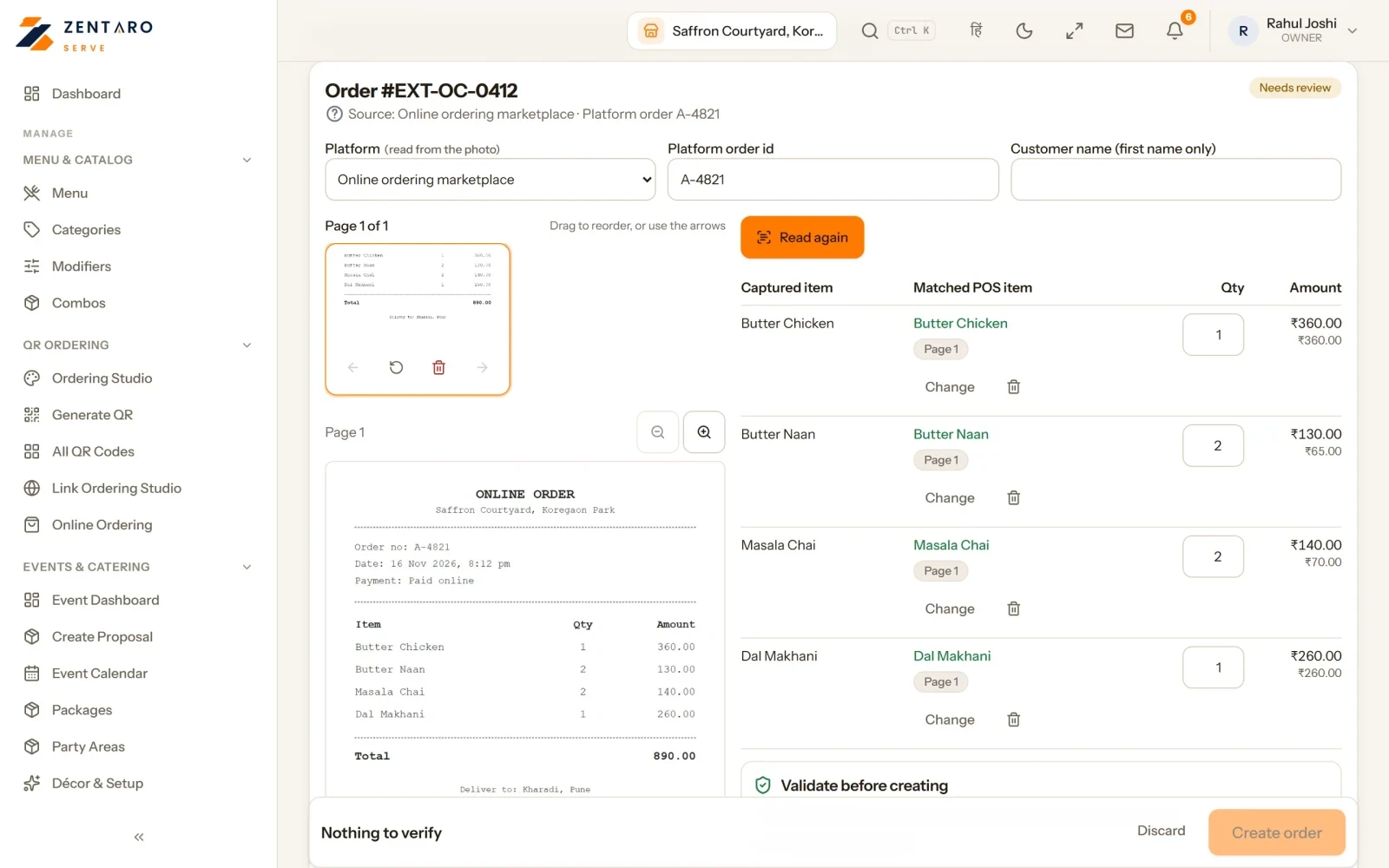
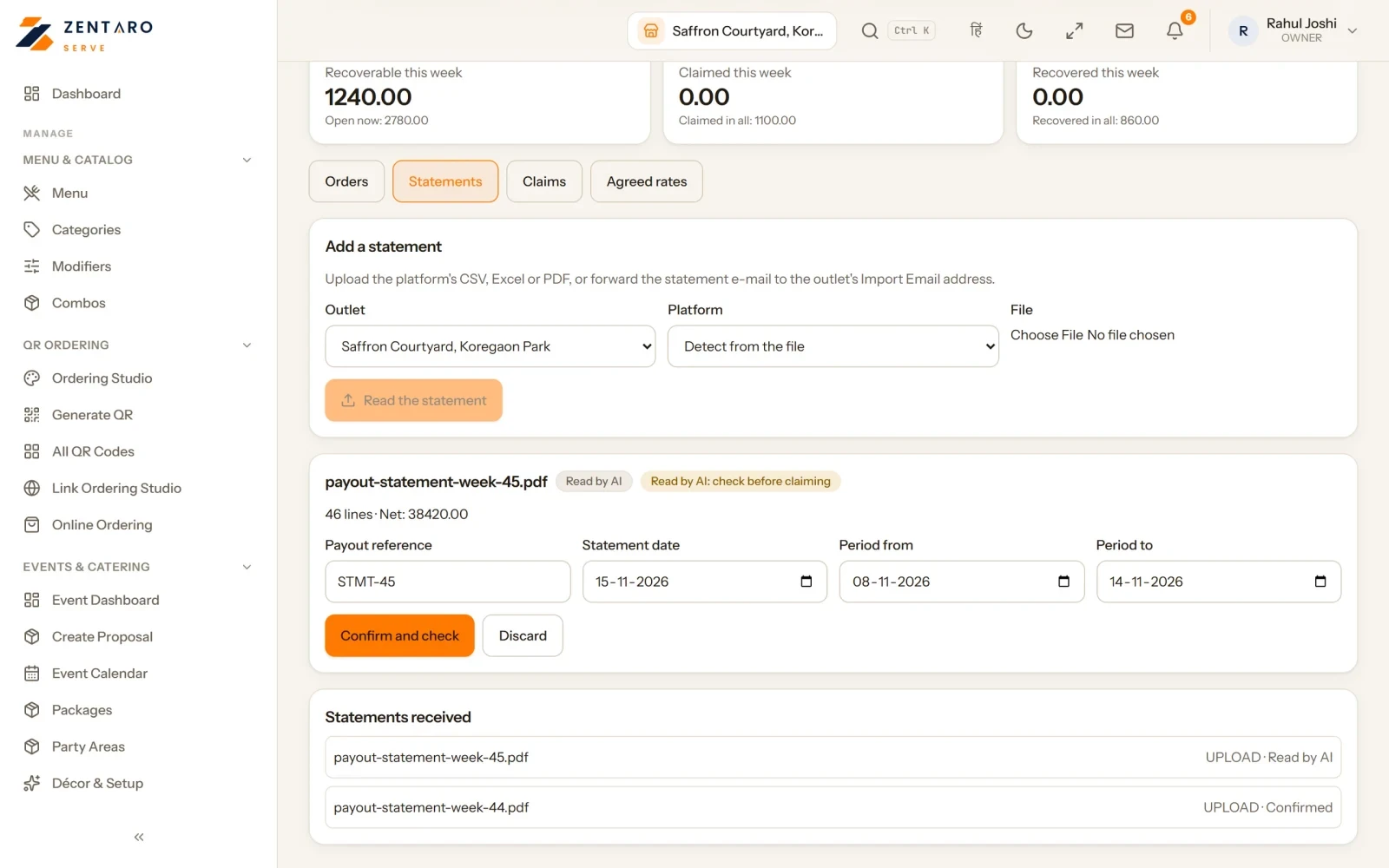
Example screens with sample data
Who it helps.
Spend less time typing proofs and statements.
Bring orders from other places into one till.
You stay in control. A statement read by AI is marked "check before claiming". You confirm the reference and dates first.
Good to know
- This AI feature is optional. You switch it on or off for each brand.
- Each AI task uses credits from your balance.
Common questions.
What can AI read?
Orders that arrive by email or from outside channels, payment proofs and payout statements.
Where does a read order go?
You review the lines first. Then it becomes an order in Zentaro Serve, next to your other orders.
Do I have to check a payout statement read by AI?
Yes. It is marked for checking. You confirm it before you make a claim.
Tell us about your restaurant.
Zentaro Serve launches in 2027. Tell us what you run today and we will get in touch.
Last updated: