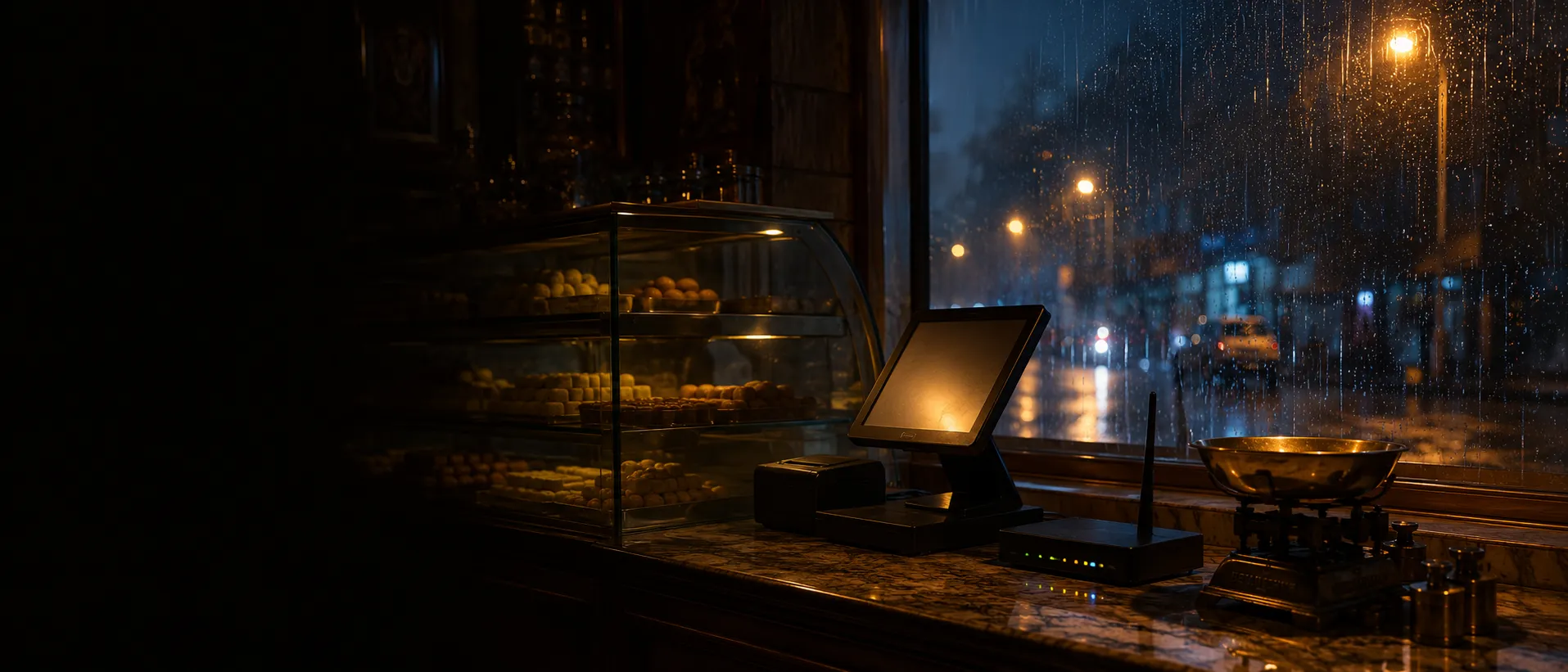
Offline restaurant billing that keeps working without internet
Offline restaurant billing means your POS without internet keeps taking orders and payments. Zentaro Serve saves each order on the terminal first. Kitchen tickets keep printing on printers on your own Wi-Fi, and failed prints are queued. When the internet returns, it syncs to the cloud in order. You do nothing.
Saturday night, a full floor, and the router light goes red. On Zentaro Serve, nobody on your team even mentions it — bills print, kitchen tickets print, and the cloud catches up later.
Go on. Cut the internet.
This is a live simulation of a Zentaro Serve restaurant. Kill the connection and watch what does — and doesn't — change.
Service is running. Everything above is running.
What keeps working — with no internet at all.
Your restaurant — keeps running
Your own local networkNo internet needed
The internet
Down Nothing above waits for it. Service does not pause.When the line comes back
- Queued actions replay in order
- Duplicates refused
- Real conflicts go to a human
- Stuck items stay visible
At the counter
In the kitchen
Your printers sit on the restaurant's own Wi-Fi — the internet is not part of that conversation.
The router is off. Service is not.
The bill still prints, the guest still pays, and the cloud catches up when the internet comes back.
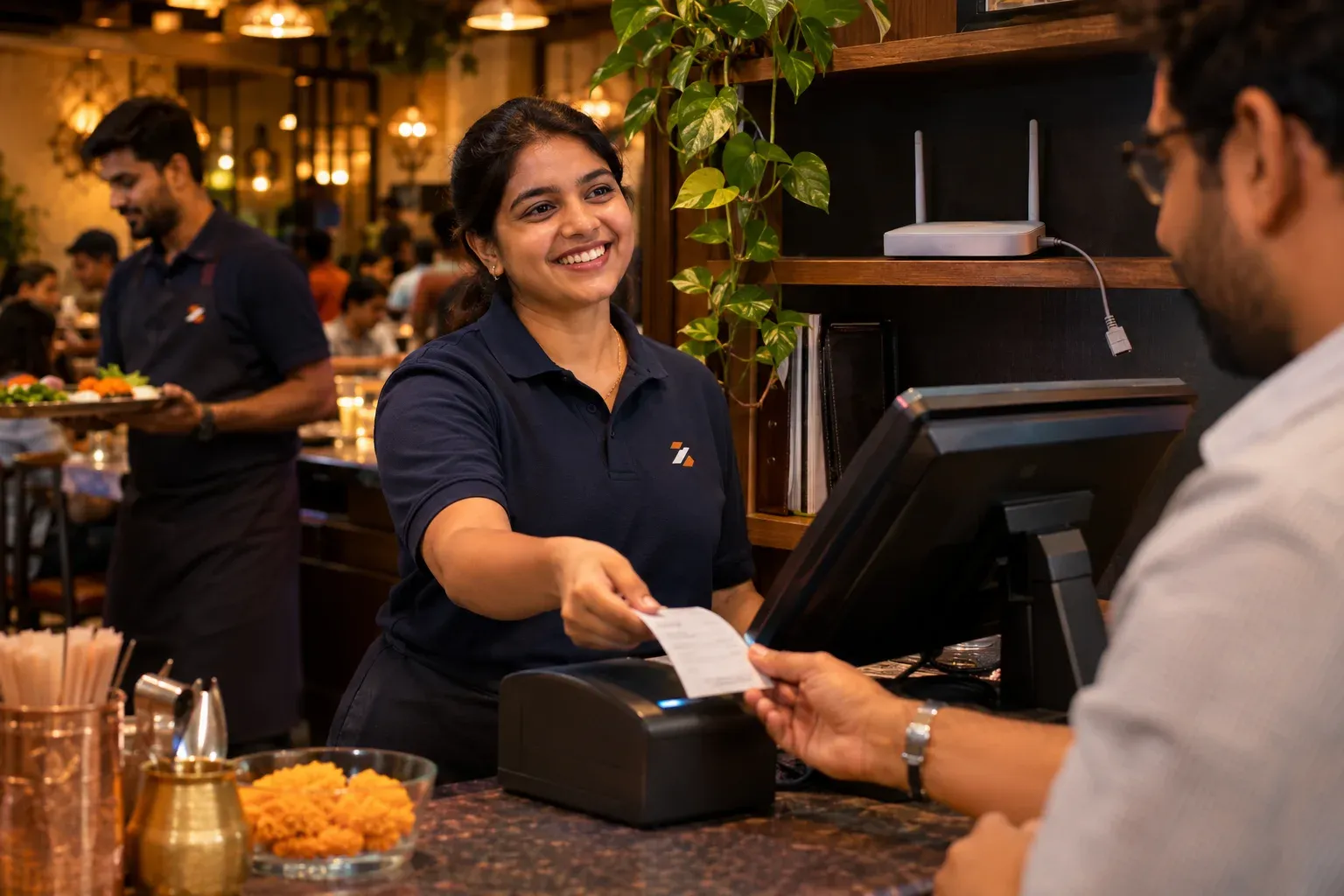
Offline isn't a mode. It's the architecture.
Most systems bolt an "offline mode" onto a cloud product, and it shows the moment you need it. Zentaro Serve is built the other way around: the terminal is the source of truth during service, and the cloud is the follower.
The money path lives on the terminal
Every order, bill and payment is written to the terminal's own database first. There is no "checking with the server" step in the middle of a checkout — which means there is nothing to time out, spin, or fail when connectivity does.
Invoice numbers are minted on the device
The detail most systems get wrong. If invoice numbers come from a server, offline billing means handing out provisional slips. Zentaro Serve makes real invoice numbers on the terminal itself, in the GST format. They are unique for each terminal, so the bill a guest receives at 9 pm with no internet is the same invoice it would be on a perfect day.
Kitchen tickets keep printing
Your kitchen printers sit on your own network. Tickets do not travel up to a cloud and back down to the printer, so they keep printing as long as your Wi-Fi is up, even with the internet line dead. A kitchen screen needs the connection, and catches up when it returns.
- KOTs print on your kitchen printers without touching the internet
- Kitchen screens catch up when the connection returns
- Hot kitchen, tandoor and bar each get their own ticket
Printing that refuses to lose a ticket
A KOT that silently fails to print is a guest who waits twenty minutes for food nobody is cooking. Every print job goes into a queue on the device. If the printer is off, jammed or unplugged, the job waits and retries by itself. It also shows on a screen where your team can see it and fire it again. A print never just disappears.
Sync you never have to think about.
Reconnecting is where cheap offline modes fall apart — duplicates, lost orders, silent overwrites. This is the part we engineered hardest.
Everything queues, in order
Every offline action waits in an outbox on the terminal and replays to the cloud in the order it happened — order by order, payment by payment.
The server refuses duplicates
If the same order is submitted twice — a retry, a flaky connection — the server recognises it and returns the original. You cannot double-bill a table by reconnecting.
Conflicts go to a human
If two terminals genuinely disagree about the same order, the difference is shown to your team to resolve. Nothing is merged or overwritten without your team seeing it.
Stuck items are visible
Anything that can't sync doesn't vanish into a log file — it appears on its own screen, with the reason, until it's resolved.
What offline does and doesn't mean.
- Your local network stays up when the internet goes down. The router keeps running your Wi-Fi even with the line dead — that's all the printers need. If power fails entirely, that's a UPS question, not a software one.
- Cloud things wait for the cloud. Online orders, the web dashboard and reports need the internet — they resume the moment you're back. Service on the floor is what keeps going.
- Sync takes as long as it takes. After a long outage with heavy volume, syncing is not instant — it drains in order, safely. We'd rather be honest about that than lose an order being fast.
The problem you know
Why billing stops when the internet does
- The router fails at Saturday dinner and billing stops.
- A cloud-only till shows a spinning wheel while guests wait to pay.
- After the outage nobody knows what was billed.
How does a POS without internet keep billing?
- The POS saves each order and payment on the terminal first.
- The ticket goes to the kitchen over your own Wi-Fi, not the internet.
- The bill prints with its invoice number, made on the terminal.
- A failed print waits in a queue and tries again.
- When the internet returns, everything is sent to the cloud in order. You do nothing.
What offline restaurant billing includes
- Festive and happy-hour prices that switch on and off on the till's own clock.
- Cook states flowing back to the floor over your network.
- A replay that never doubles a bill if it is sent twice.
What it is not
- Things that need the internet still need it: a guest ordering from their own phone, an online payment, and an emailed receipt. They catch up when the internet returns.
- Invoice numbers are unique for each terminal. They are not one global run with no gaps.
Who relies on it during service
Who it is for
- Cashier: keeps billing.
- Chef: tickets keep arriving.
- Owner: no lost sales.
Talk to us and we will show offline mode live. Talk to us
Common questions.
What keeps working with no internet?
Billing and kitchen printing keep working. Kitchen screens catch up when the connection returns.
How are invoice numbers made offline?
They are made on the device, so billing does not wait for the internet.
What happens when the internet returns?
Your data syncs. You do not need to do anything.
Can a restaurant POS work without internet?
Yes. Zentaro Serve saves each order on the terminal and syncs later, so billing continues when the internet is down.
Do invoice numbers still work offline?
Yes. Each terminal makes its own invoice numbers on the device, in the GST format. They are unique for each terminal.
Will an order be billed twice after the internet returns?
No. If the same order is sent twice, the server returns the first one. A reconnect cannot bill a table twice.
Does a kitchen screen need the internet?
Tickets keep printing on your own network when the internet is down. Ready states on a kitchen screen catch up when the connection returns.
What does not work offline?
Guest ordering from a phone, online payments and emailed receipts need the internet. They catch up when it returns.
Don't take our word for it. Unplug the router.
That's the whole test. Set up one terminal and one kitchen printer, take an order — then pull the internet line and take another. Both bills print. Both KOTs print.
Last updated: