The pending-order inbox
- Guest orders that wait for a yes sit in one inbox at the till.
- Accept or reject each one. A rejection carries a reason.
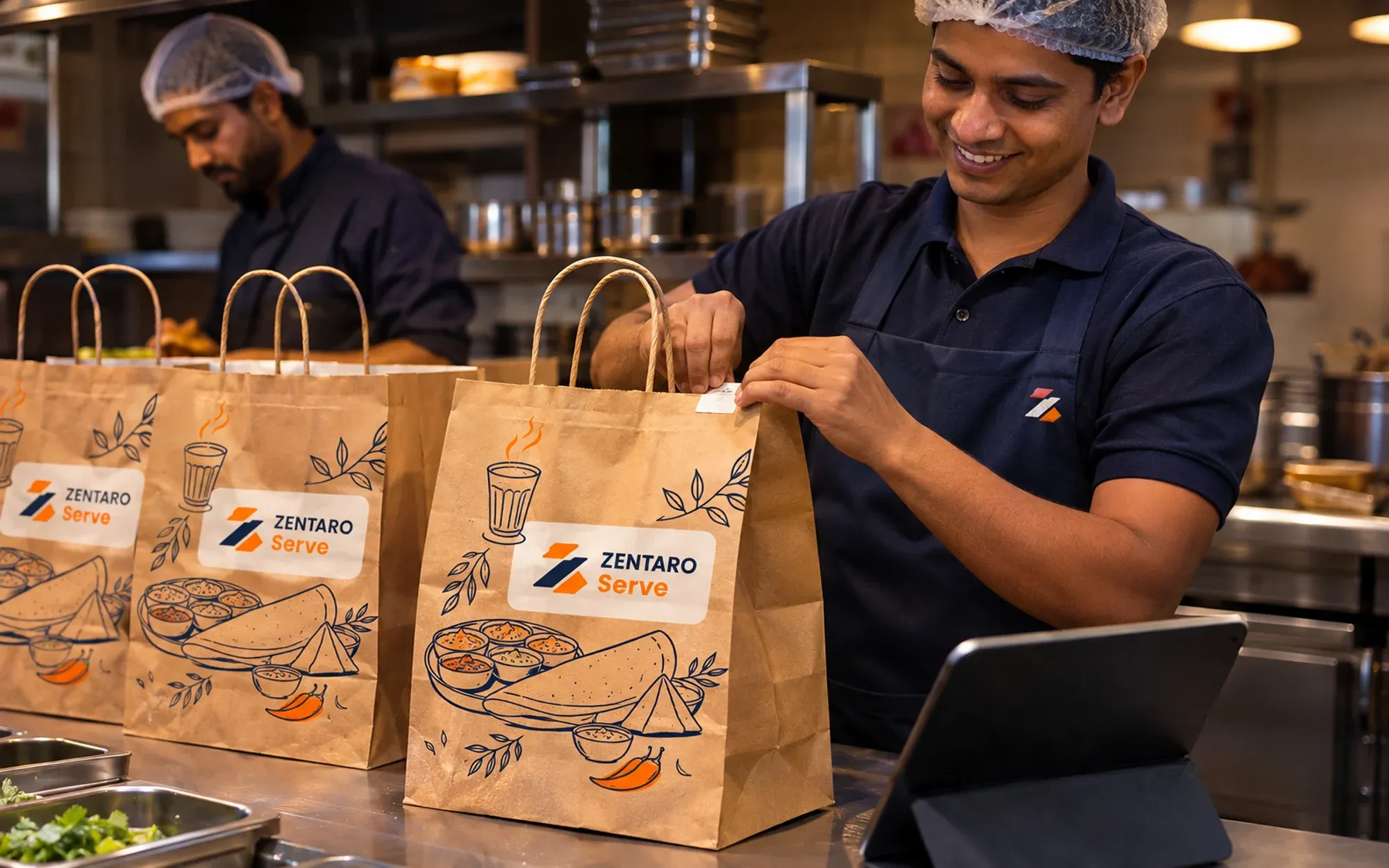
Order channels management means you control how orders reach you: dine-in, takeaway, delivery and outside orders. In Zentaro Serve you switch each channel on or off for each outlet, every ticket shows its order source, and held payments raise an alert.
Without it
Every one of them lands in the same POS.
Take dine-in orders at the till, and orders by phone too. One POS app for the till and for captains, on any device.
Staff pick the table, add the dishes and send the order to the kitchen.
Guests order from their own phone at the table.
Takeaway and delivery orders from your own link land in your POS.
AI order entry, an add-on
Your team takes a photo or screenshot of a food delivery partner app order, or forwards an order email to the address set up for the outlet, and AI reads it and enters the order into the POS. On Android POS devices it can also read the order notification from the partner apps, once you switch it on and give Notification access. Your team checks each order before it is created. To check what the delivery apps paid you, see payments.
Launching 2027
At launch, home chefs and tiffin sellers take orders on Zovi. A restaurant can use its own Zovi ordering page by direct link. Orders reach the same till and kitchen screen.
You switch each ordering channel on or off, outlet by outlet. A channel that is off is not offered at that outlet.
Every order shows its channel on the kitchen screen (KDS) and on the printed ticket (KOT). The kitchen sees at a glance where it came from.
If an order is waiting for its payment, you get an alert. You can then follow it up.
Alerts from your outlets are gathered in one place. You open one list instead of many screens.
AI reads the photo or screenshot and your team checks the order before it is created.
A dish that has run out is off on every channel. Nobody orders what the kitchen cannot make.
Switch on only what each outlet really serves.
Every order carries its channel, and lands in the same list.
Staff know at a glance where the order came from.
Held payments show up in the notification centre.
The screens you and your team will use for this.
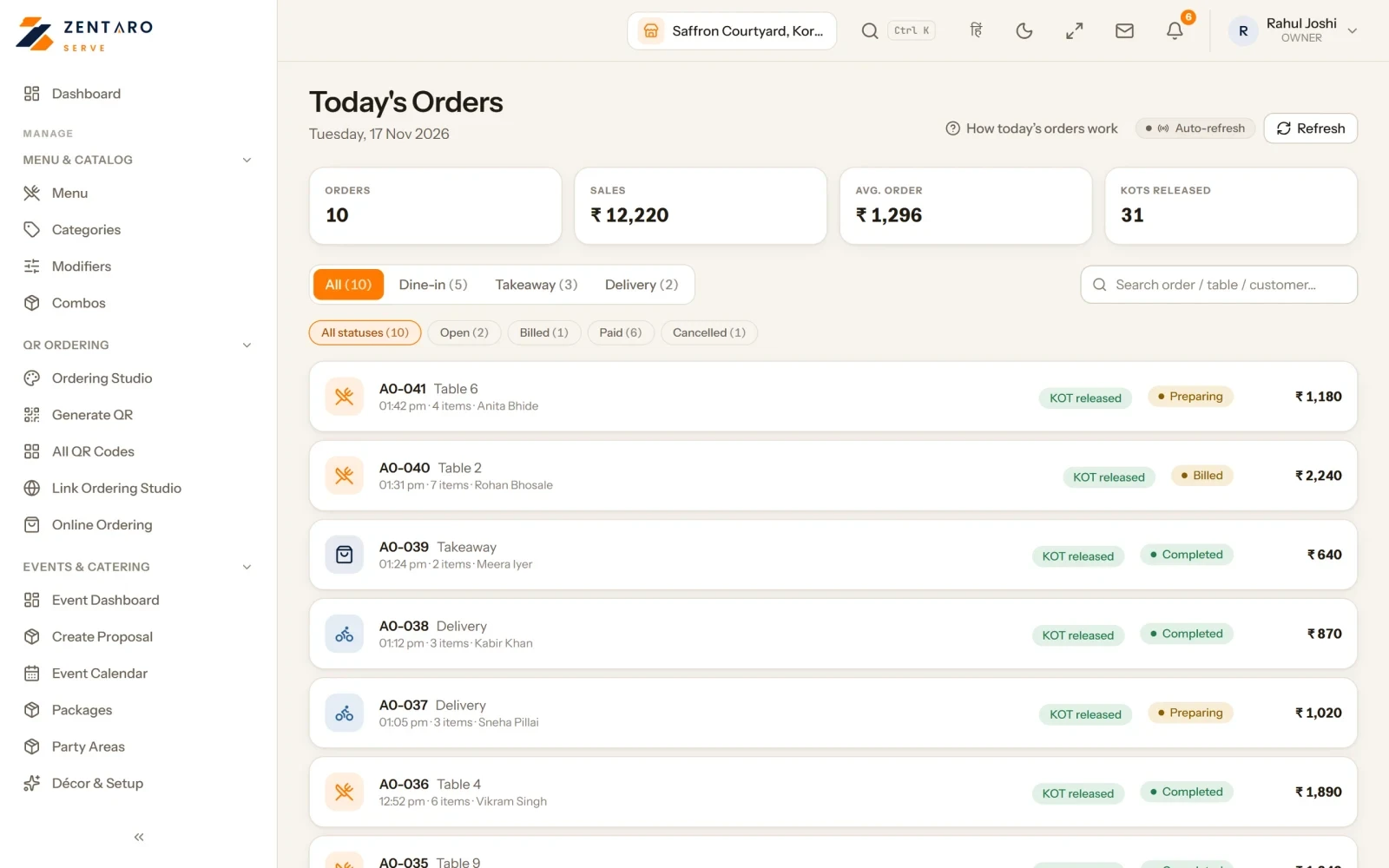
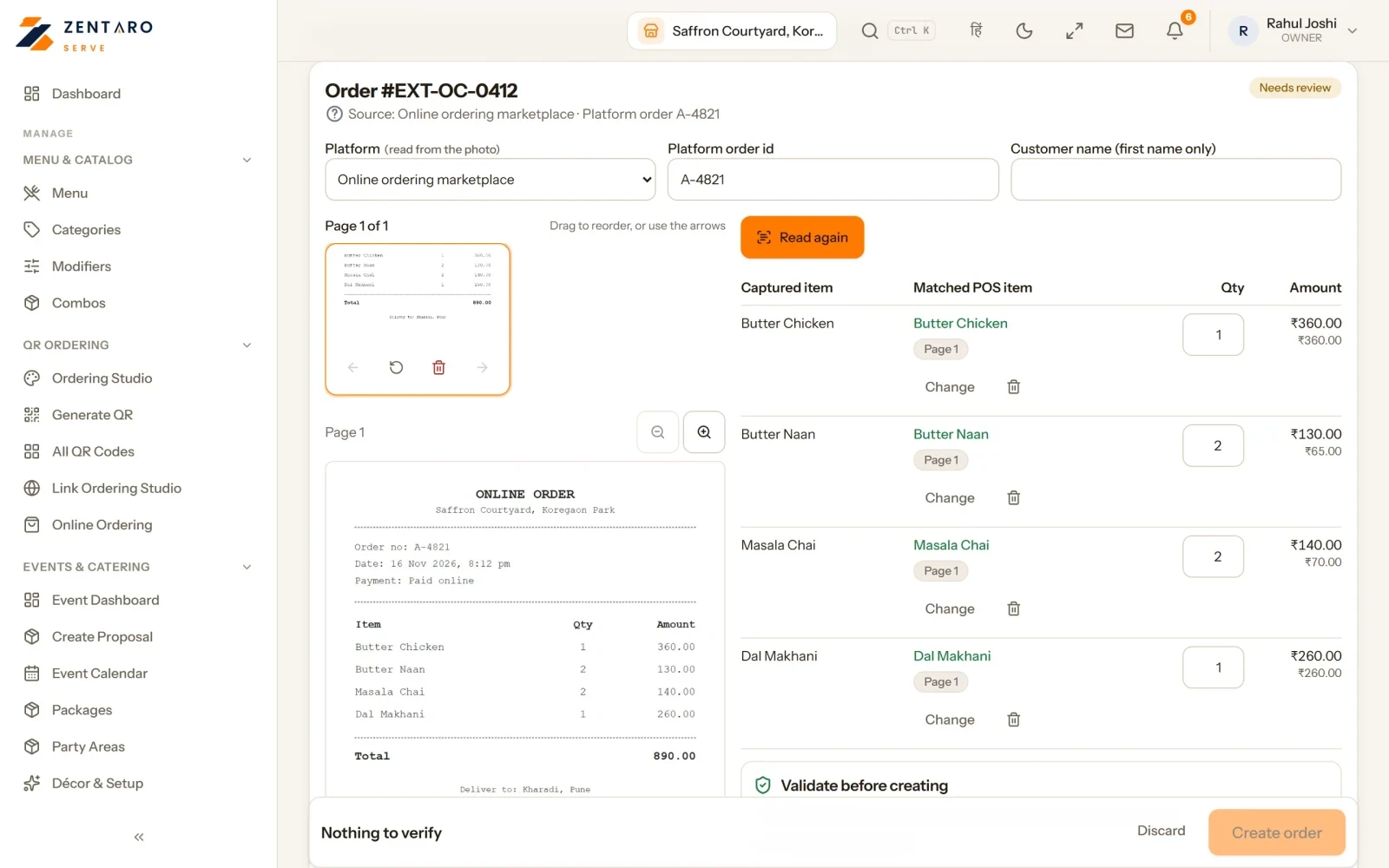
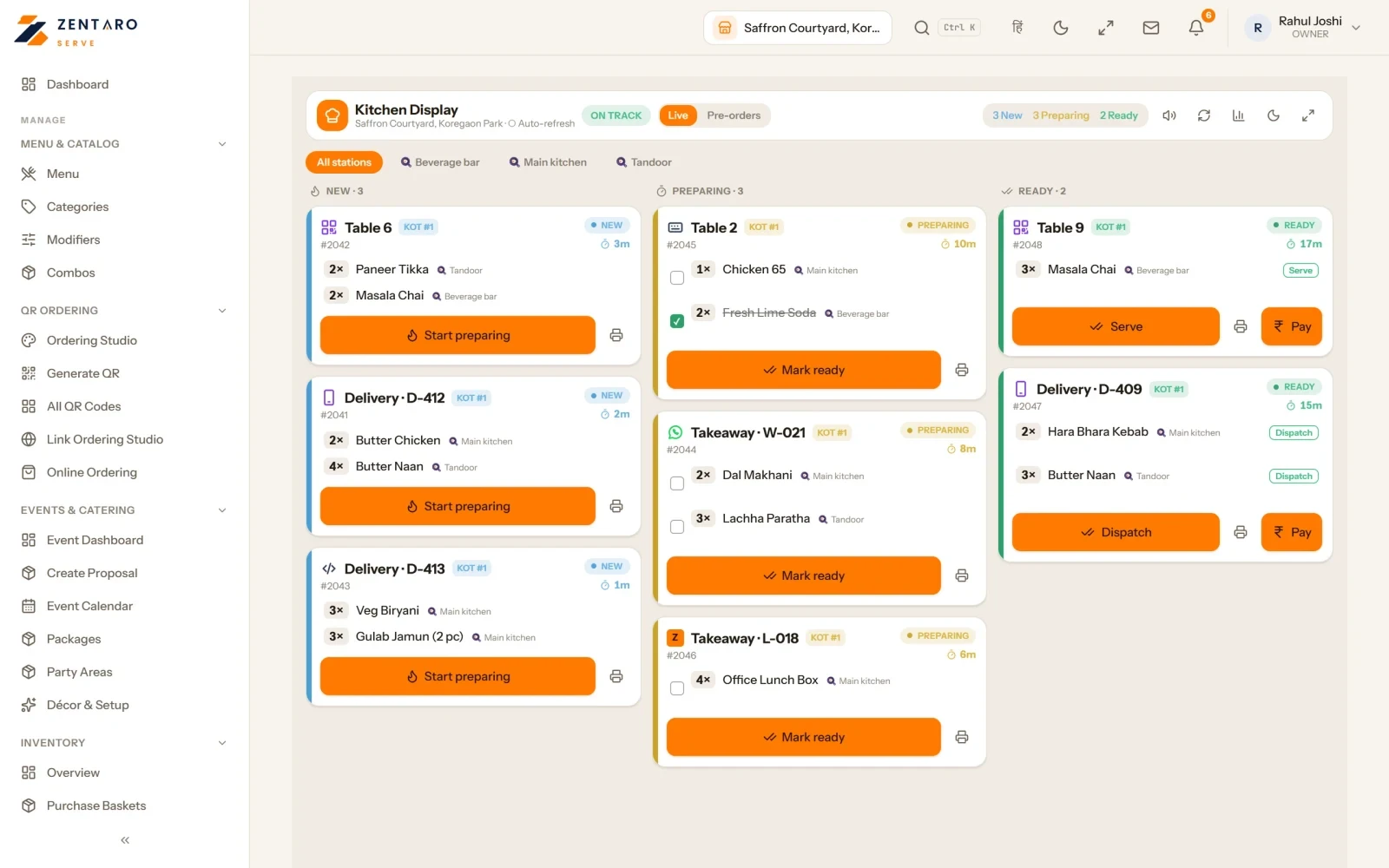
Example screens with sample data
 by Zentaro
Browse. Order. Enjoy.
Zovi is a web app from Zentaro, made to go with Zentaro Serve. Launching in 2027, it lets guests browse the menu of a seller, place orders and follow them. At launch it is for home chefs and tiffin ordering.
Guests browse the menu, order and follow their order, all in one web app.
Orders from Zovi will reach the same till and kitchen screen as your other channels.
When a guest pays through the Zentaro Serve pay link, the money goes to your own payment account.
You keep your own menu. You keep your own customers.
Riders will see their delivery jobs, follow the route to the guest and confirm each delivery with a code.
Sellers get a seller app to manage their side.
The problem you know
What it is not
Who it is for
Talk to us and list the channels you use. Talk to us
Good to know
The POS at the counter, captain ordering at the table, table QR ordering, your own ordering link, phone orders, and delivery partner app orders that your team enters with AI help. The Zovi web app is launching in 2027.
No. There is no direct link. Your team takes a photo or screenshot of the order, or forwards an order email to the address set up for the outlet, and AI reads it and enters the order into the POS. On Android POS devices it can also read the order notification from the partner apps, once you switch it on and give Notification access. Your team checks each order before it is created. If AI is not available, your team enters the order by hand. AI order entry is an add-on.
No. The till, the captains, table QR, your ordering link and phone orders all work in the same POS app and land in the same order list.
The Zovi web app is launching in 2027. Nothing about it is live today.
Zentaro Serve launches in 2027. Tell us what you run today and we will get in touch.
Last updated: