Restaurant inventory management software: stock as arithmetic
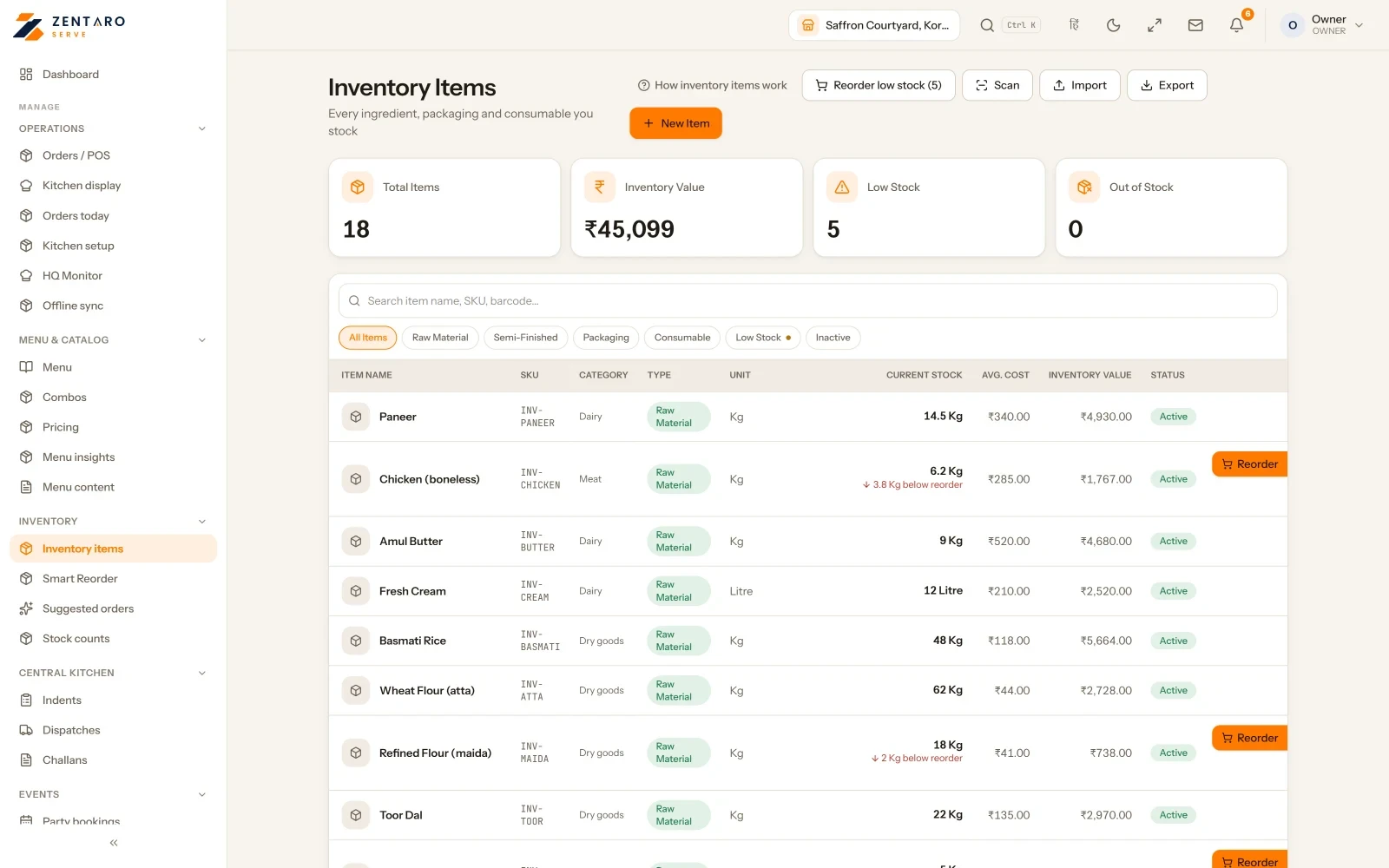
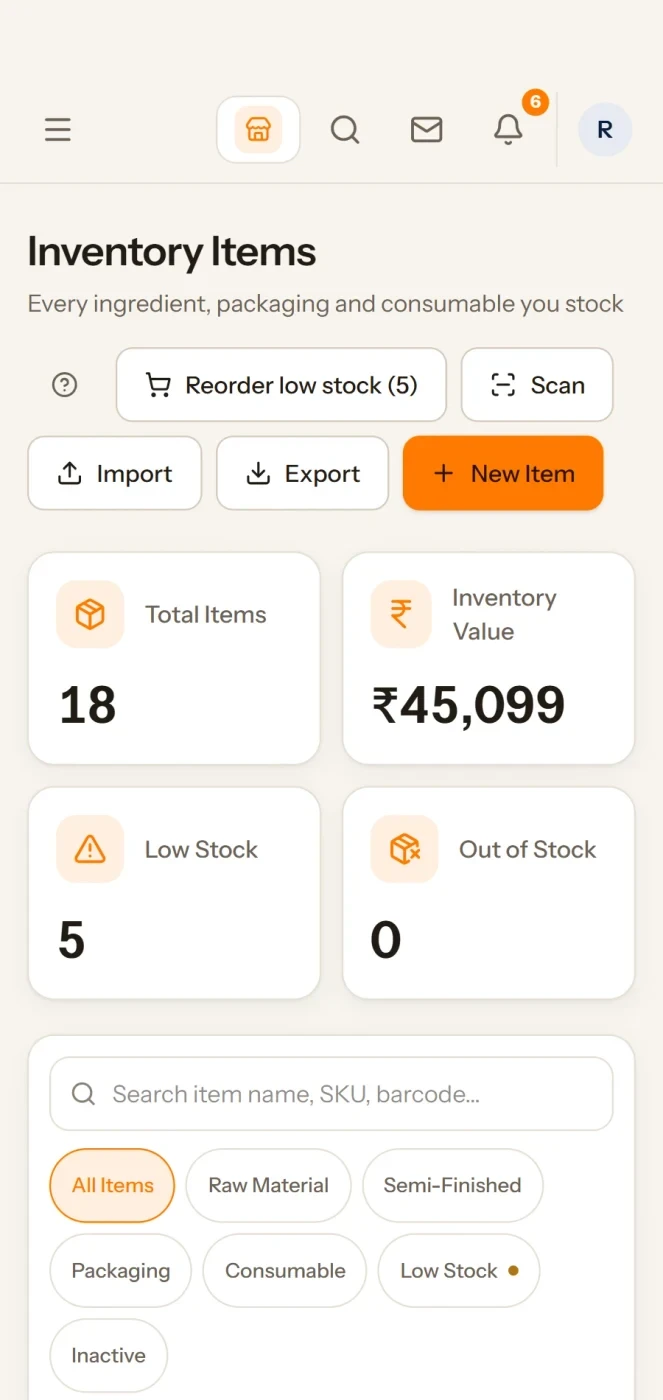
Restaurant inventory management software tracks what you buy and what each sale uses. In Zentaro Serve you link a dish to its recipe once. Every sale then takes its ingredients out of stock, low stock drafts a purchase, and food cost updates from the prices you paid.
Talk to us. We can start with your ten best-selling dishes.Talk to us
Suppliers, stock reports and everyday stock control
Compare suppliers
For each item, see the last price each supplier gave you, in the same unit and before tax.
The prices come from your own confirmed bills and purchase orders. Old prices are left out, and the count is shown.
Cost history shows what got costlier, what got cheaper, and which dishes are losing margin.
Why stock does not match
Choose an outlet and a period. For each ingredient, see what the records say should be on the shelf against what was counted.
The receipts, orders, transfers, wastage and counts behind each figure are listed.
A person opens an investigation, and a second person confirms it. The page never changes your stock by itself.
Stock reports
Dead stock lists items you hold with no use in the period you choose.
Turnover shows how fast stock is used.
Valuation shows what the stock on hand is worth at weighted average cost, and you can download it.
Know your suppliers
Each supplier has a GSTIN and state, so the GST split on a purchase order is right. Add delivery days, order cut-off, minimum order and blackout dates.
The scorecard shows reliability and spend, with delays, how much you send back on arrival, and how often prices rose.
Vendor spend shows what you buy by supplier and by category, across outlets.
Match the supplier invoice
Record a supplier invoice and link it to the purchase order.
Zentaro Serve matches the invoice against the order and the goods you received.
It lists what did not match. Without the order, only quantities against the goods received can be checked.
Move stock between outlets
Plan a move from one outlet to another, or from the central kitchen to an outlet. A draft changes nothing.
Stock leaves the sender when you dispatch it.
The receiver enters what really arrived. A short delivery needs a reason, so the gap is explained.
Demand forecast and what to order
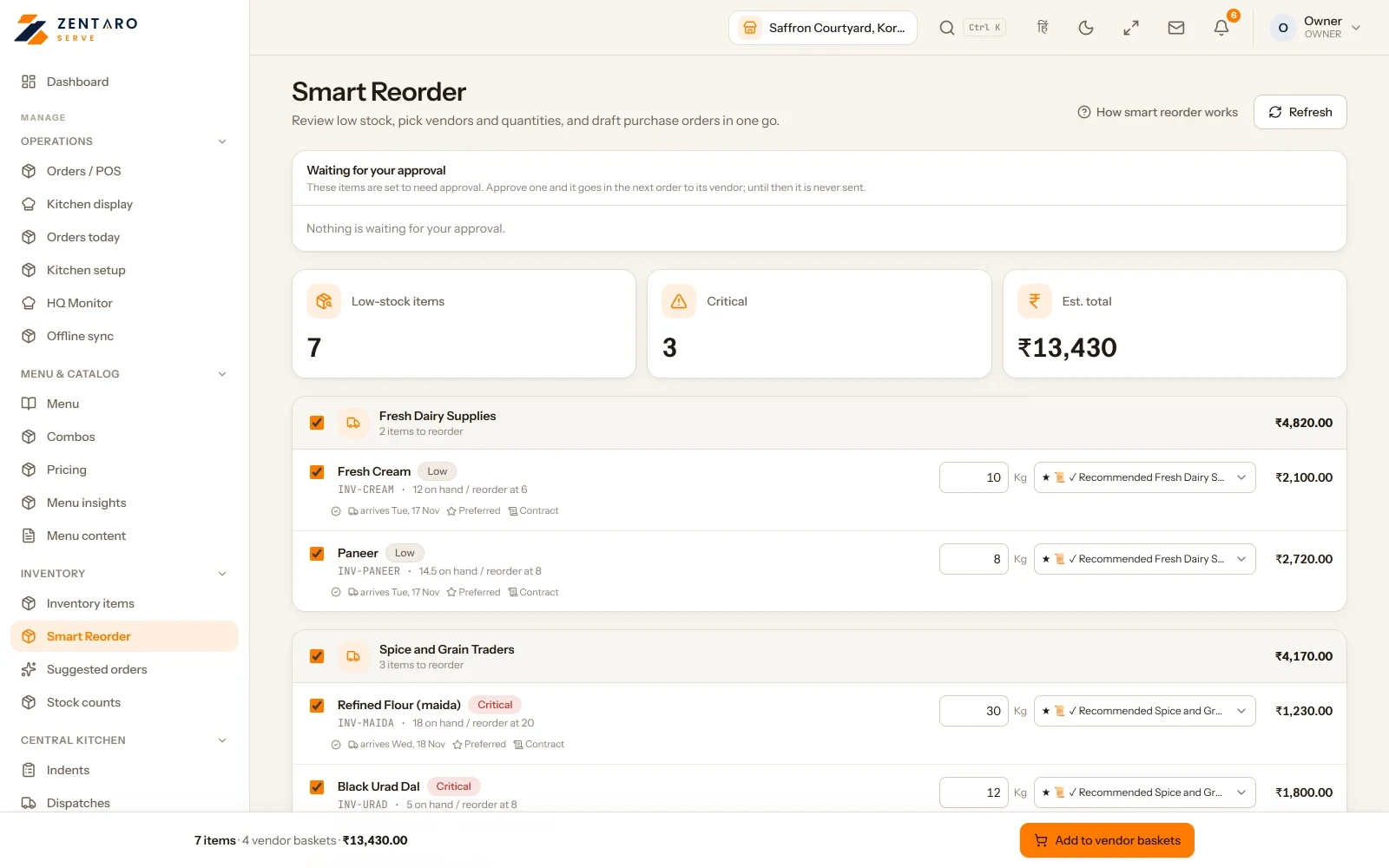
See days to stock-out, how urgent each item is and a suggested quantity, for each outlet.
It reads the last 30 days of use on your reorder rules.
Items at their reorder point are grouped by preferred supplier, so you raise one request from there.
Why an item was not reordered
See what the system decided for each item: ordered, no purchase needed, waiting for a time, or blocked.
A blocked item is listed, so a gap does not hide.
You can put an item on hold with a reason. It stays off the order list until someone lifts the hold.
Add many items at once
Download the template, fill it in and upload it.
Fix any flagged rows on the screen.
The import is all or nothing. It stays blocked until every row is valid.
Every stock change in one list
The movement ledger lists each stock change in the item's own unit.
It is the record behind every quantity. Goods in, wastage, counts and production all show here.
Start with opening stock
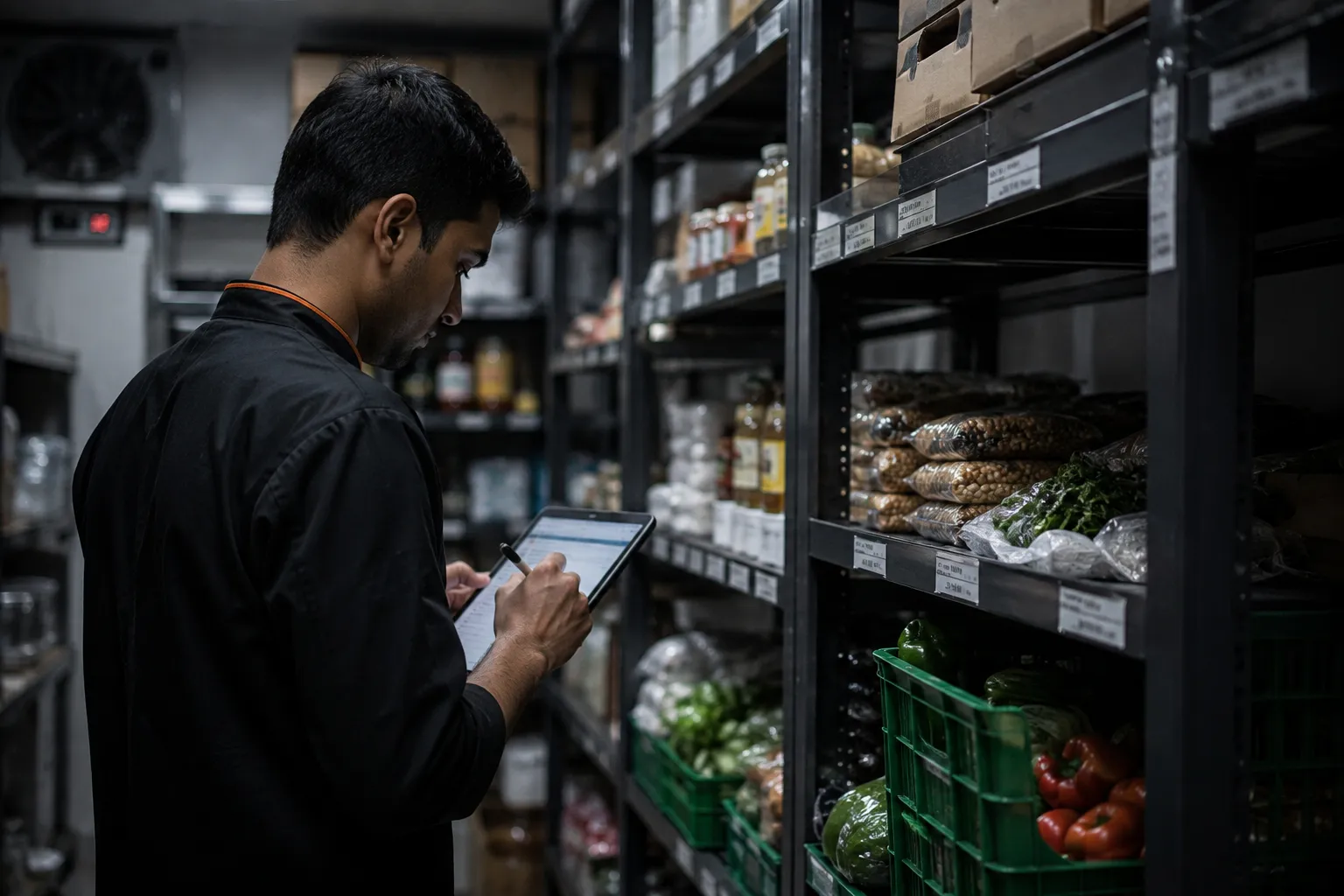
Count what is on the shelf, area by area, and enter it in the unit you counted in.
Enter what it cost you. This sets your opening stock value.
It is a balance, not a purchase. There is no supplier bill or tax credit.
Ask for stock before you buy
A staff member lists the items and an estimated price.
A manager approves it, or rejects it with a reason. The person can fix it and send it again.
On an approved request you pick the supplier and tax, and a purchase order is made.
Credit notes from suppliers
Raise a credit note when a supplier short-supplies, over-bills or you reject goods on quality.
It goes for approval. The screen shows when a tax credit has to be reversed.
Batches and recalls
See every batch in stock: where it is, what it cost and when it expires.
Raise a recall for a batch. It can come from a supplier or from your own quality check.
One batch has one open recall at a time. Record how much was pulled back and where it went.
Close a period
Pick a date. No stock movement dated on or before it can be added.
Reversals still work, because they carry today's date.
Lock one outlet or all of them. You can reopen a period if the accounts are being redone.
Yes. Link a dish to its recipe once. Every sale then takes its ingredients out of stock.
How do I check stock against the shelf?
You run a stock count. It shows the difference between the book and the shelf.
Does food cost update by itself?
Yes. Plate cost and margin follow the prices you pay.
What is restaurant inventory management software?
It tracks what you buy and what each sale uses. Zentaro Serve takes ingredients out of stock on every sale, shows low stock, drafts reorders and updates food cost from your buying prices.
How do I track stock in a restaurant?
Link each dish to its recipe, receive purchases into stock and count the shelf from time to time. Each sale then takes its ingredients out, so the book follows the shelf.
How do I calculate food cost from recipes?
Link each dish to its recipe, and receive supplier bills with their prices. Plate cost then follows the prices you paid, and you see the margin for each dish.
Can software make a purchase order for my restaurant?
Yes. When stock is low it makes a draft purchase for each vendor. A person checks and approves it.
Can I count stock on my phone?
Yes. Counting works in the admin app on your phone, including with no signal.
More on this topic
Features, free tools and guides that go with Restaurant inventory software.