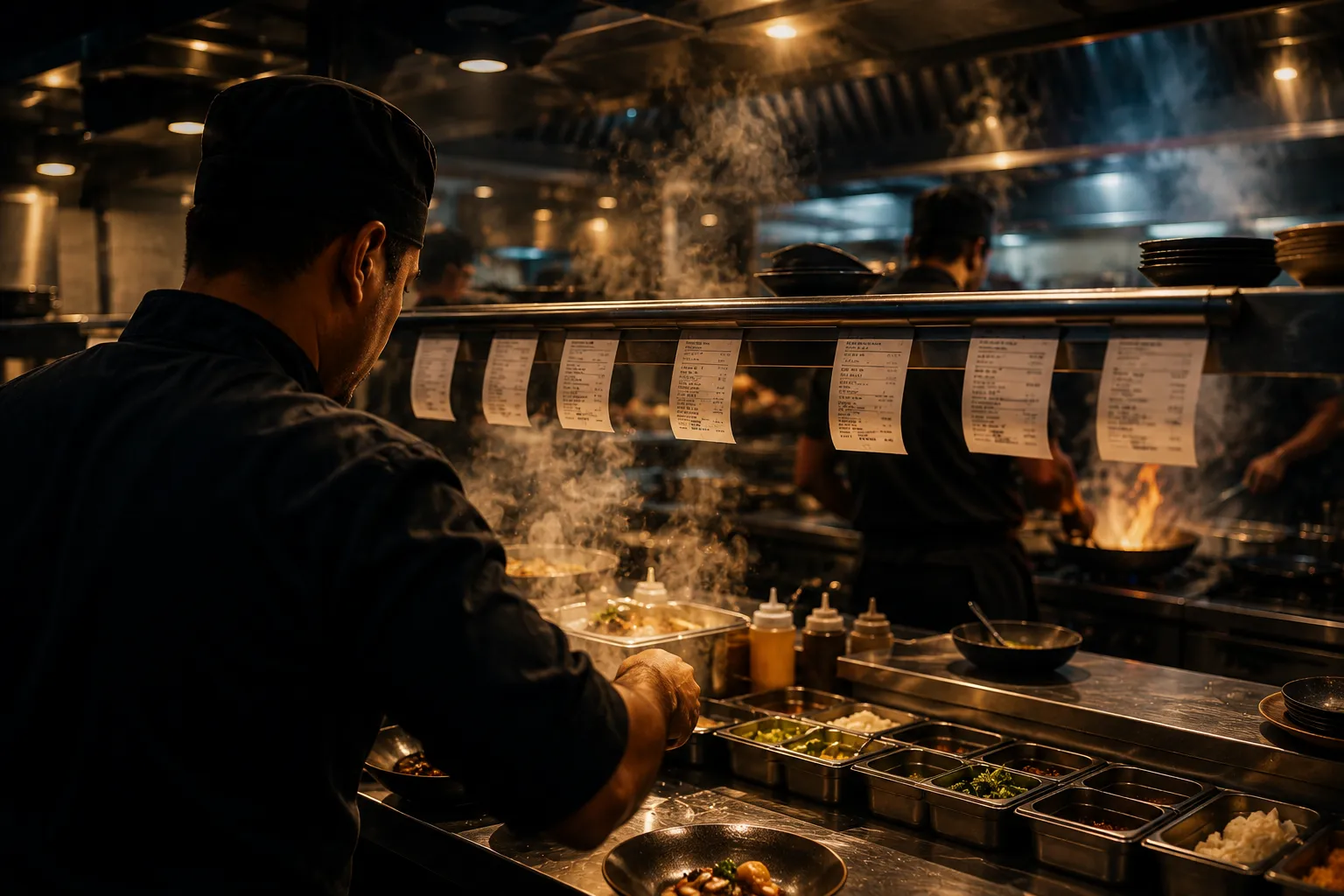
A kitchen pass mid-service: dockets hanging along the rail, a chef plating at the counter and the line working behind, steam and flame at the range.
Kitchen display

Kitchen display system: the pass, without the shouting

A kitchen display system (KDS) is a kitchen screen that shows each order at the station that cooks it. In Zentaro Serve, tickets route by dish to the tandoor, grill or bar. Cooks bump a ticket when ready, and the pass screen shows when a whole table can leave.

  • Each ticket goes to its station
  • Screens catch up
  • A queue that shows what is next
  • A dead screen is easy to replace

Without it

  • Tickets print everywhere and the tandoor cooks what the grill should have.
  • "How long has that been up?" is answered from memory.
  • A screen dies mid-service and the line re-fires from the last thing anyone remembers.

What it does.

Each ticket goes to its station

Hot kitchen, tandoor and bar each see their own work. Cooks do not have to filter out other orders.

Screens catch up

After an outage, the kitchen screen catches up when the connection returns.

A queue that shows what is next

The order of work is clear. The line does not go by whoever shouts.

A dead screen is easy to replace

If a screen dies, pair a new one. The orders are kept on the server, so they are still there.

Compare your outlets

See the average prep time of each outlet side by side. You see a slow kitchen before guests do.

Kitchen roles have no payment permission

The kitchen roles can view and bump orders. They have no permission to take payment.

How it works.

Ticket goes to its stationautomated

It goes by what the dish is, not by which printer is closest.

The line works the queueautomated

The order of work is clear. Nobody has to argue about it.

Bumped when readyautomated

Front of house knows to run the food. Nobody has to say it twice.

Timing is recorded honestlyautomated

Prep times are kept on the server. A dead screen does not erase them.

Try it.

One order, four dishes

Fire it and watch each ticket land at the station that cooks it — not on every screen in the kitchen.

Tandoor

    Hot kitchen

      Bar

        Nothing has been fired yet.

        Product screens

        The screens you and your team will use for this.

        One station
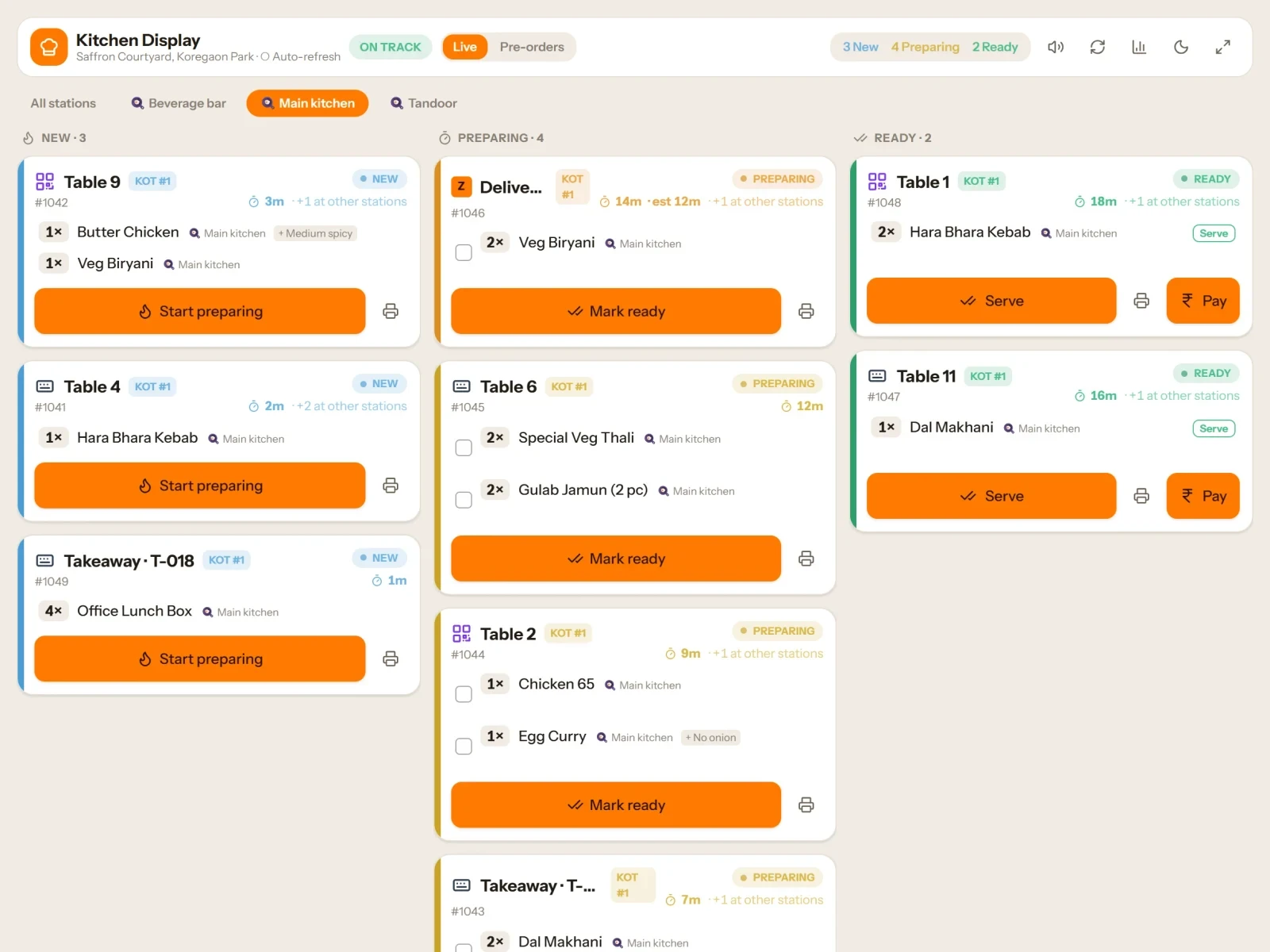
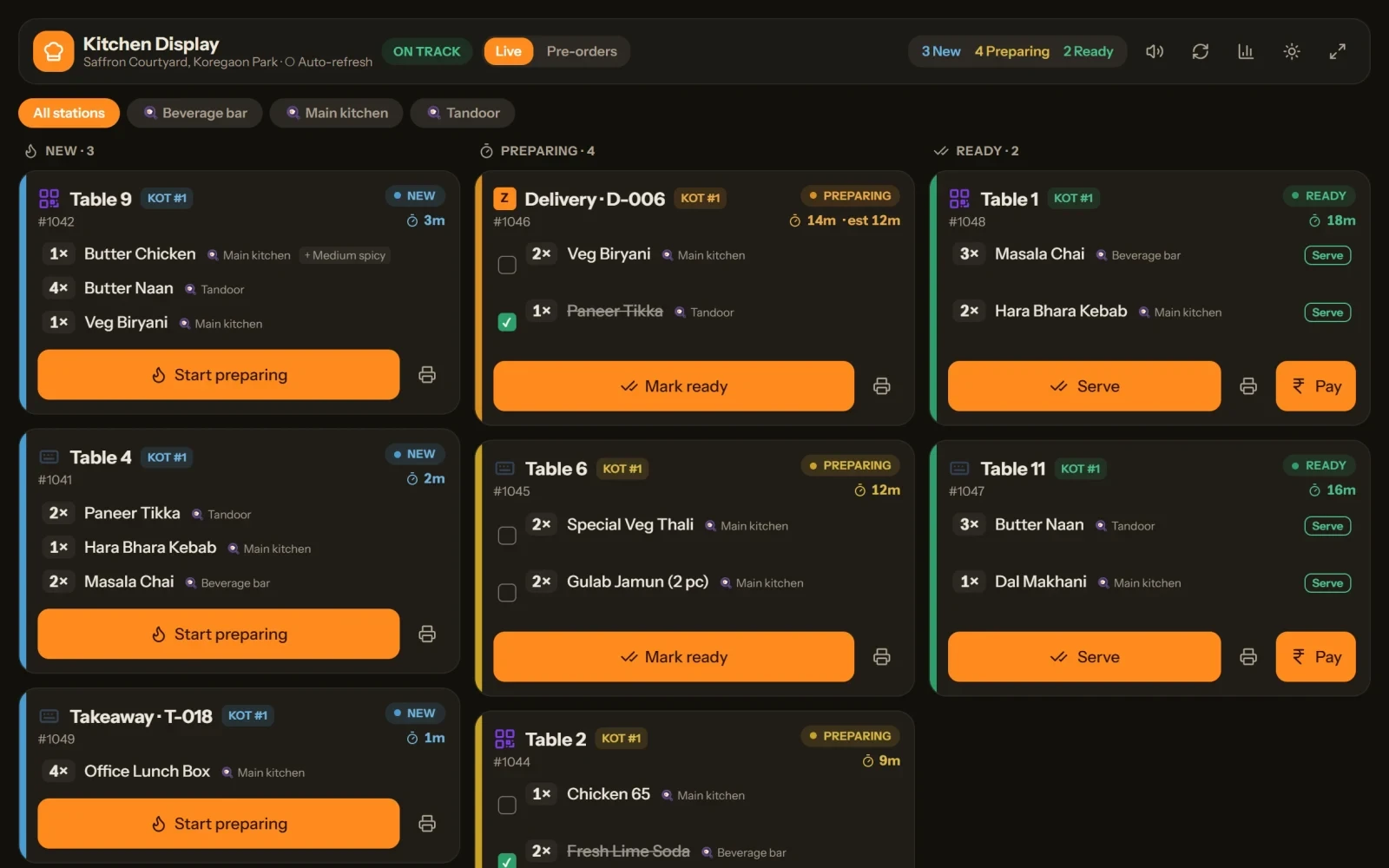
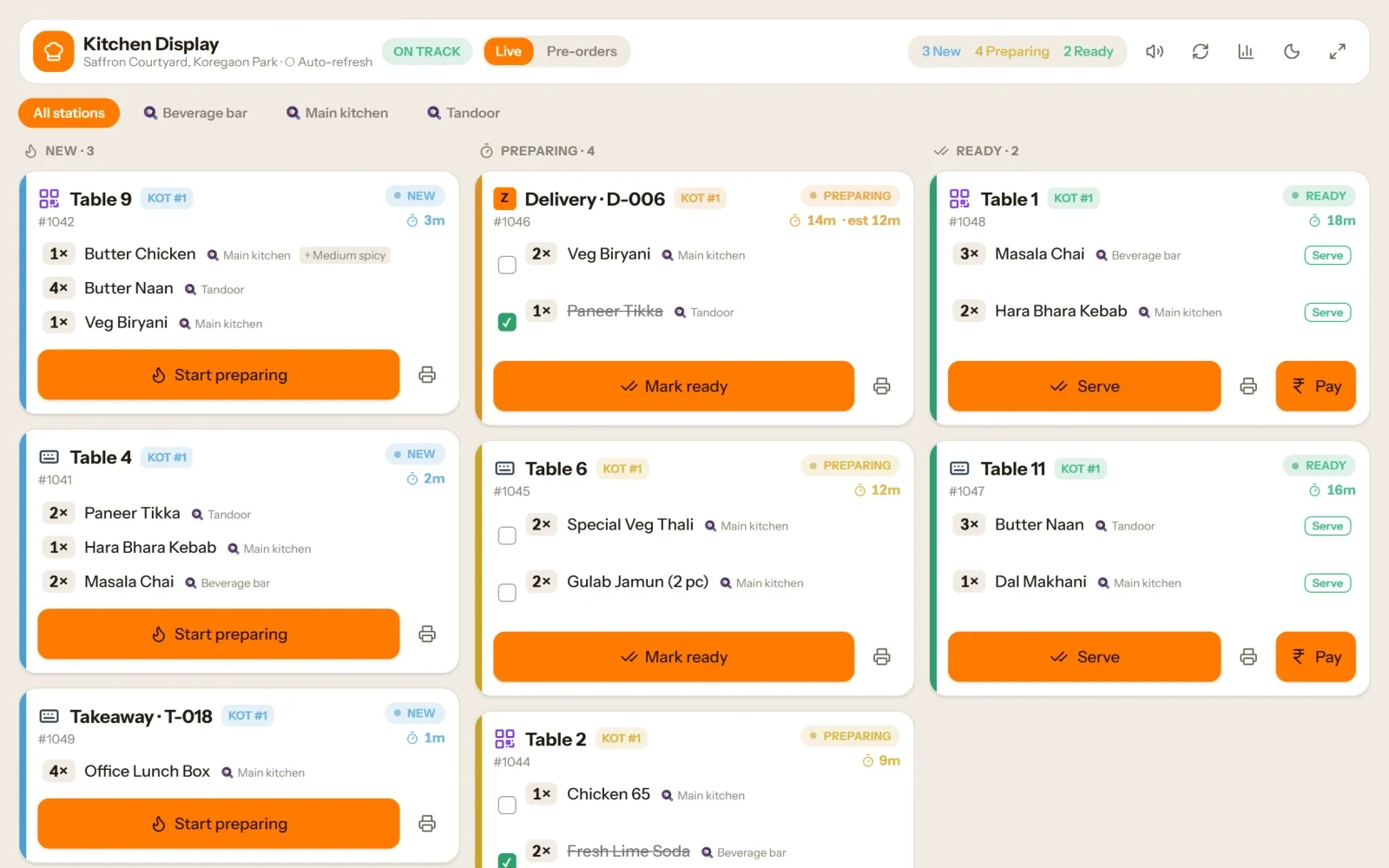
        The kitchen board
        Every ticket on one board

        Example screens with sample data

        The problem you know

        Why a busy kitchen loses track of orders

        • Tickets print everywhere and the tandoor cooks what the grill should have.
        • In the rush the pass jams and nobody sees it coming.
        • A screen dies in the middle of service and the line guesses what was open.

        How does a kitchen display system work with station routing?

        1. An order is sent from the POS, a table QR or an outside channel.
        2. Each dish shows on the screen of the station that cooks it.
        3. The cook works the queue and taps when a dish is ready.
        4. The pass (expo) screen shows when a whole table is ready, so the food leaves together.
        5. Ask for a dish again with refire, or send a course when the table is ready.

        What a kitchen screen (KDS) includes

        • An advanced kitchen screen, an expo screen for the pass, and stations that you set up.
        • Kitchen auto-discovery: a new screen finds the till on its own.
        • Allergen routing with a hard block.
        • A capacity and flow score, and a prep forecast for the day.
        • A packing queue for takeaway and delivery, and order slots to spread a busy hour.
        • One kitchen can cook for several brands.
        • See each outlet's average prep time side by side.

        What it is not

        • Kitchen roles have no payment permission, so a kitchen screen is for the kitchen only.

        Who uses the kitchen screen

        Who it is for

        • Chef: your own queue.
        • Floor manager: what is ready to run.
        • Owner: which dishes are slow.

        Talk to us and tell us how many stations you cook on. Talk to us

        Allergens, planning and kitchen health

        Allergen alert and hard block

        • Mark which allergens each station is certified safe from.
        • For a guest with named allergens, the kitchen can check whether a station may make the dish.
        • By default a clash gives a warning, and the warning is written to the audit log.
        • The hard block is an add-on. It stops the dish at that station, so you send it to a certified one.

        Plan the service

        • Name your service periods, such as lunch, dinner and late night. A period can run past midnight.
        • Set what each station can handle in 15 minutes, and how many people of each role it needs.
        • The service plan shows how busy a period will be, the bookings in it and the station that will be the bottleneck.
        • A manager can change the forecast, and the reason is kept.

        Kitchen HQ: every outlet at a glance

        • See the live health of every outlet kitchen you can open.
        • Each outlet gets a score from 0 to 100 and a label, from Excellent to Stressed.
        • The score mixes prep time, late tickets, station balance, queue and re-made dishes.
        • It also shows an outlet with no kitchen screen online.

        Pair a kitchen screen

        • Pair a kitchen screen, a ticket printer or a guest display with a short code.
        • The code runs out in a few minutes.
        • Remove a lost screen in one tap.

        Prep forecast

        • The forecast turns into prep jobs, such as how many bases to prepare, when to start and when to be ready.
        • It is on plans that include operations planning.

        Send one line again

        • When a dish has to be remade, a manager approves sending that one kitchen line again.
        • The remake takes the stock off again, so stock stays true.
        • The kitchen flow score counts how often it happens.

        Common questions.

        Do tickets go to the right station?

        Yes. Hot kitchen, tandoor and bar each see their own tickets.

        Does the kitchen screen need the internet?

        Yes. A kitchen screen needs the connection to show new orders and ready states. Tickets keep printing on your own network when the internet is down, and the screen catches up when the connection returns.

        What if a screen dies during service?

        Pair a new screen. The orders are kept on the server, so the open tickets are still there.

        What is a kitchen display system (KDS)?

        It is a screen in the kitchen that shows each order at the station that cooks it. The cook taps when a dish is ready, and the pass sees when a table is complete.

        Is a KDS better than printed KOT slips?

        Many kitchens find it clearer. Slips get lost and pile up, while a screen keeps a queue in order. You can also use both. Ask us what suits your kitchen.

        Does a kitchen screen need the internet?

        Tickets keep printing on your local network when the internet is down. Kitchen screens catch up when the connection returns.

        Can one kitchen screen show several brands?

        Yes. One kitchen can cook for several brands, and each order goes to the right place.

        What happens if a kitchen screen stops working?

        Pair a new screen. The orders are kept on the server, so open tickets are not lost.

        More on this topic

        Features, free tools and guides that go with Kitchen display system.
        Tell us about your restaurant.

        Zentaro Serve launches in 2027. Tell us what you run today and we will get in touch.

        Talk to us Join the early access list

        Last updated:

        Pricing is coming soon

        We are keeping pricing simple. We will share it when Zentaro Serve launches in 2027. Join early access and we will tell you first.