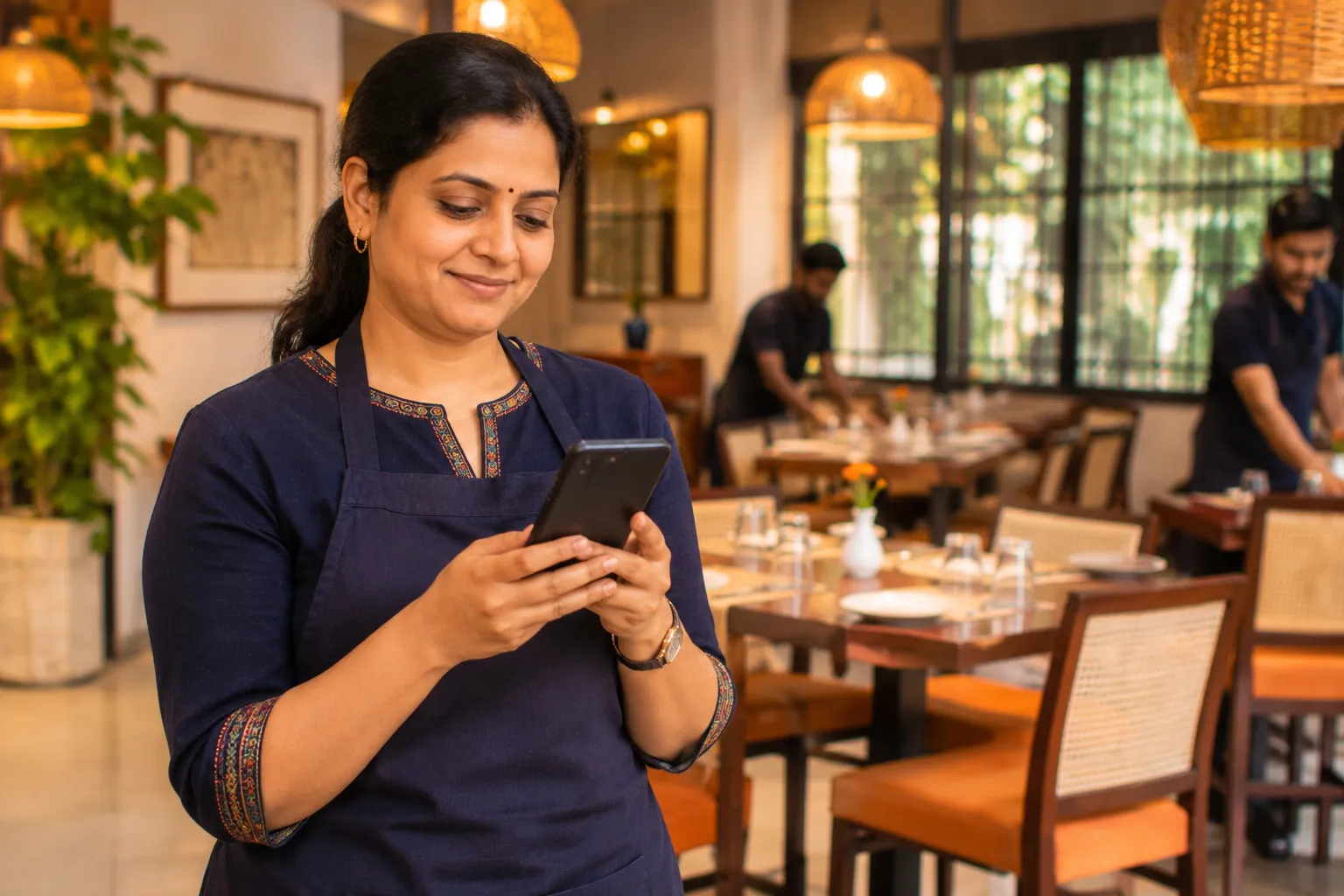
Restaurant app for owners: the parts you do standing up
A restaurant app for owners lets you run the business from your phone. In Zentaro Serve, your owner dashboard on phone shows last night's sales. You can receive a delivery by capturing the bill, count stock, approve changes and take photo proof. You do not need a desk.
- Installs like an app
- Stock counts work with no signal
- It does not show old prices
- Photo proof at the shelf
Without it
- Stock is counted on paper at the shelf and typed in later, from handwriting.
- A dead connection looks like a dead app, so people stop trusting the phone.
- A reload halfway through a count loses the lines nobody had saved yet.
What it does.
Installs like an app
It opens from your home screen with its own icon. It is not a browser tab you have to find again.
Stock counts work with no signal
Stock counts can be entered without internet and sync when you are back online. A count line sent twice posts once. Reports and live figures need a signal.
It does not show old prices
Prices, stock and money figures are not shown from old saved copies.
Photo proof at the shelf
Take a photo with no signal. Location data is removed. It uploads in order when signal returns.
An update does not lose your work
A new version is offered, not forced. A reload cannot wipe lines you had not saved.
Made for one hand
Big buttons and short lists keep a stock count quick on a phone.
Product screens
The screens you and your team will use for this.
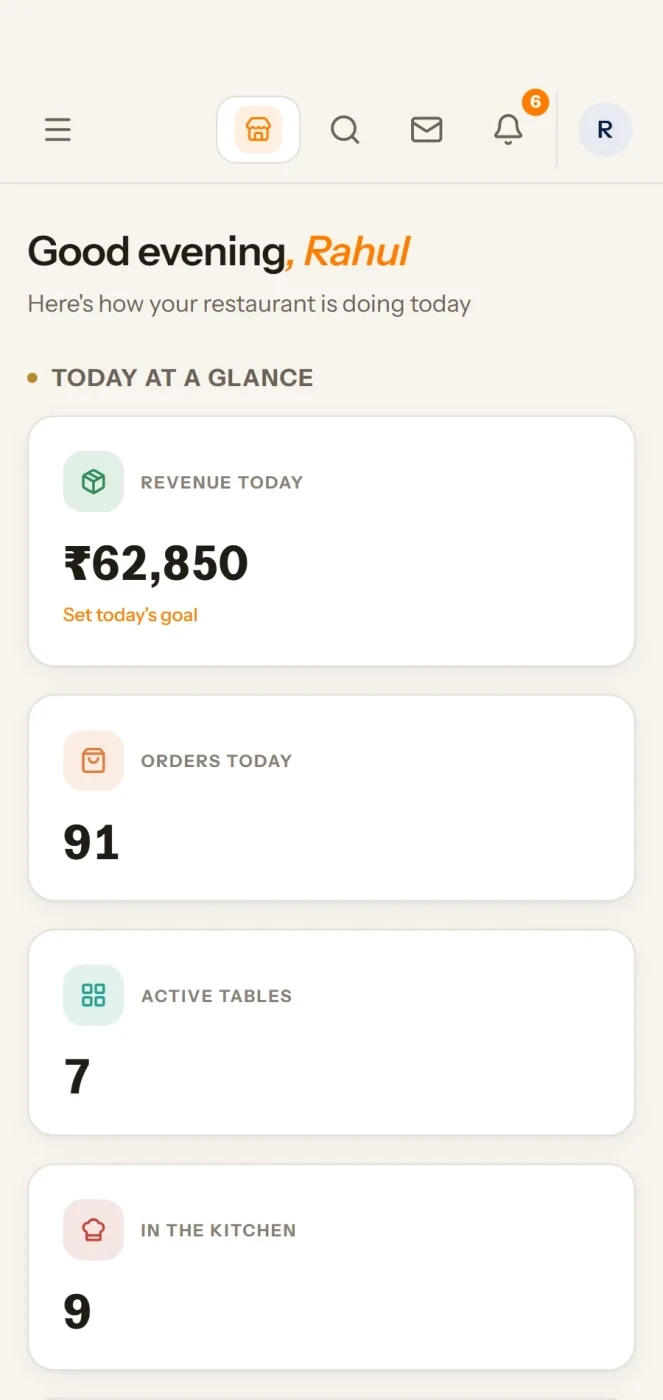
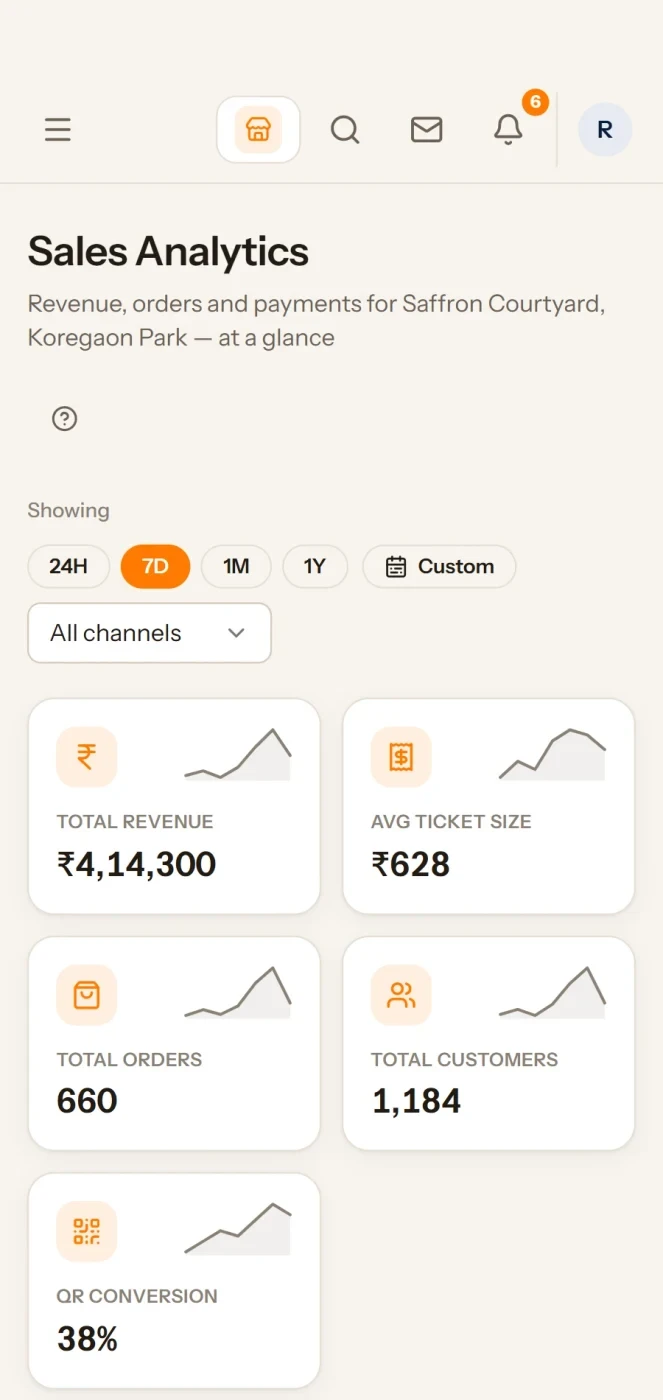
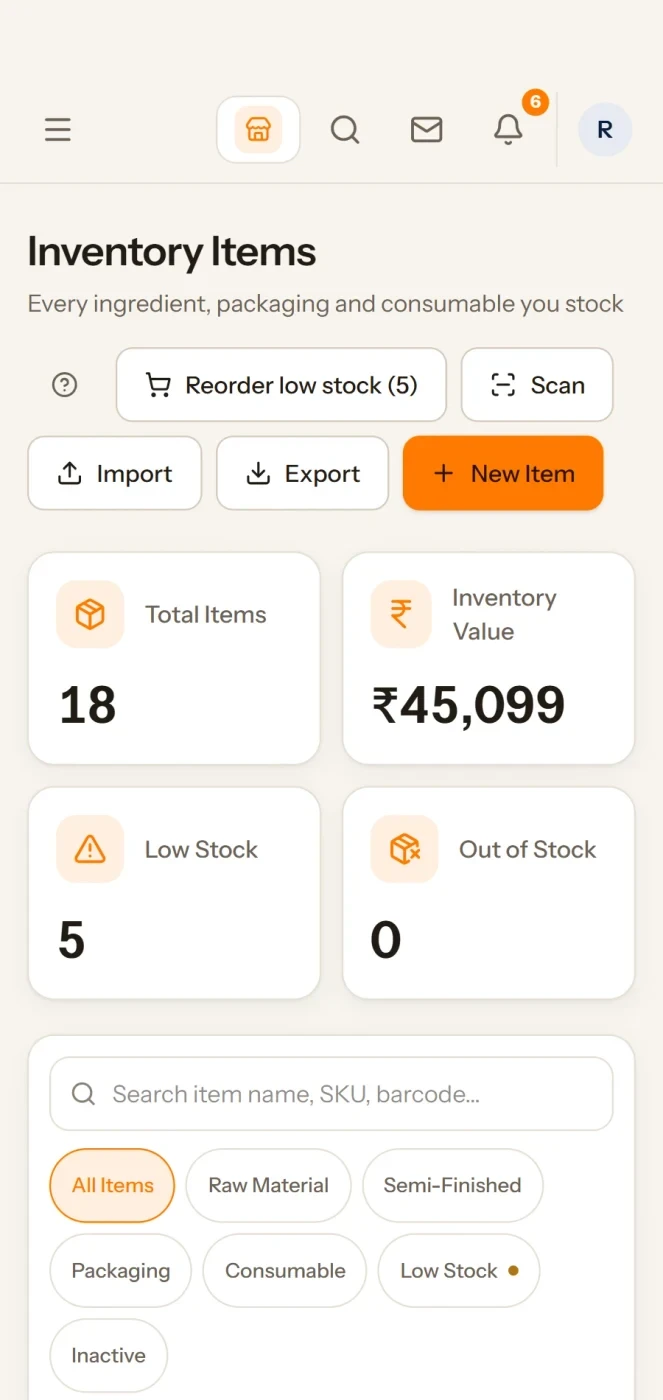
Example screens with sample data
Planned
Like an app, on every device
Install it
Install the Serve console, the Zovi web app and Zovi Business on a phone or computer, like an app.
Unlock in a second
On your phone, sign in once, then unlock with your fingerprint, face or a PIN instead of waiting for a one-time code each time.
Money stays protected
A PIN or fingerprint works only on that phone, and too many wrong tries locks it. Payments, refunds and approvals still ask for a full sign-in.
Planned for launch. We will mark each part live once it is tested on real phones.
How it works.
Add it to your home screenonce
No store, no queue, no waiting for approval.
Walk into the cold roomautomated
Count with no signal at all.
Photo what looks wrongautomated
Take a photo at the shelf. It waits until it can upload.
It syncs when you come outautomated
Everything goes up in order, once. Clashes are shown to you, not guessed.
Why cloud
- Your data and menus live online, not on one computer. You can check every outlet from your phone or laptop.
- You have no servers to buy or look after. Updates reach every outlet.
- The till keeps working when the internet drops, and catches up when it returns. See how.
The problem you know
Why you cannot see the restaurant from where you stand
- You are away and want last night's sales now.
- A delivery arrives and the invoice waits for someone at a desk.
- A manager needs your approval at once.
How does the owner dashboard on phone work?
- Open the admin address on your phone and add it to your home screen.
- Sign in with your own login. Extra sign-in protection (MFA) is available.
- See sales and reports.
- Receive a delivery against the supplier bill.
- Count stock at the shelf, even with no signal. Photo proof waits and uploads later.
- Approve purchase requests, stock counts and other approvals on your phone, if your role allows it.
What the restaurant app for owners includes
- Stock counts saved on the phone and synced when you are back online. A count line sent twice posts once.
- Photo proof at the shelf with location data removed.
- A shared tablet forgets you when you sign out.
- Roles, so each person sees only their part.
What it is not
- The till is the POS app, not this one.
- Reports and live figures need a signal.
Who uses it
Who it is for
- Owner: the day from anywhere.
- Stores person: count and receive.
- Manager: approvals.
Talk to us and we will walk you through the app. Talk to us
Common questions.
Can I count stock with no signal?
Yes. The installed app works in a cold room with no signal.
Can I take a photo as proof?
Yes. You can take photo proof at the shelf.
Can the same count be posted twice?
No. A count is never posted twice.
Is there an app for restaurant owners to see sales?
Yes. Open the admin address on your phone to see sales and reports.
How do I install it on my phone?
Open the address in your phone browser and add it to your home screen. It then opens like an app, with its own icon.
Can I count stock with weak signal?
Yes for stock counts: they can be entered without internet and sync when you are back online.
Can I approve things from my phone?
Yes. You can approve purchase requests and other approvals from the phone, and edit staff and menu in the admin app, if your role allows it.
What happens if I lose my phone?
Sign-in is protected and sessions can be ended. Ask us how to switch off a lost device.
Tell us about your restaurant.
Zentaro Serve launches in 2027. Tell us what you run today and we will get in touch.
Last updated: