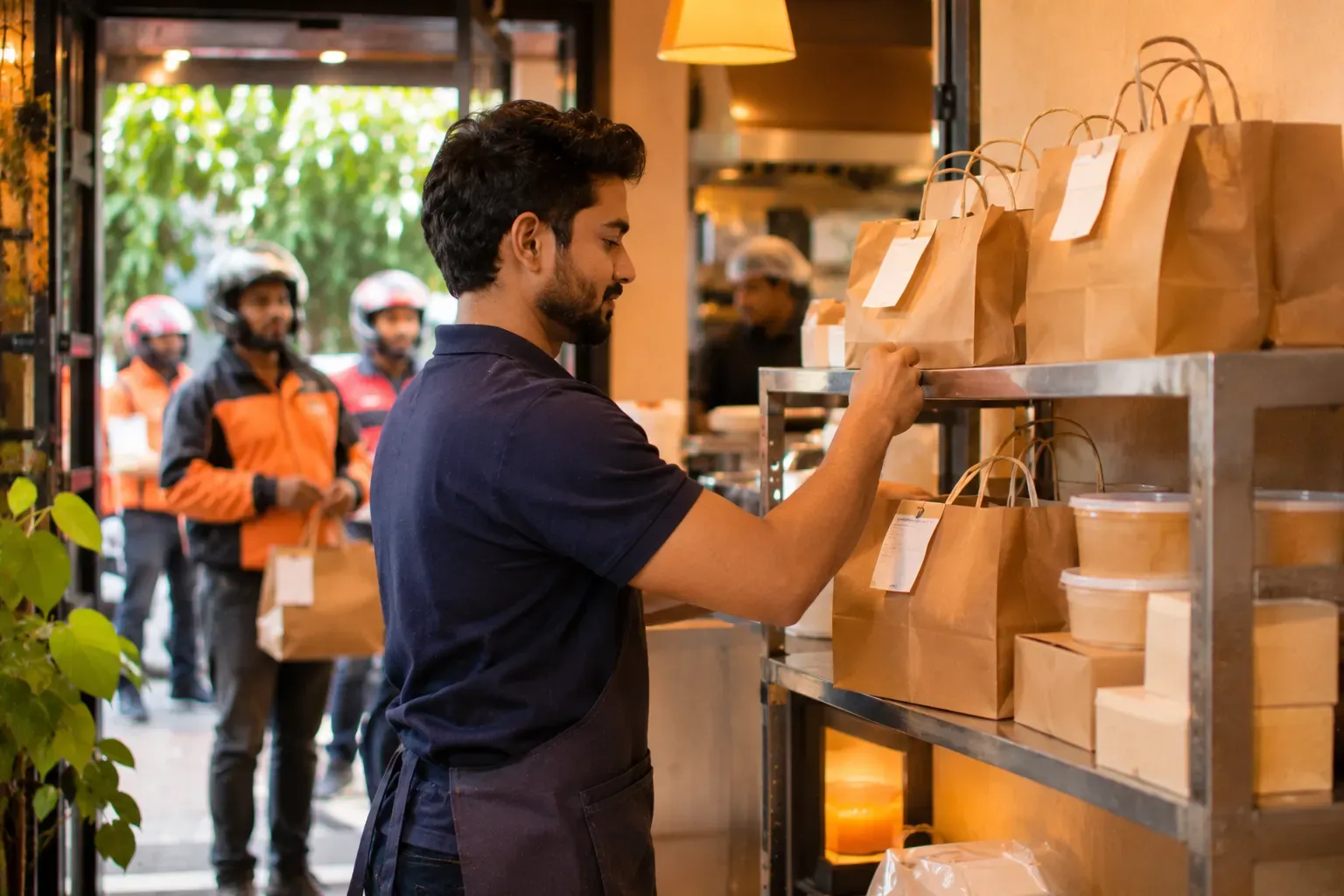
The common channels
| Channel | How the order arrives | Who gets the guest |
|---|---|---|
| Delivery partner app | On the partner's tablet or system | The partner |
| Your own ordering link | On a page you share on WhatsApp, a QR or social media | You |
| Phone call | A staff member writes it down | You |
| Walk-in | At the counter or table | You |
Each channel has a different cost and a different level of control. A delivery partner brings reach. Your own link keeps the guest relationship. See your own ordering channel.
Why one screen
Without one screen, a cafe with four channels has four screens, four printers and four places to look. Staff miss orders, and the kitchen gets tickets in different formats. Putting the channels into one screen gives you:
- One queue, in the order of arrival.
- The same kitchen ticket format, with a mark showing the channel.
- One report that shows sales by channel.
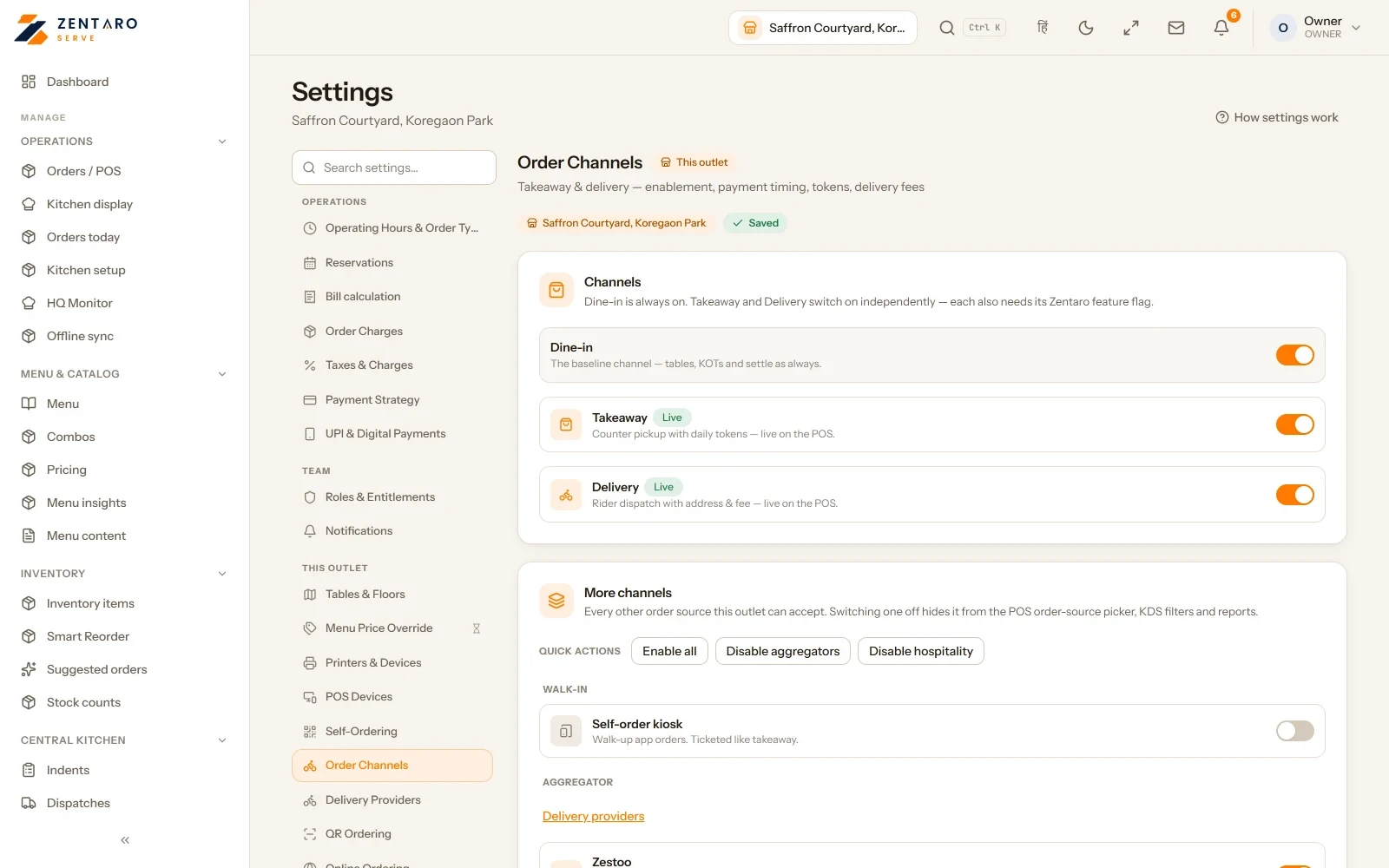
- One place to switch a channel on or off.
Example: a cafe with four order sources
This is an example, with made-up numbers for one week. The partners have no names here on purpose.
| Source | Orders | Average bill | Share of orders |
|---|---|---|---|
| Delivery partner 1 | 120 | 380 | 40 percent |
| Delivery partner 2 | 45 | 360 | 15 percent |
| Own ordering link | 60 | 340 | 20 percent |
| Phone and walk-in | 75 | 300 | 25 percent |
| Total | 300 | 100 percent |
Partner orders are 55 percent of the volume, but they come with fees. Your own link is a fifth of orders and has no partner fee. If the cafe moves 20 of the partner orders to its own link, it keeps the fee on those 20. See what a delivery order really costs to count it.
The channel on off rule
The hardest decision in busy hours is when to pause a channel. If the kitchen is swamped, new orders go late, and late orders lead to bad ratings.
Write a rule in advance. Example rule for this cafe:
- If more than 8 tickets are open for over 15 minutes, pause delivery partner 2 for 20 minutes.
- If more than 12 tickets are open, pause both partners.
- Keep the own link and the counter open.
- When tickets fall below 5, switch the channels back on.
The numbers are the cafe's own. The kitchen should set them from how many tickets it can clear in a quarter of an hour. Pausing has a cost. Some partners may rank a restaurant lower or count pauses against it. Read your agreement before you rely on pausing.
Check the ticket
A good ticket from any channel has the same parts:
- The channel name.
- The partner's order number, so the rider can match it.
- The items, with notes.
- The promised time.
Count each channel's profit
Orders by channel is the start. Profit by channel is the point. A channel with many orders and a high fee may earn less than a smaller one. Compare, per channel, sales, fees, packing and discounts. Our delivery profit calculator can help.
What to ask a vendor
- Which channels can you bring into one screen?
- Does the kitchen ticket show the channel?
- Can I switch a channel off from the same screen?
- Do I get a report by channel?
Ask for a test with your own channel, not a demo with sample data.
Common questions
How do online orders reach a restaurant?
Through order channels: delivery partner apps, your own ordering link, phone calls and walk-ins.
What is online order aggregation?
It means bringing orders from every channel into one screen and one kitchen queue.
When should I pause a channel?
When the kitchen is swamped. Write a rule in advance, such as pausing a partner when too many tickets stay open too long.
Is my own ordering link better than a delivery partner?
They do different jobs. A partner brings reach, and your link keeps the guest and avoids partner fees.
Why show the channel on the kitchen ticket?
So the kitchen packs it right and the rider or guest can match the order.
Where Zentaro Serve fits
Your restaurant gets an online ordering page on Zovi (launching 2027). Orders arrive in the same till and kitchen screen.
See order channels