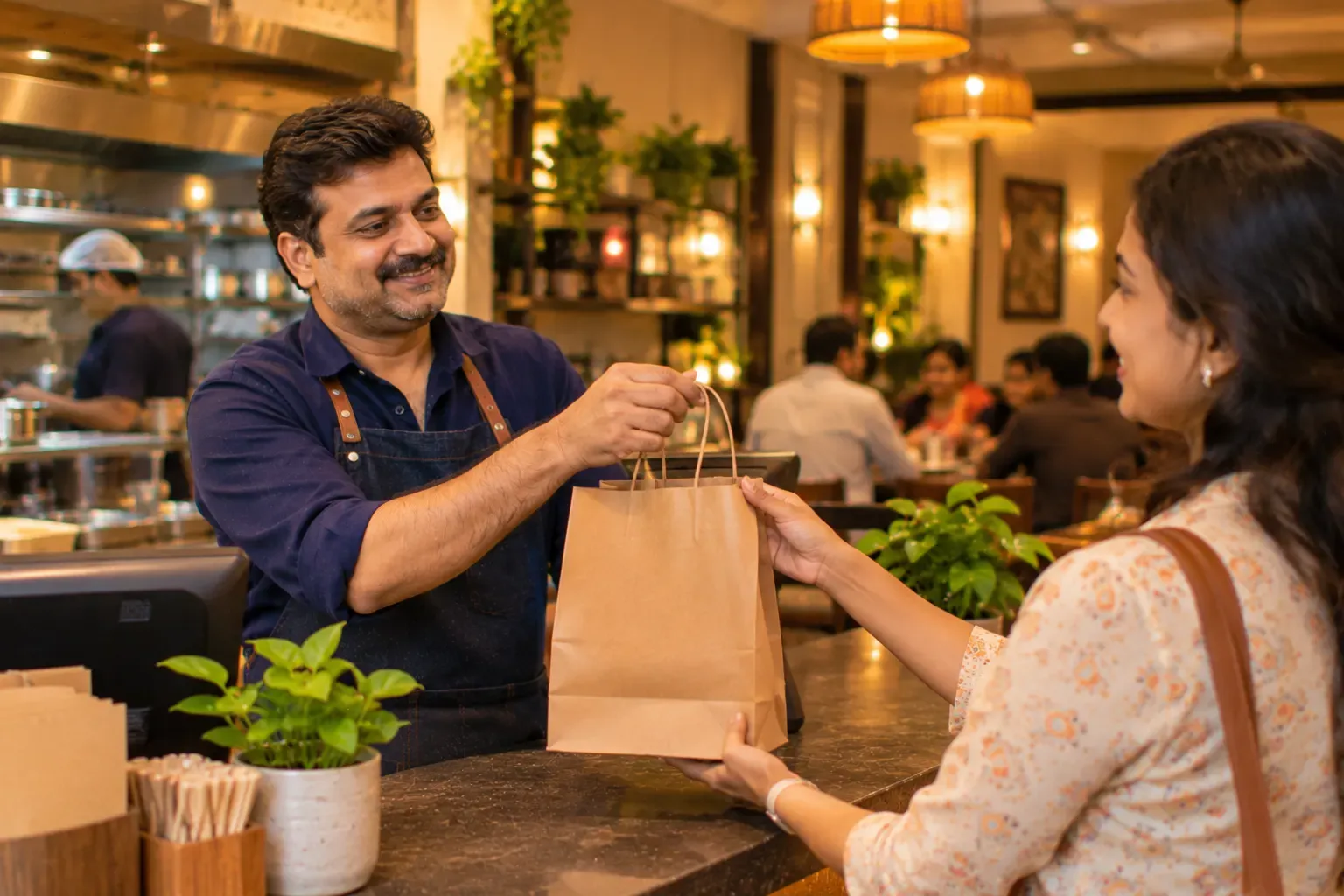
A direct order, from start to finish
What a direct channel includes
Your own ordering page. A page for your restaurant where guests order takeaway or delivery. Orders land in your POS and go to the kitchen screen like any other ticket. The guest's details stay in your own customer list.
Your own QR codes. A link only helps if people can find it. You make and print the QR that opens your page yourself: counter stands, packaging stickers, the back of the bill. One scan opens your menu with your prices.
QR ordering at the table. Inside the restaurant, guests scan, look at the live menu and order. Your team accepts the order and it goes to the kitchen. Two details matter. The menu is live, so a dish that has just run out does not show. And the accept step keeps your team in control of what enters the kitchen during a rush.
Split payments and pay at the table. The end of the meal is where service slows down: one bill, four friends, one card machine. A QR on the bill lets the table scan and pay on the spot, by UPI or card. The money goes to your own payment account. When the table wants to divide the bill, the till takes several payment methods against it: some cash, some UPI, a card for the rest. It is still one bill and one GST invoice.
The part that grows: the guest stays yours
Every direct order adds to your own guest history: what they order, how often, and what they spent. It sits in your own system. That history is what makes a birthday offer, a "we miss you" message, or simply knowing a regular possible.
A simple way to start: tell the guests you already have. Put the QR on the counter, on your packaging and on the bill. Share the link where your regulars already follow you.
Your menu. Your guests. Orders in the same till and the same kitchen screen.