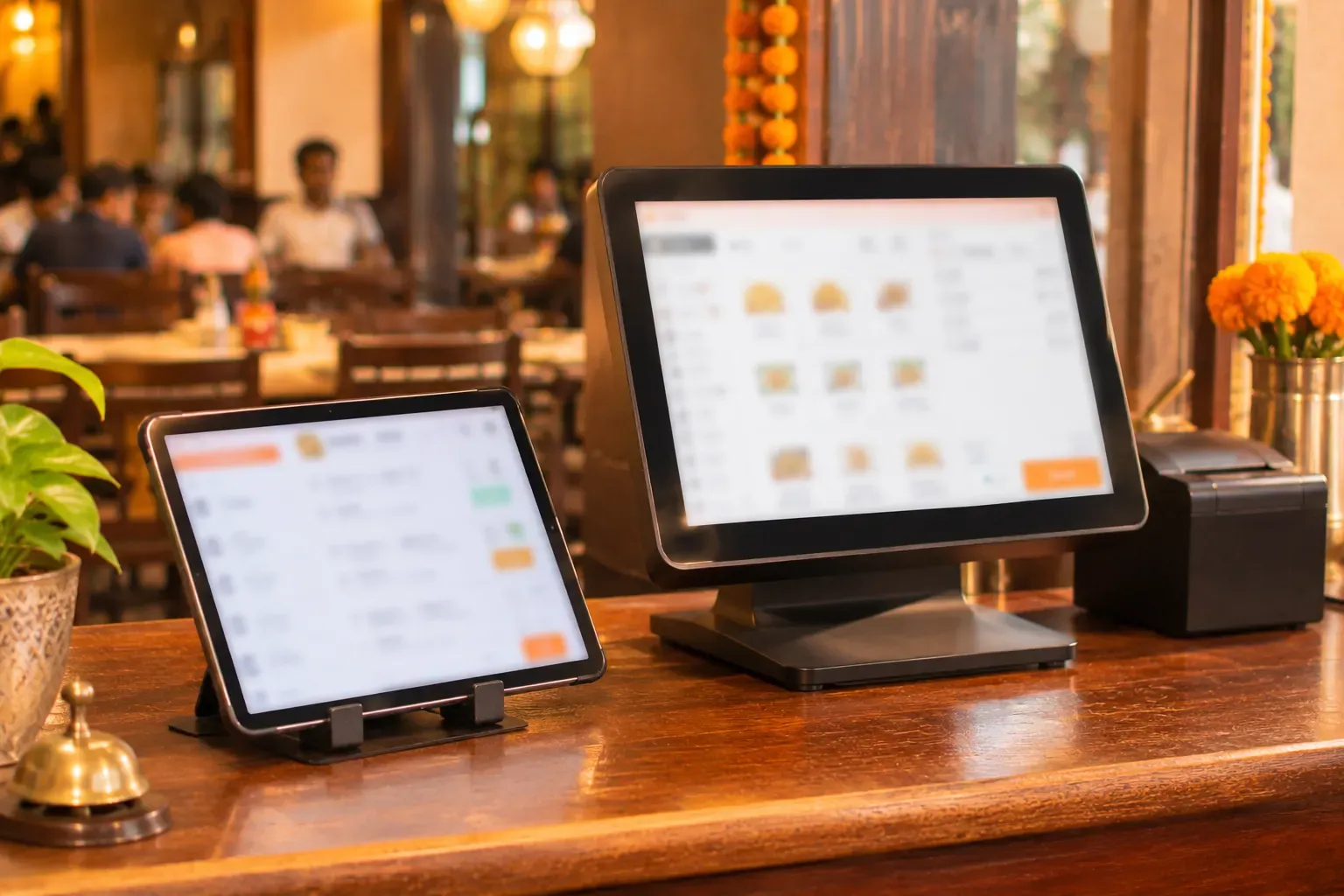
What these words mean
A POS is the till, the screen and software where staff take orders and print bills.
- Android POS runs on an Android tablet or phone. A tablet POS is the most common form.
- Windows POS runs on a Windows PC, a laptop or an all-in-one touch screen.
Some software runs on both. Some runs only on one. Ask the seller before you buy.
The main differences
| Item | Android POS | Windows POS |
|---|---|---|
| Device | Tablet or phone | PC, laptop or touch screen |
| Cost of hardware | Often lower | Often higher |
| Screen size | Small to medium | Medium to large |
| Space on the counter | Small | Larger |
| Printers | Common ones work, a few do not | Wide range of printers |
| Offline | Depends on the software, not the device | Depends on the software, not the device |
| Updates | Through an app store, or by the vendor | By the vendor, and Windows itself updates |
| Speed with a long menu | Fine for small menus | Comfortable for long menus |
Notice the offline row. The device does not decide whether a till works offline. The software does. A tablet can run a till that works offline. A PC can run one that does not.
Cost of hardware
A tablet is usually cheaper than a PC with a touch screen. But the tablet is not the full cost. Add up:
- The tablet and a stand.
- A case, if staff move around.
- The printer and cash drawer.
- A charger and a spare.
- A router and a backup for the router.
A PC counter needs a screen, a keyboard or mouse, and the same printer and drawer. Prices change often, so compare current quotes. Do not trust a number you read in an article.
Printer support
This is where many buyers get surprised. The same printer may work well with one device and badly with another.
- A tablet usually connects over the network.
- A PC often connects by USB or the network.
- The software must support your printer model.
Always ask for a test with your printer before you pay. Our article on thermal printers lists what to check.
Offline and updates
Two things matter on a busy day: the till must keep working, and updates must not stop service.
- Offline. Ask what happens when the internet drops. A good system keeps billing and catches up later. Read our guide on billing without internet.
- Updates. Ask when updates install. A Windows PC can restart to update at a bad time. Set the update window to a quiet hour. An Android tablet can also pause for an app update, so check the settings.
Example: two counters
This is an example, with made-up needs. A restaurant has two counters.
| Item | Counter A, the main till | Counter B, the takeaway window |
|---|---|---|
| Menu | 120 items | 25 items |
| Staff | Two people take orders at once | One person |
| Printers | Bill printer, drawer, and two kitchen printers | One bill printer |
| Space | A wide counter | A narrow window shelf |
| Choice | A PC with a touch screen | A tablet on a stand |
Counter A has a long menu, many printers and two people working. A PC with a larger screen suits it. Counter B has a short menu, one printer and little space. A tablet suits it. Both run the same billing software, so the day's total adds up in one place.
Questions to ask the seller
- Does the software run on Android, on Windows, or both?
- Which printer models are tested?
- What happens when the internet drops?
- How and when do updates install?
- What do I do if the device breaks mid-service? Can I log in on another device?
- Is my data on the device, or online?
Common mistakes
- Choosing the device before the software. Choose the software first, then pick a device that it supports.
- Buying the cheapest tablet. A slow tablet makes a rush worse.
- Ignoring the printer. Check support before you buy the device.
- No spare device. One broken screen should not stop a Saturday night.
A short checklist
- Does the software run on the device you plan to buy?
- Is your printer model on the tested list?
- Does it keep billing offline?
- Can you control when updates install?
- Do you have a spare device or a plan if one breaks?
Common questions
Is Android POS better than Windows POS?
Neither is better in every case. Android POS costs less and takes little space. Windows POS suits a long menu, many printers and a busy counter.
Does Android POS work offline?
It depends on the software, not the device. Ask the seller what happens when the internet drops.
What is a tablet POS?
A tablet POS is a billing system that runs on a tablet, usually on a stand at the counter.
Will my printer work with an Android tablet?
Only if the software supports that printer model. Ask for a test with your own printer.
Which is cheaper, Android or Windows?
A tablet is often cheaper than a PC. But add the stand, printer, drawer and router to compare the full cost.