Why this matters more than people think
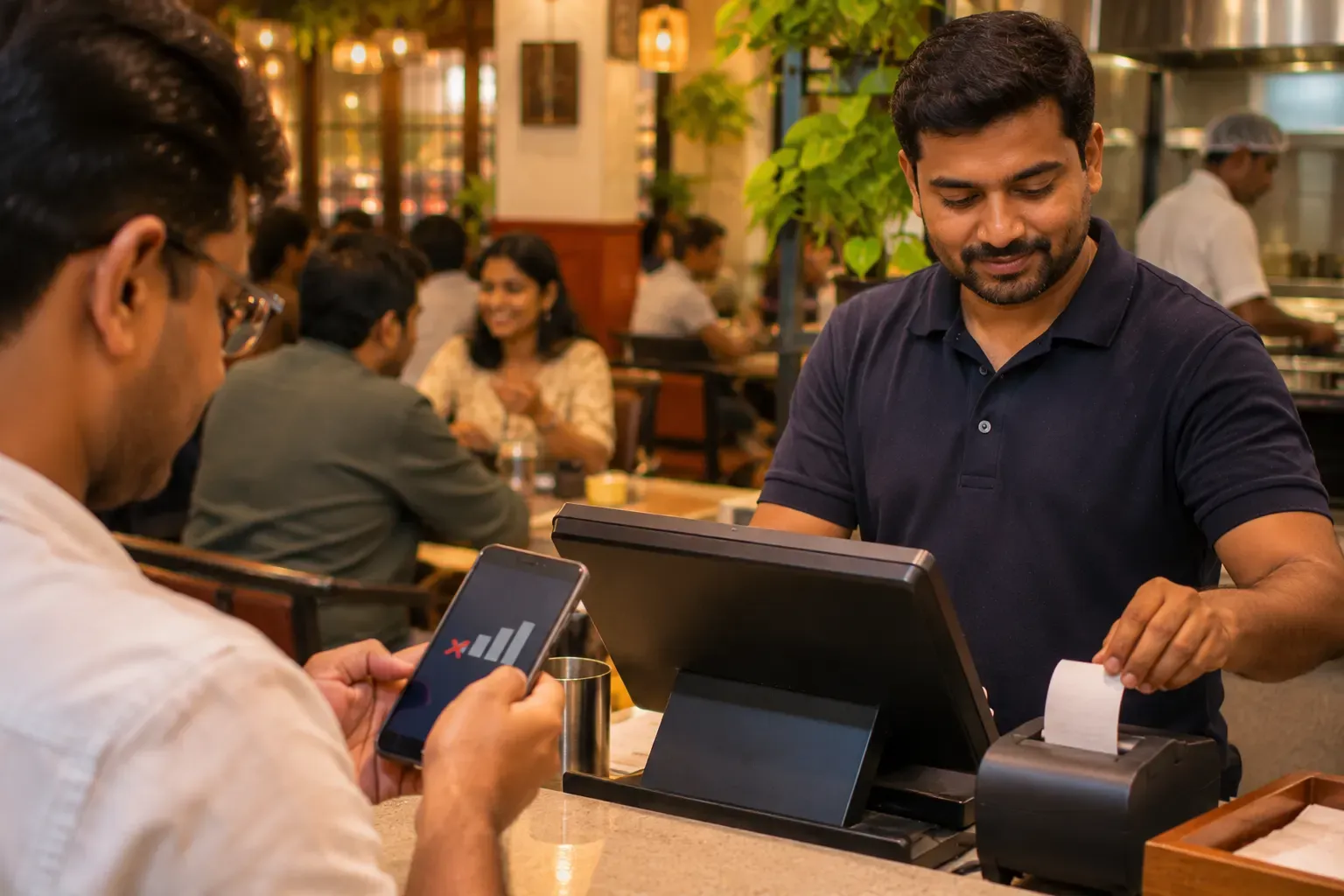
Internet fails in small ways. The router restarts. A cable is loose. A tower is busy on a match night. A power cut hits the whole street. It rarely lasts a day. It often lasts twenty minutes, and those twenty minutes can fall in your busiest hour.
A cloud POS keeps your data online, which is good for reports and for many outlets. But a pure online system has one weak point: it needs the line at the moment of billing. A good one adds a local copy so that billing carries on.
What "offline billing" should mean
Ask the seller to define it. A useful offline mode does four things when the line is down.
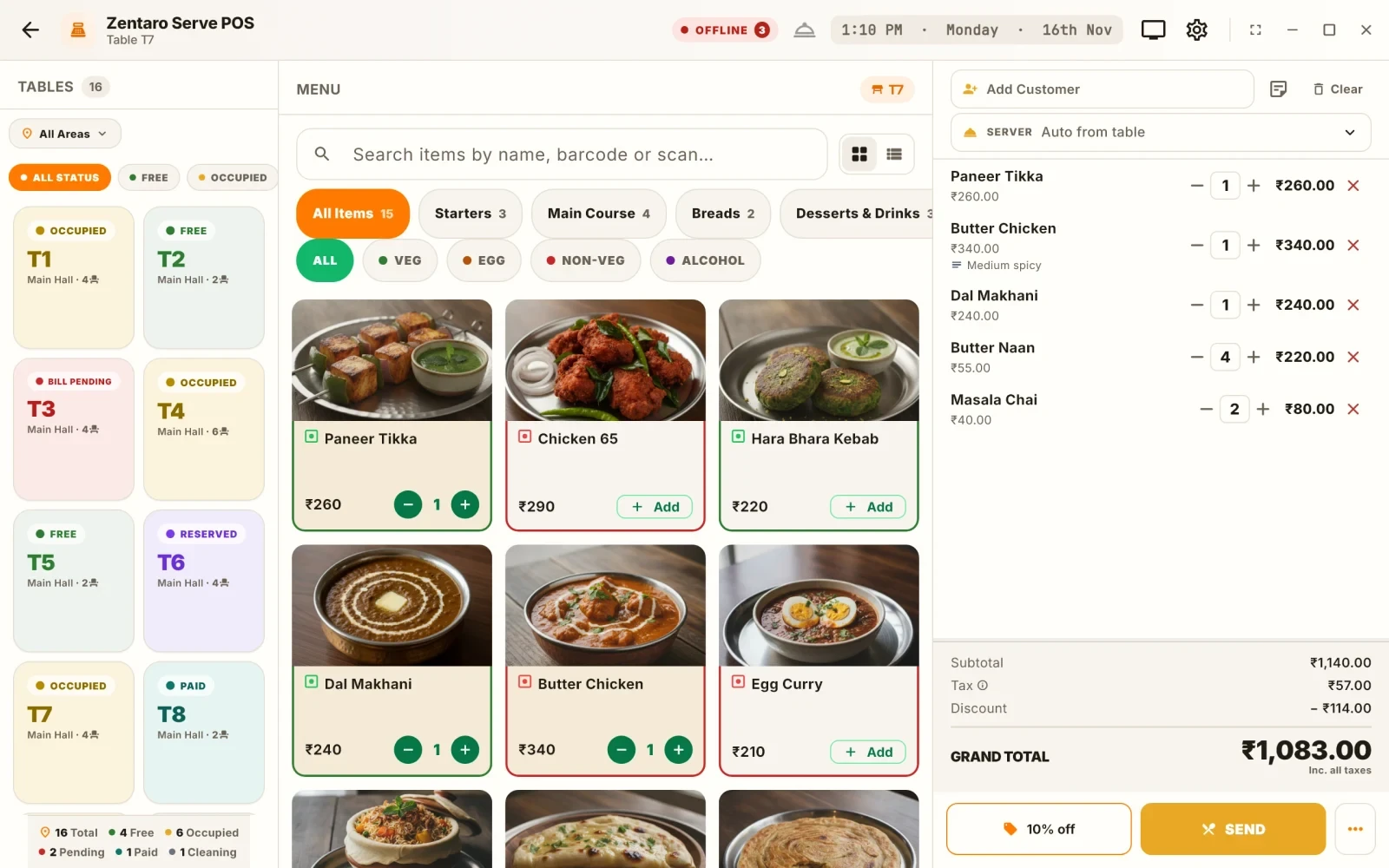
- Takes new orders and adds items to open tables.
- Prints kitchen order tickets and receipts on printers in the shop.
- Saves bills, with proper bill numbers, on the device.
- Sends everything to the cloud later, in order, with nothing lost or doubled. This is called sync.
A weak offline mode only lets you view the menu. That is not billing.
The five-step test (an example you can run today)
This is a test plan, not a result. Do it in a quiet hour with a demo or live system.
- Prepare. Open the till with the internet on. Open two tables with a few dishes each.
- Cut the line. Switch off the router and turn off mobile data on the till device. Wait one minute.
- Work as usual. Add items to a table. Open a new table. Send a kitchen ticket. Print it. Make a bill with a cash payment and another with UPI. Note whether anything is blocked or slow.
- Close a few bills and start the day close. See whether the report and the cash count still work on the device.
- Reconnect. Switch the router back on. Watch for the catch-up. Then check the cloud reports on another device. Are all bills there, once each, with the right numbers?
Write down every point where the system complained. Those are the points that will hurt you on a busy night.
What to look at in each step
| Step | Good sign | Warning sign |
|---|---|---|
| Opening tables | Works at once | Spinning wheel or error |
| KOT print offline | Prints in the kitchen | Nothing prints until the line is back |
| Bill numbers | Continue in order | Gaps or repeats |
| UPI | Records the payment, or shows a clear message | Hangs the bill |
| Day close | Works on the device | Blocked until online |
| Sync | All bills appear once | Missing or double bills |
Card and UPI payments need a bank link, so they may fail offline. That is not the software's fault. A good system should say so clearly and let you take cash or retry later.
Power cuts and mobile data backup
An internet fix is not a power fix. If the till, router and printer all lose power, nothing works. A small battery backup for the router and the till can carry a shop through a short cut.
For the internet itself, many shops keep a second link. A phone hotspot is a simple backup. A second broadband line from another provider is stronger. The software should switch over without your help, or at least keep working while you do it.
Questions to ask any vendor
A demo is easy when the line is up. Ask these questions out loud, and write down the answers.
- What exactly works offline: orders, printing, bills, day close, reports?
- How long can a device stay offline before it stops?
- Where is the local data kept, and is it safe if the device is lost?
- What happens if two devices take orders while offline? How are they joined later?
- Who can see the sync status, and how do I know when it is done?
If the answers are vague, treat that as an answer. A team that has built offline billing will explain it in plain words and let you test it.
Common mistakes
- Testing only with the line off for a few seconds. Leave it off for several minutes.
- Believing "works offline" without trying a printer.
- Forgetting that bill numbers must stay in order.
- Never checking after reconnecting. The sync is the part that fails quietly.
- Having only one device. If the one till fails, you have no backup.
A short checklist
- Does billing work with the router off?
- Do KOTs print in the kitchen?
- Do bill numbers stay in order?
- After reconnecting, are all bills in the cloud once?
- Is there a second internet link or hotspot?
- Is the router and till on a small battery backup?
Common questions
Can a cloud POS work without internet?
Some can. It depends on whether it stores a local copy and syncs later. Test it.
Will KOT printing work offline?
It can, if the printer is on your local network or cable and the software sends tickets locally. Check this in the test.
What happens to card and UPI when the line is down?
They need a bank connection, so they may fail. The system should show a clear message, and let you take cash or try again later.
Will my bill numbers go wrong?
A good system keeps numbers in order on the device and keeps them in order after sync. Look for gaps in the test.
How long can a till stay offline?
Ask the seller. Do not guess. Run the test for longer than your usual outage.
Is a mobile hotspot enough as a backup?
For a small shop, often yes. For a larger one, a second broadband line is steadier.
Where Zentaro Serve fits
With Zentaro Serve the till keeps billing when the internet drops, and it catches up when the line returns. Run the five-step test above on any system, ours included.
See how offline works