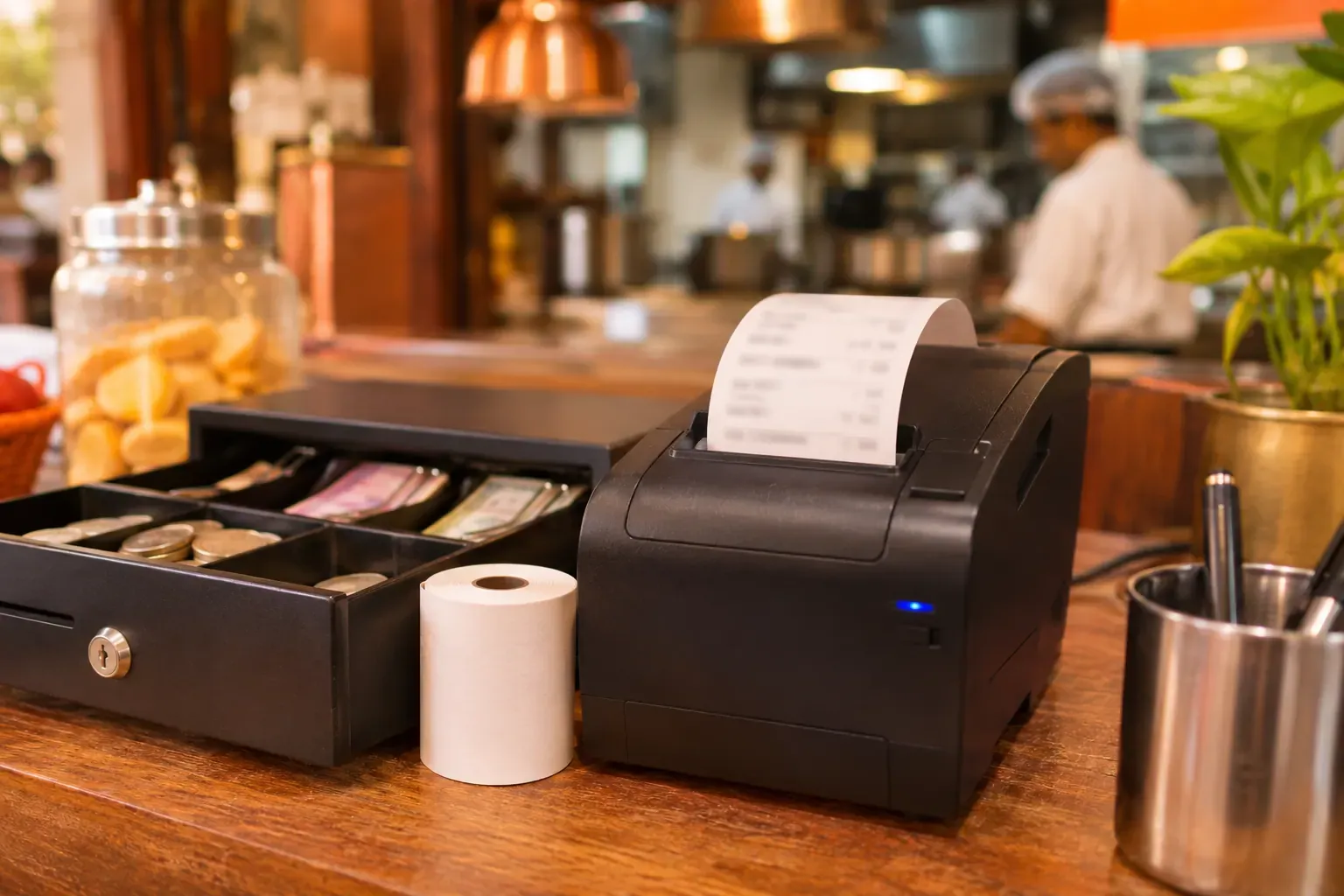
What a thermal printer is
A thermal printer has no ink or ribbon. It heats the paper, and the heat makes the print. This makes it quiet, fast and cheap to run. Many people call the whole unit a billing machine, but the printer is only one part. The till runs the billing. The printer only prints what the till sends.
You will use thermal printers for two jobs:
- Bill or receipt printer. It sits at the counter and prints the guest bill.
- KOT printer. It sits in the kitchen and prints the kitchen order ticket.
58mm vs 80mm
The number is the paper width. This is the first choice to make.
| Item | 58mm | 80mm |
|---|---|---|
| Looks like | A narrow slip | A wider slip |
| Good for | Small bills, tiny counters, mobile use | Full bills with several lines, KOTs |
| Item names | Short, they wrap | Longer, easier to read |
| Paper roll | Smaller, runs out sooner | Larger, lasts longer |
For a restaurant, 80mm is the safer choice. Bills have tax lines and long dish names. A KOT must be easy to read from a distance. A 58mm printer is fine for a small juice stall or a tea counter with a short menu.
LAN vs USB
This is how the printer connects to the till.
| Item | LAN (network cable) | USB |
|---|---|---|
| Set-up | Needs a cable and an address | Plug in at the till |
| Range | Anywhere on your network | At the till only |
| Risk | Steady, but needs the router to work | Printer must sit next to the till |
| Good for | A kitchen printer away from the till | One till, one printer |
A kitchen printer is best on LAN, because it sits far from the till and must not drop. A counter printer next to a single till can be USB.
Cash drawer kick
A cash drawer can open by itself when the printer sends a signal. This is called the drawer kick. Many receipt printers have a small socket for the drawer cable.
- Check that the printer has a drawer port.
- Check that your drawer uses the same kind of cable and signal.
- Test it. Print a bill and see if the drawer opens.
A drawer that opens only when a sale is made helps cash control. Ask the seller to prove it on the day.
Paper roll and print quality
Paper is a running cost. Buy the size your printer takes, and keep a spare roll at every printer.
- Check the roll width and the outer size. A roll that is too wide will jam.
- Good paper gives clear print that does not fade fast. Cheap paper can fade in a few months. If you must keep bills for tax records, think about this.
- Keep paper away from heat and sunlight. It can darken before you use it.
Example: a checklist at a 12-table cafe counter
This is an example, with made-up details. A cafe with 12 tables has one counter and a small kitchen. The owner runs this checklist before buying.
| Check | Answer | Result |
|---|---|---|
| Paper width | Bills have 6 to 10 lines | 80mm |
| Counter printer connection | One till next to the printer | USB |
| Kitchen printer connection | Kitchen is across the room | LAN |
| Drawer | Has a cash drawer | Printer with a drawer port |
| Test | Print a bill, a KOT and open the drawer | All three worked |
| Spare paper | Two rolls at each printer | Yes |
The owner bought two 80mm printers, one for the counter and one for the kitchen, and tested both before the opening day.
Test before you pay
Do not buy by the box alone. Ask for a test with your own till software.
- Print a full bill with tax lines.
- Print a KOT with a note, such as "no onion".
- Open the cash drawer.
- Pull the network cable. See what happens to the print queue.
- Print 20 bills in a row. Check for jams.
Common mistakes
- Buying 58mm to save money. Bills with many lines become hard to read.
- Putting the kitchen printer far from the router. The link may drop at the busiest hour.
- No spare roll. The paper runs out in the middle of the rush.
- Not checking the drawer port. The drawer then needs a manual key every time.
- Assuming any printer works with any software. Ask first.
A short checklist
- 80mm for bills and KOTs?
- LAN for the kitchen printer?
- A drawer port, if you use a cash drawer?
- A spare roll at each printer?
- A test on your own software before you buy?
Common questions
Which thermal printer is best for a small restaurant?
An 80mm printer is the safer choice. It prints longer dish names and tax lines clearly. Use one for bills and one for KOTs.
What is the difference between 58mm and 80mm?
It is the paper width. 58mm is narrow and fine for tiny menus. 80mm is wider and easier to read.
Should I use LAN or USB?
Use LAN for a kitchen printer, because it is steadier. USB is fine for one counter next to the till.
Does a thermal printer need ink?
No. It heats the paper, so you only buy paper rolls.
Can a printer open the cash drawer?
Many can. Check that the printer has a drawer port and that your drawer matches it.
Where Zentaro Serve fits
It prints KOTs and receipts on ESC/POS thermal printers, opens a cash drawer through the receipt printer and can run a customer screen. It works with most ESC/POS printers; ask us about your model.
Read the hardware guide