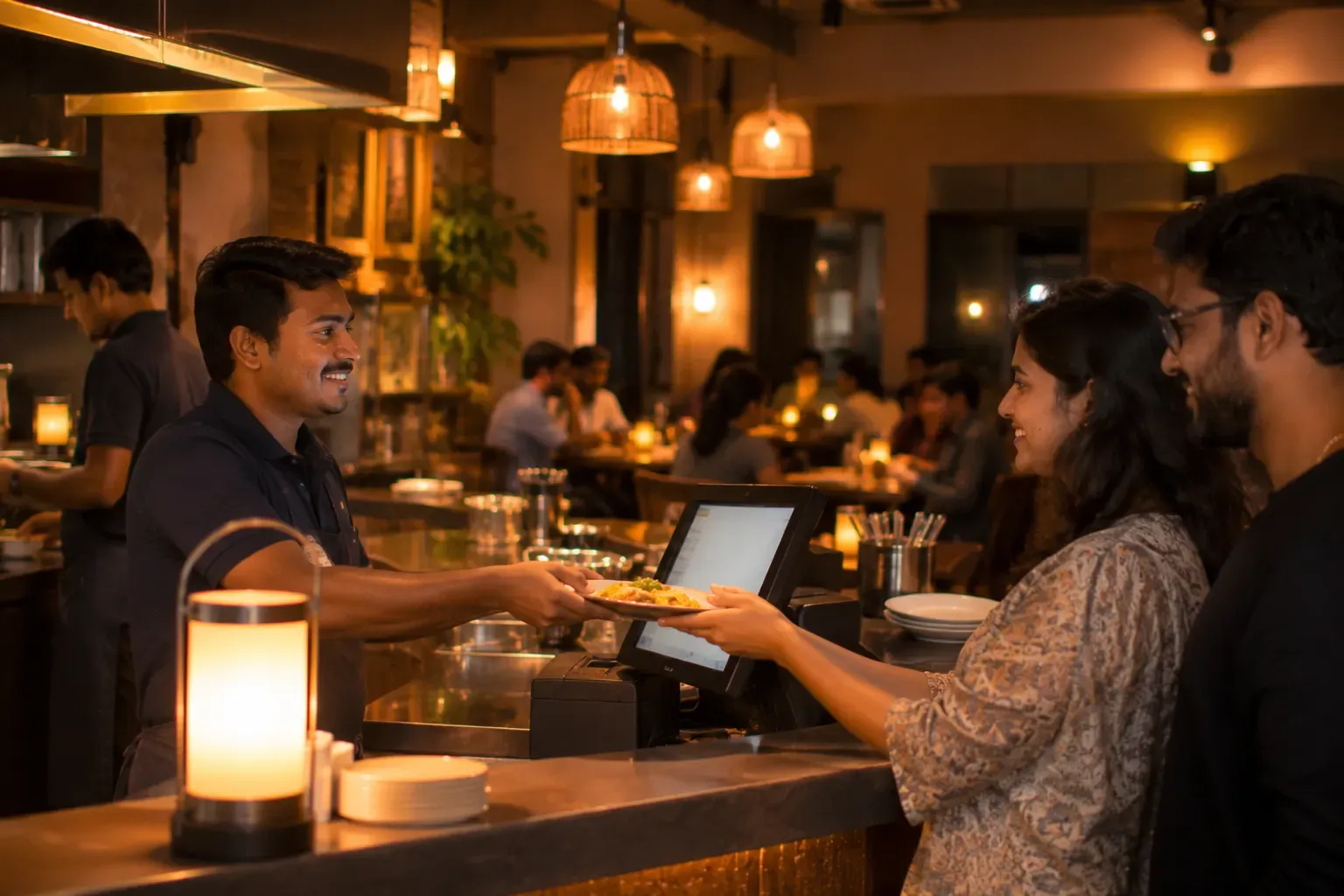
The offline-first path of one bill
None of this is rare, and none of it is your fault. How badly it hurts depends on one choice your billing software made long before you bought it. Does the software need the internet to create a bill, or does it not?
What a cloud-only system does when the line goes down
A cloud-only billing system is, at its heart, a screen connected to a server somewhere far away. Every order, every KOT, every bill is a request sent over the internet and an answer received back. When the connection is healthy, this feels smooth. When the connection dies, the system has nothing left to work with.
Here is how the evening usually unfolds. A waiter taps to print a bill and the screen shows a spinner. He waits, taps again, waits again. The cashier restarts the app, then the router, because that is what everyone tries first. Meanwhile the queue at the counter grows, and the kitchen stops receiving printed KOTs, so someone starts walking handwritten slips to the pass. Within fifteen minutes the restaurant has quietly switched to a notebook: orders scribbled on paper, totals worked out on a phone calculator, bills written by hand.
The real damage shows up the next morning. Someone has to sit with that notebook and rebuild the night inside the software. Which table ordered what? Which bills were settled in cash and which by UPI? Which items were cancelled? Memory fills the gaps, and memory is generous. Items get missed, discounts get misremembered, a few bills never get entered at all. Your sales report for the busiest night of the week is now partly fiction, and your invoice sequence has a hole in it that is awkward to explain later.
Offline-first, in plain language
An offline-first system starts from the opposite assumption: the internet is a convenience, not a requirement. The software is built so that everything the restaurant needs in the moment happens inside the restaurant.
- The terminal keeps its own database. Your menu, your prices, your open tables and running orders all live on the billing machine itself, not on a distant server. The machine does not need to ask anyone's permission to take an order.
- The bill is created on the device. This is the part most people miss. In a cloud-only system, even the invoice number comes from the server, so no server means no bill. In an offline-first system, the invoice number is minted right on the terminal, in sequence, and the bill prints exactly as it always does.
- Kitchen printers sit on your own network. The KOT does not go to a data centre and back to reach a printer ten metres away. It prints over the restaurant's local network whether or not the outside world is reachable.
- Everything syncs when the connection returns. The moment the internet is back, the terminal sends everything it recorded to the cloud, in order, in the background. Your reports catch up on their own. Nobody re-types anything.
On a night like the one described above, an offline-first restaurant simply does not notice. Orders go in, KOTs print in the kitchen, bills print with proper invoice numbers, and the day closes cleanly. The outage becomes a line in the router's log instead of a story the staff tell for weeks.
| During an outage | Cloud-only | Offline-first |
|---|---|---|
| Taking orders | Stops, or moves to paper | Continues normally |
| KOTs to the kitchen | Hand-carried slips | Printed over the local network |
| Printing bills | Not possible | Invoice numbers minted on-device |
| Next-day records | Reconstructed from a notebook | Already complete; syncs automatically |
The honest part: sync is genuinely hard
It would be dishonest to pretend offline-first is free of difficulty. The moment devices work independently and reconcile later, two problems appear, and how a vendor handles them tells you how serious their engineering is.
Duplicate submissions. Networks do not fail cleanly. A terminal may send a bill, lose the connection before the confirmation arrives, and send the same bill again after reconnecting. A naive server records it twice, and now your sales are inflated and a customer has two invoices. A well-built server recognises the repeat — every submission carries an identity, and if it has been seen before, the server returns the original result instead of creating a second bill. The terminal can retry as many times as it needs to, safely.
Conflicting edits. Sometimes two devices change the same thing while apart — the same order edited at the counter and adjusted in the back office, say. There is no algorithm that always knows which version the restaurant intended. The wrong answer is to merge them silently and hope. The right answer is to keep both versions, flag the conflict, and show it to a person who can decide in seconds. Conflicts should be rare, visible, and resolved by a human — never invisible.
Practical tip: put your billing terminal, kitchen printer and network switch on the same UPS as your router. Internet outages you cannot control, but a two-second power blip should never take down the local network your orders travel on. A basic UPS costs less than one evening of lost billing.
Questions to ask any billing vendor
You do not need to be an engineer to evaluate this. Ask these in the demo, and watch whether the answers are specific or vague.
- If the internet goes down mid-service, can I still print a bill with a proper invoice number? Where does that number come from?
- Do KOTs print over my local network, or do they go through your servers?
- When the connection returns, what happens if the same bill was sent twice? Show me.
- If two devices edited the same order while offline, what do I see afterwards?
- How long can the system run offline — an hour, a day, longer?
And then the one test that settles everything: ask the salesperson to unplug the router during the demo and take a full order, send the KOT, and print the bill. A system that is genuinely offline-first will not flinch. A system that only claims to be offline-first will show you a spinner. It is far better to see that spinner in a demo than on a Saturday night with a full house.
Built to keep billing when the internet does not
Zentaro Serve is offline-first by design. The money path runs on the terminal's own database. Invoice numbers are made on the device, so checkout never waits on the network. Kitchen tickets keep printing on your restaurant's local network. When the connection returns, everything syncs by itself, and kitchen screens catch up. The server rejects duplicate submissions. Real conflicts are shown to your team, not silently merged. Failed prints queue and retry on their own. Ask us for a walkthrough and test it on your own network with the router unplugged.
Talk to us