The journey of one KOT
The printer question, properly
Restaurant printing is thermal printing, and thermal printers speak a shared dialect that has barely changed in twenty years. What matters is not the brand on the plastic — it's the connection. Network (LAN) printers are the reliable workhorses of a busy kitchen: each station's printer has an address on your restaurant's network, and tickets are routed to that address. Zentaro Serve prints to network thermal printers. It sends each KOT to the station you mapped, so tandoor tickets go to the tandoor printer and bar tickets go to the bar. A printer that is busy or briefly offline still gets its ticket, because failed prints wait in a retry queue.
That retry queue deserves a sentence of respect. The real hardware failure in restaurants isn't the printer dying — it's the ticket that vanished because the printer was out of paper for forty seconds during the rush. A print queue that retries until the printer confirms turns "the tandoor never got table 12" from a nightly mystery into a solved problem.
What each station actually needs
| Station | Hardware | What the platform does with it |
|---|---|---|
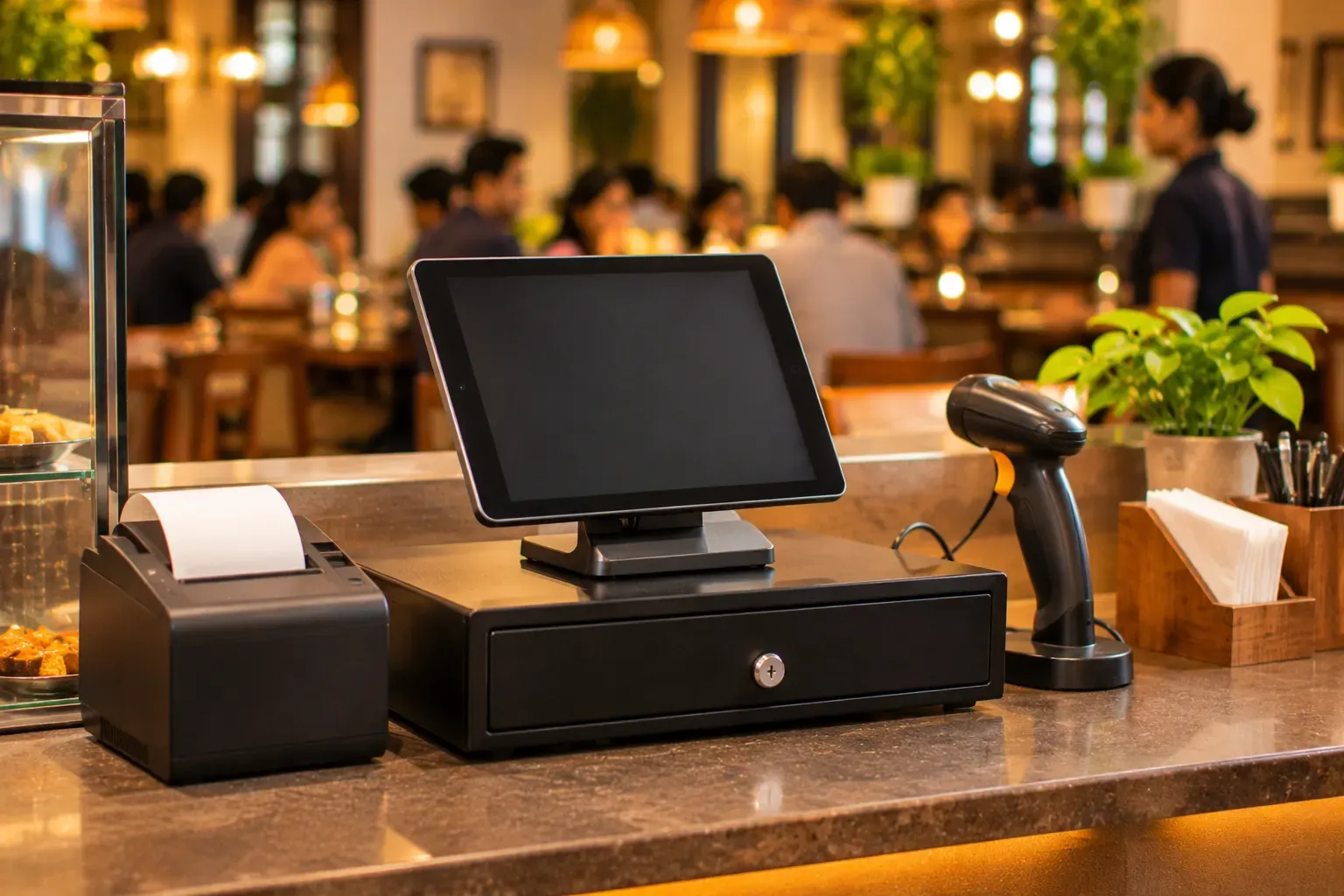
| Billing counter | A Windows machine + thermal printer + cash drawer | POS billing, receipt printing, drawer kick on settlement, drawer counts at day-end |
| Each kitchen station | A network thermal printer — or a kitchen display screen | KOTs routed by station; the display version adds live status, 86'd items and refire tracking |
| The pass / expo | A kitchen display screen | Every ticket's state in one place — what's fired, what's ready, what's late |
Note what's not on the list: special tablets, proprietary terminals, or hardware you can only buy from your software vendor. The POS runs on ordinary Windows or Linux computers, and on Android and iOS devices — the kind the local shop sells and repairs.
Questions to ask any vendor — including us
"What happens to a KOT if the printer goes offline?" If the answer is vague, that ticket will go missing on a Saturday.
"Does printing work when the internet is down?" Your printers are on your local network; the internet is not involved in the journey from terminal to tandoor. Any system that routes tickets through the cloud has added a point of failure between your counter and your kitchen. (Zentaro Serve prints over the local network — it's part of why service survives an outage.)
"Can I add a station later without an engineer visit?" Adding a printer should be: plug it into the network, map it to a station in settings, done.
The honest boundary: integrated card machines (EDC) are not part of Zentaro Serve today. It works with most ESC/POS printers; ask us about your model. If something here is a must-have on day one, we would rather tell you here than after a demo. UPI payments need no extra hardware at all: the QR does the work.
Hardware anxiety is really continuity anxiety — "will my restaurant keep running?" Ask the four questions above of anyone selling you software, and the answer becomes obvious before any money moves.