The three ideas in plain words
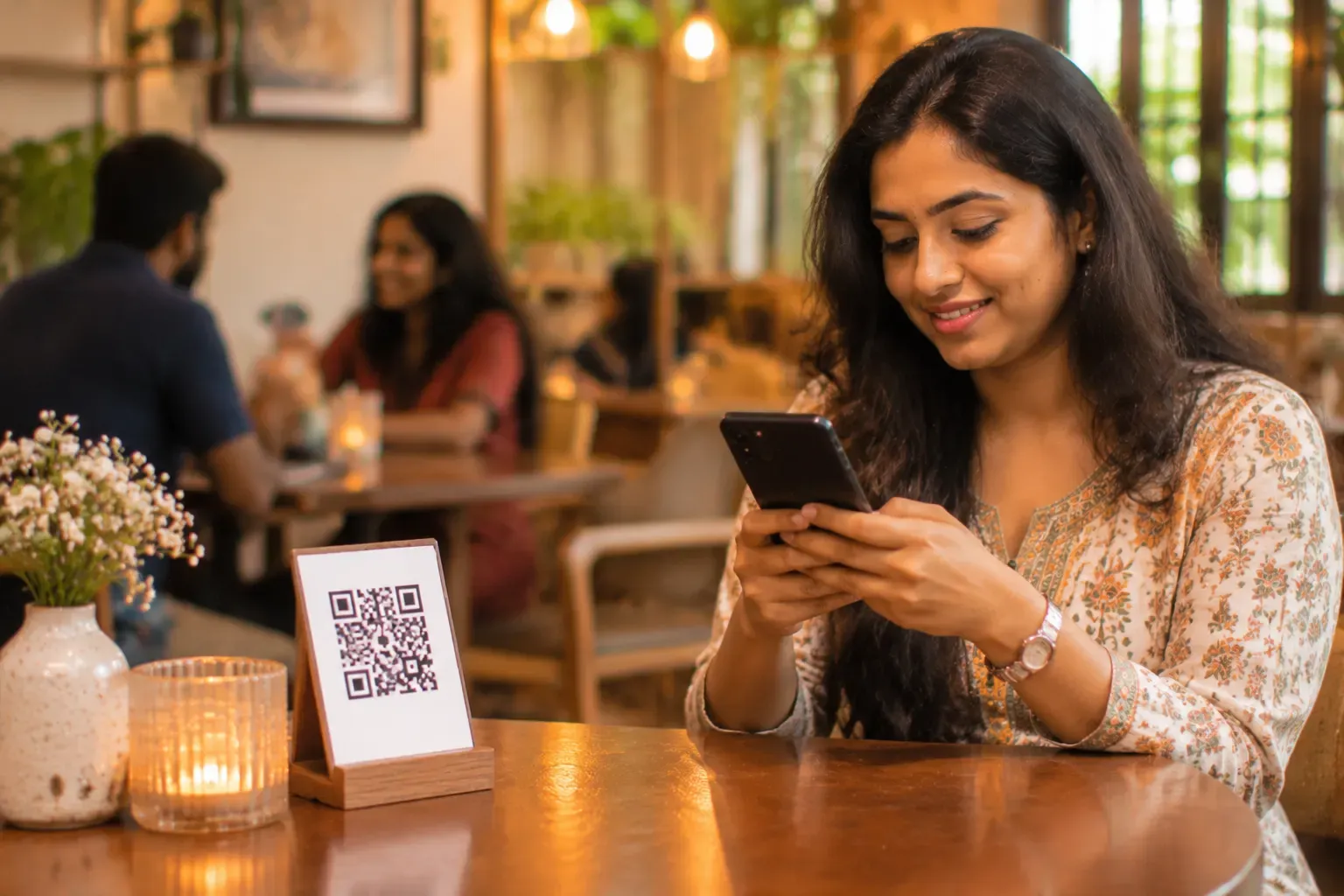
QR menu. A printed code on a table, a stand or the wall. The guest scans it and sees your menu. The code opens a link. That link may open a PDF, a web page, or an ordering screen. A QR menu says nothing about what happens next.
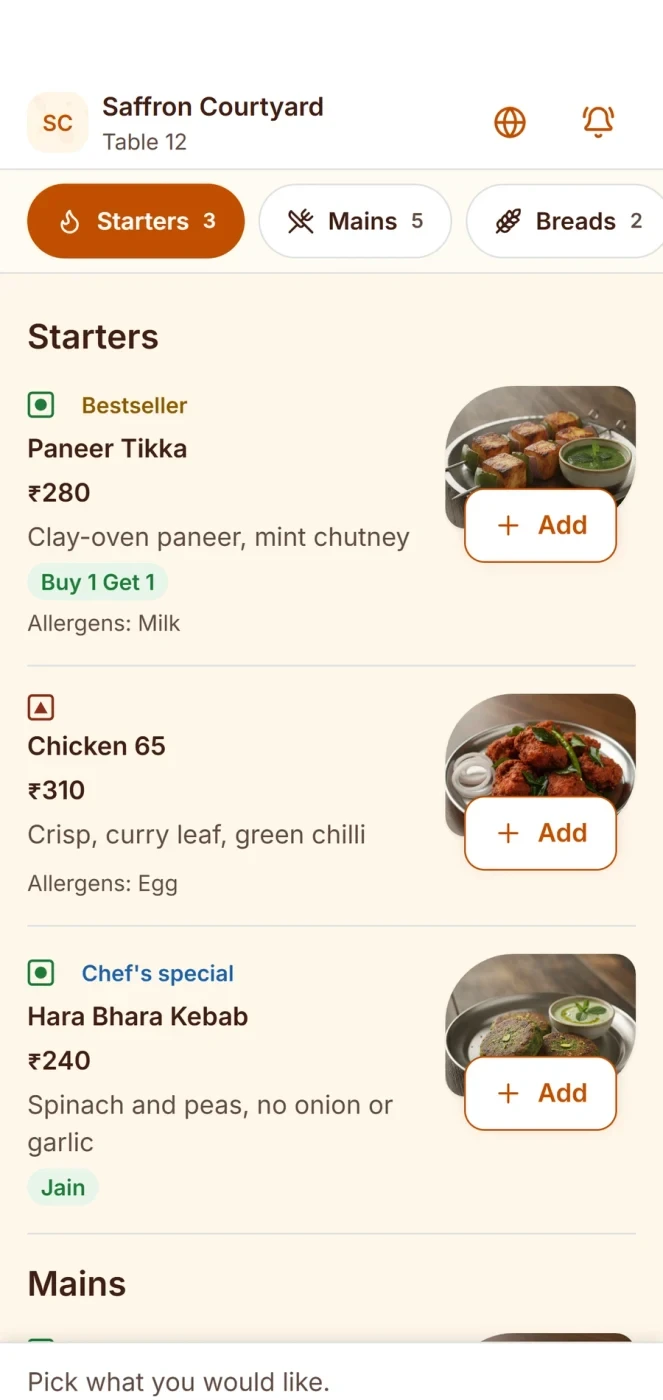
Digital menu. The menu shown on a phone, tablet or screen, as a page with sections, photos and prices. It can be changed at any time. It replaces the paper menu and the printing cost.
Table QR ordering, or scan to order. The guest scans a code that knows which table they sit at. They choose dishes on their phone, and the order goes to your till and kitchen. Some places also let the guest pay.
The words overlap. The code is the doorway. The menu is the room. The ordering is what can happen inside.
Three set-ups for one cafe
This is an example with made-up details. A 24-seat cafe wants to stop printing menus.
Set-up 1: a link only. The owner makes a PDF menu and a QR code that opens it. It takes an afternoon. Guests scan, read, and wave for a waiter. Updating a price means editing the PDF and uploading it. PDF menus are slow on weak phones and hard to read when zoomed.
Set-up 2: a menu page. The owner builds a mobile menu page with sections, photos and prices, and a QR code to it. Changes are quick. Guests read comfortably. Orders are still taken by the waiter.
Set-up 3: scan and order. Each table has its own code. A guest scans, picks dishes, and sends the order. The kitchen gets a ticket. The waiter brings the food. A QR code on the bill can also take payment.
| Item | Link only | Menu page | Scan and order |
|---|---|---|---|
| Replaces paper menu | Yes | Yes | Yes |
| Easy to update | Hard | Easy | Easy |
| Looks good on a phone | Often poor | Good | Good |
| Orders reach the kitchen | No | No | Yes |
| Staff time saved | Little | Little | Most |
| Setup effort | Low | Medium | Higher |
| Risk | Slow PDF, old prices | Guests still wait for a waiter | Needs rules for how orders are approved |
Which one to start with
Pick what fits your place and your guests.
- A small bakery with a counter may do fine with a menu page. Guests walk up and order.
- A cafe with waiters may start with a menu page, then add ordering once it is comfortable.
- A busy restaurant with long waits for the waiter may gain most from scan and order.
- A fine-dining place may want a menu page only, because guests there expect a waiter's attention.
Think about your guests. Some older guests prefer a waiter. A mix is common: a QR menu on the table, and a waiter always available.
Things to get right in any set-up
- Make the menu fast. Photos should be small. A slow page loses guests.
- Use clear names and prices. Show whether the price includes tax.
- Keep it current. An out-of-stock dish should be hidden or marked.
- Print the code well. Large, on a clean, flat surface, away from glare. Test it on several phones.
- Offer a paper or waiter option. Some guests do not want to scan.
- Protect the code. A table code stuck on a table is public. If you take orders by scan, decide how you stop a prank order.
For scan to order, also decide how an order reaches the kitchen. Some places send it straight away. Others let a waiter confirm it first. Our table QR ordering page explains one way to do it.
What to measure after you start
After a month, look at three things. How many guests scanned the code? How many orders came by scan rather than by waiter? How often did guests still call a waiter for help? These show whether the menu is clear. A menu that people scan but do not order from may have slow pages, missing photos or unclear prices.
Ask your waiters as well. They hear first what guests find hard. Fix the small things first, such as a dish name that no one understands or a section that is hard to find.
Common mistakes
- Using a PDF menu and calling it a digital menu.
- A QR code that is too small, or printed on a shiny surface.
- Forgetting to update prices.
- Starting scan to order with no plan for who confirms orders.
- Taking away the waiter completely, then losing guests who do not like it.
- Not testing on a cheap phone.
A short checklist
- Does the code open quickly on a weak phone?
- Is the menu easy to read and up to date?
- Is the code large and tested?
- Is there a way for guests who do not want to scan?
- Do I know how orders will reach the kitchen?
- Is there a plan for the first busy night?
Common questions
Is a QR menu the same as a digital menu?
No. The QR code is the doorway. The digital menu is what opens behind it.
What is table QR ordering?
A guest scans a code at the table, picks dishes, and sends the order to the kitchen.
Is a PDF menu good enough?
It works at first, but it is slow on weak phones and hard to update. A menu page is better.
Do I need a QR code on every table?
For scan to order, yes, so the order knows the table. For a plain menu, one code per table is still handy.
Can guests pay by scanning?
Some systems allow it. Ask the vendor how payment works and how it shows on the bill.
Will guests still want waiters?
Many will. Keep waiters available, and let the QR menu be an option.
Where Zentaro Serve fits
With Zentaro Serve, a guest scans the table code, your menu opens on their phone, and you choose how each order reaches the kitchen.
See table QR ordering