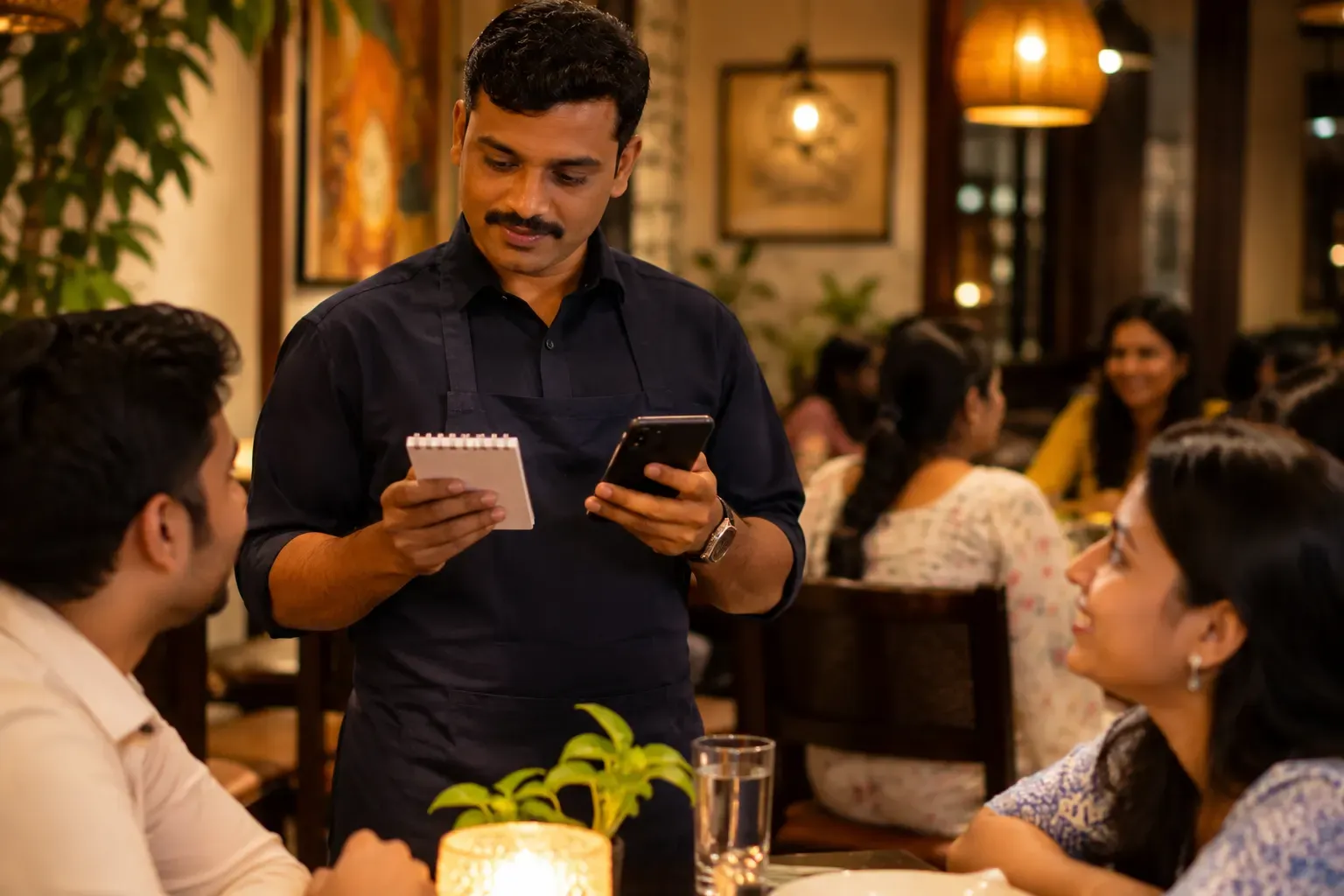
The two ways, side by side
Paper order pad. The waiter writes the order, tears off a copy and carries it to the kitchen. A second copy goes to the cashier. It is cheap, and it needs no signal or charging.
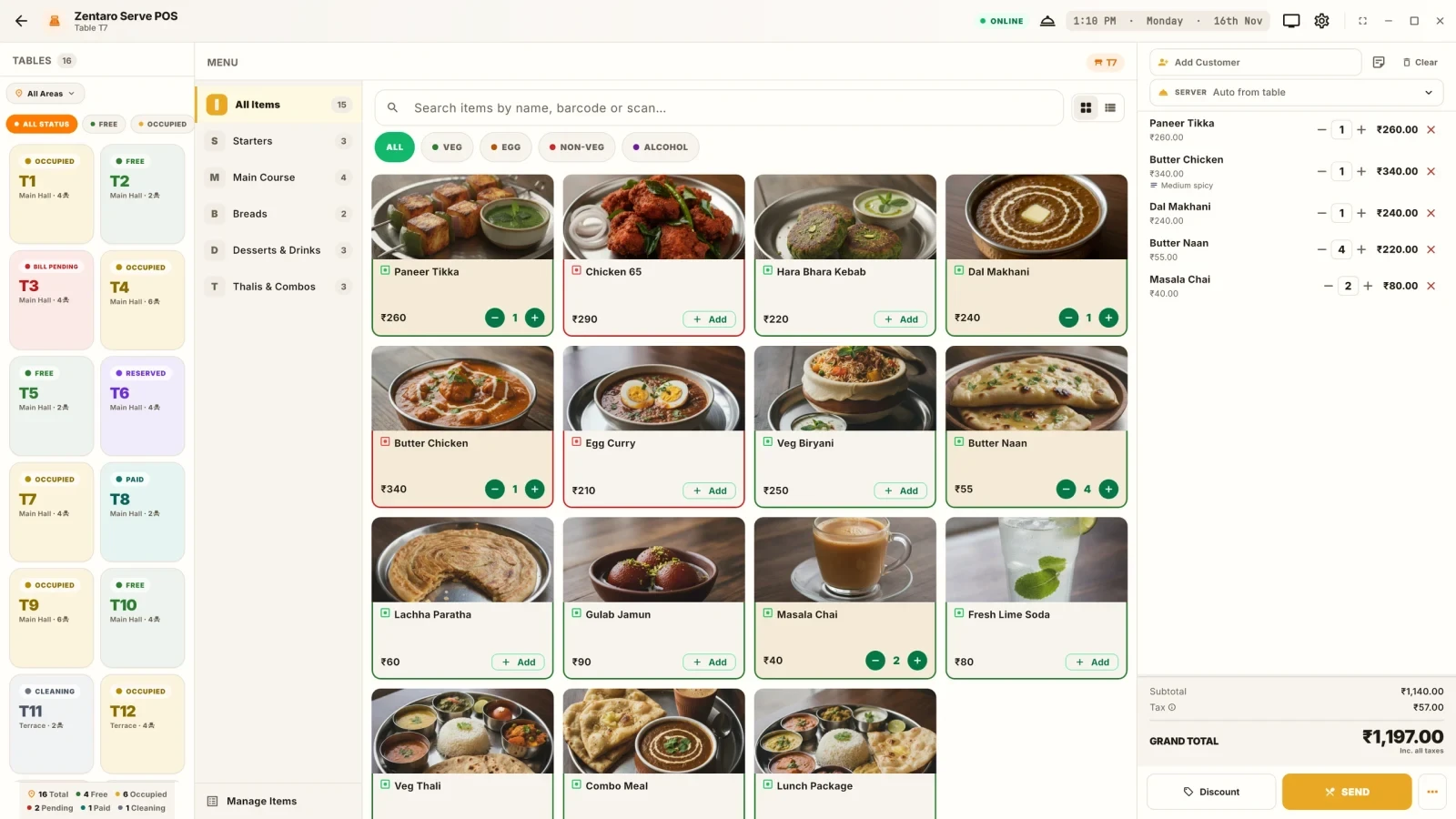
Captain app. The captain or waiter enters the order on a phone or tablet at the table. The kitchen order ticket, or KOT, prints or shows in the kitchen at once. The same order sits in the bill. A waiter app is another name for the same idea. If you want more on tickets, read what a KOT is.
Where each one is strong
| Point | Paper pad | Captain app |
|---|---|---|
| Cost to start | Very low | Needs devices and software |
| Training | Almost none | An hour or two per person |
| Speed to kitchen | The waiter must walk | Ticket appears at once |
| Handwriting | Can be unclear | Always clear |
| Changes and notes | Written in the margin | Typed on the line |
| Record of orders | Paper copies only | Saved and searchable |
| Menu changes | Reprint or tell everyone | Update once |
| Weak signal | No issue | Depends on the system |
| Battery | Not needed | Must be charged |
Where errors come from
Errors are the real reason to switch, so look at where yours come from.
- Unreadable writing. The cook guesses "paneer" or "panner" or "pakora".
- Missed notes. "No onion" is squeezed in the margin and not seen.
- Lost slips. A slip falls on the floor, and the table waits.
- Wrong table. A waiter writes 7 and the cook reads 1.
- Late orders. The waiter holds slips to take to the kitchen together.
- Missing billing. The order never reaches the cashier, and the guest is not billed.
An app removes some of these, such as handwriting, delay and lost slips. It adds others: a wrong tap, a wrong table, a flat battery. Training and a clean menu setup matter.
The weak signal question
An order-taking app needs to reach the till or kitchen. Some systems use the internet. Some use your shop's local network. The two behave differently when the signal is weak.
Ask the vendor:
- What happens if the internet drops while the captain is taking an order?
- Does the order still reach the kitchen printer?
- If the app holds the order, how and when is it sent?
- What happens if a phone loses power mid-order?
A good test is to switch off the internet in your shop and take a few orders. See how to test billing without internet for a method. Keep paper pads as a backup for the first few weeks.
Example: a 20-table lunch rush
This is an example with made-up details. A restaurant has 20 tables, 4 waiters and a kitchen with two stations. Between 1 pm and 2 pm, about 45 tables are served.
With paper pads. Each waiter writes about 11 orders. A few handwriting issues cause the tandoor cook to ask twice. One slip falls under a table and a guest waits 15 minutes. Two orders are never entered by the cashier and are caught only at the day close. Waiters walk to the kitchen and back many times.
With a captain app. Each waiter taps orders at the table. Tickets reach each station at once, with the table, notes and time. The waiter spends less time walking. The risks are a wrong table tap on two orders and a phone that runs low on battery. Both are fixed with a quick check and a charging point.
| Risk | Paper | App |
|---|---|---|
| Unclear writing | Medium | Low |
| Lost slip | Medium | Low |
| Wrong table | Low to medium | Low to medium |
| Missed order at billing | Medium | Low |
| Flat battery | None | Medium |
| No signal | None | Depends on the system |
| Walking time | High | Low |
Both ways can work. The app wins on speed and records, the pad wins on simplicity and independence.
A middle path
Many places do not switch overnight. They start with an app for some tables, or for one shift. Or they use the app only on weekends. Or they keep paper pads as a backup in a drawer. Try it for two weeks, count your errors before and after, and then decide.
Training that makes the difference
The app is only as good as the person using it. A short, hands-on session works better than a long talk.
- Show the order flow once: pick the table, add dishes, add a note, send.
- Let each waiter place five practice orders on a test table.
- Teach how to fix a mistake: how to add a dish, cancel one, or move a table.
- Show what the kitchen sees, so waiters write notes in a way that cooks can read.
- Run a quiet shift with the app and the paper pad side by side.
Pick one confident waiter as the helper. New staff learn faster from a colleague than from a manual.
Common mistakes
- Buying devices before testing the signal in the dining hall.
- Not training waiters on the menu setup.
- No charging point.
- Ripping out the paper backup too early.
- A menu with 300 items and no categories, so the app is slow to use.
- Skipping the kitchen printer test.
A short checklist
- Which errors do I see today, and how often?
- Have I tested signal at every table?
- Can the kitchen see tickets at once?
- Is there a charging point and a backup?
- Are waiters trained?
- Will I count errors before and after?
Common questions
Is a captain app better than paper?
It is faster and clearer in a busy room. It needs devices and training. A small place with a short menu may be fine with paper.
What is a captain in a restaurant?
A captain is a senior waiter who takes orders and looks after a section of tables.
What if the signal is weak?
Ask the vendor how the app behaves. Test it in your hall, and keep paper as a backup at first.
Does a captain app replace the KOT?
No. It creates the KOT. The ticket still goes to the kitchen, by printer or screen.
How long does staff training take?
Often an hour or two per person, plus a few shifts of practice.
Can I use both together?
Yes. Many places use an app on most tables and a paper pad as a backup.
Where Zentaro Serve fits
One POS app for the till and for captains. Captains take orders on a phone or tablet, and each staff member sees only what their access allows (staff access control). The captain signs in on the POS app, opens the table and sends the order, and the kitchen ticket is made at once. Take orders on any device: Android and iOS phones and tablets, Windows and Linux computers. Zentaro Serve launches in 2027. The till keeps working when the internet drops.
See order taking at the table