What a running table means
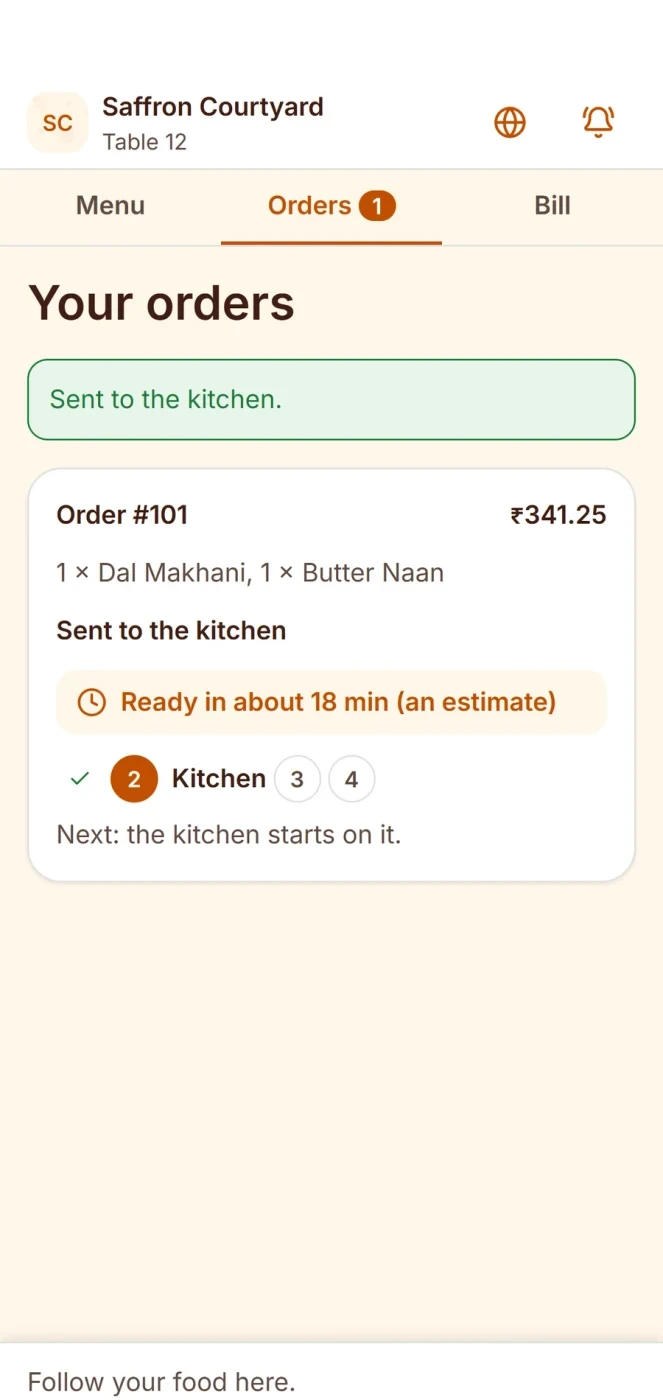
When a guest sits and orders, the table opens an order. The order stays open while the guests eat. They may order a drink, then a starter, then a main course, then dessert. All of it goes on one open order. The bill comes at the end.
A table with an open order is a running table. Some people also call it a table with a running bill. The point is the same: you bill later, not at each step.
Why you want it
- Guests can order in rounds without a new bill each time.
- The waiter can see what each table has ordered so far.
- You are less likely to lose an item between rounds.
- The final bill is one clean total.
Adding items
Guests often add dishes after the first order. Do it like this:
- Open the table's order.
- Add the new items to the open order.
- Send only the new items to the kitchen. The kitchen should get a fresh KOT with just those lines.
- Do not print the whole order again. A full reprint makes the cook prepare everything twice.
Read more about this in our guide to the KOT.
Table transfer
A table transfer moves the open order from one table to another. Guests ask to move for many reasons: a draft, a noisy spot, or a larger group arriving.
A good table transfer keeps three things:
- All items already ordered, with their times.
- The KOTs already sent, so the kitchen is not confused.
- The running total.
After a transfer, the old table must show as free. The new table must show as busy. If the old table still shows busy, staff will not seat a new party there.
Merge tables
You merge tables when guests who sat apart now want one bill, or when a group pushes two tables together. The two open orders become one.
Be careful with a merge:
- Check the items from both tables before you merge them.
- Tell the kitchen if the food should come together.
- After the merge, only one table number should hold the order.
- Decide what happens to the second table. It should become free again.
Example: table 4 grows from 2 to 6
This is an example, with made-up dishes. Two guests sit at table 4 and order two soups. Later, four friends arrive and the party grows to six. Here is how the order moves.
| Step | What happens | Result |
|---|---|---|
| 1 | Table 4 orders 2 soups | Open order, KOT 31 to the kitchen |
| 2 | Two more tables are needed, so table 5 is pushed next to it | Table 5 gets its own order of 4 drinks |
| 3 | The waiter merges table 5 into table 4 | One open order, table 5 free again |
| 4 | The party adds 6 main courses | New KOT 34 with only the main courses |
| 5 | The party asks for the bill | One bill for the full table |
The waiter did not retype anything. The soups stayed on the order. The drinks joined it. The kitchen got two clean KOTs, not a huge repeat.
Bill later, and split when asked
An open order is billed when the guests ask. Before you print, check the total. If the party wants to split the bill, do that at this point. Our article on how to split a restaurant bill shows how.
Common mistakes
- Merging without checking. An item from the wrong table lands on the bill.
- Reprinting the whole order. The kitchen cooks the same dishes again.
- Leaving the old table busy after a transfer. Staff think it is still taken.
- Billing too early. Printing the bill before the last order forces a reopen.
- Forgetting an open order at the end of the night. Check for open orders before you close.
A short checklist
- Does every new dish go to the kitchen as a new KOT with only the new items?
- Is the old table free after a transfer or a merge?
- Do you check the items before you merge?
- Do you look for open orders before day close?
Common questions
What is a running table?
It is a table with an open order that is not yet billed. Guests can add items, and you print the bill at the end.
What is a table transfer?
It moves the open order from one table to another, with its items and KOTs. The old table becomes free.
How do I merge two tables?
Check the items on both orders, merge them into one open order, and free the second table. Then tell the kitchen if the food should come together.
Do I print the full order again when guests add an item?
No. Send only the new items to the kitchen on a new KOT.
Why check for open orders at day close?
An open order that nobody billed is missing revenue. Check for them before you close the day.