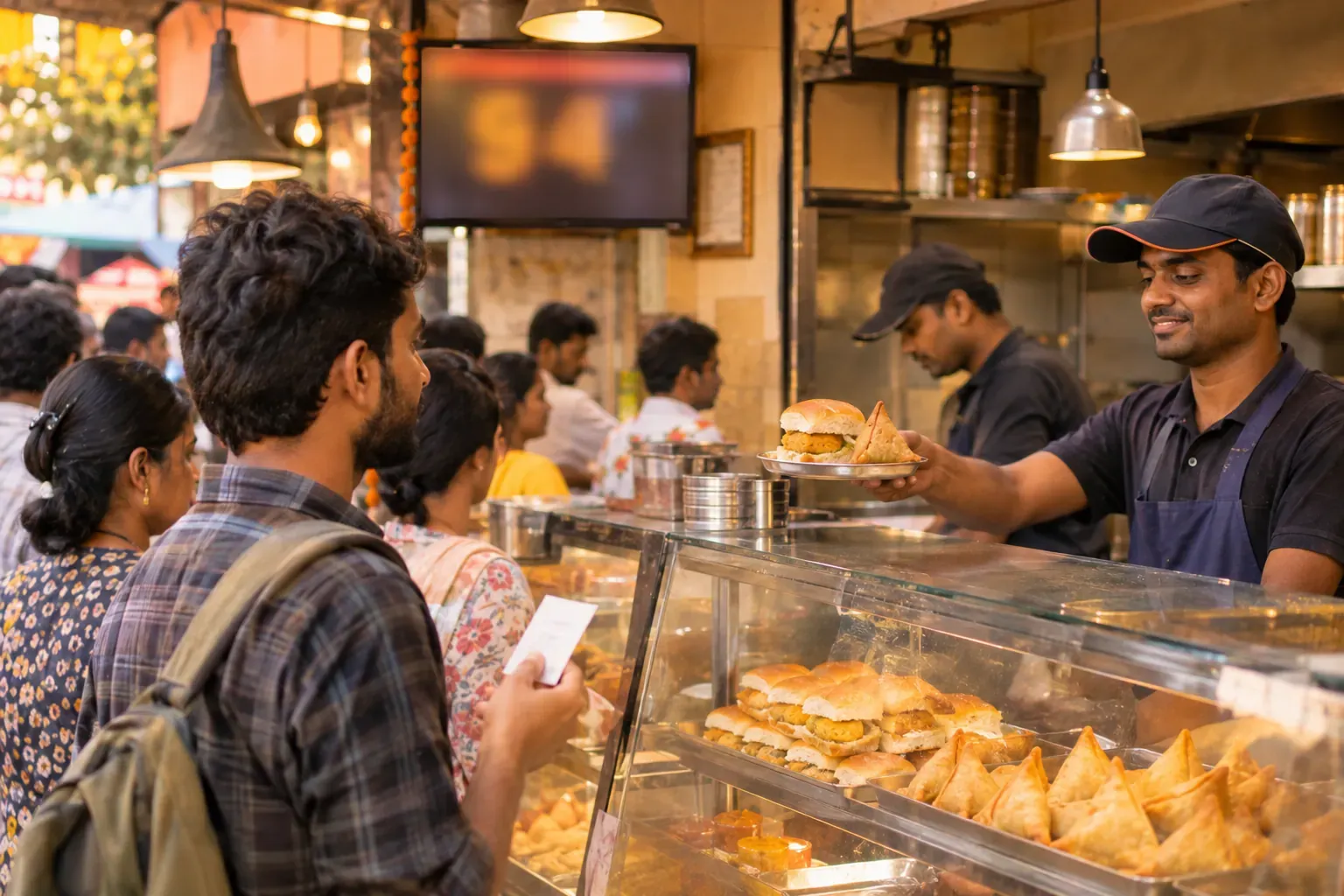
Why a counter needs tokens
At a counter there is no table number. Guests stand, pay and wait. Without a token, the staff say "who ordered the samosa?" again and again. Orders get mixed up, and the line grows.
A token fixes three things:
- Each order has one number that the guest and the kitchen both see.
- The kitchen cooks in a fair order, first in, first out.
- The guest can wait anywhere, so the queue at the till stays short.
How the flow works
This is the usual flow in a quick service restaurant (QSR) or a snack counter.
- The cashier takes the order and does the counter billing.
- The system gives the next token number and prints it on the bill or on a small slip.
- A kitchen ticket with the same number goes to the cook.
- The cook packs the order and marks it ready.
- The number shows on the order ready board, or the staff call it out.
- The guest shows the token and takes the food.
The token number must be on three things: the bill, the kitchen ticket and the packed bag. If one of them has no number, mix-ups return.
Example: a tea and snack counter
This is an example, with made-up numbers. A tea and snack counter runs tokens from 1 to 99. When token 99 is done, the count goes back to 1 the next morning, or after a set number.
| Token | Order | Type | Status |
|---|---|---|---|
| 41 | 2 tea, 1 samosa | Eat here | Ready |
| 42 | 4 vada pav | Parcel | Cooking |
| 43 | 1 coffee | Eat here | Waiting |
| 44 | 6 samosa, 3 tea | Parcel | Waiting |
The cook sees 42, 43 and 44 and works in that order. The board shows 41 as ready. The guest with token 41 walks up and takes the tea. Nobody has to ask who ordered what.
Notice one thing. Token 43 is a single coffee and it is quick. Some counters let a very small order go first. Decide this rule once, and tell all staff, so a guest does not feel cheated.
Choosing the token range
The range depends on how busy you are. A small counter can use 1 to 99 and restart. A very busy counter can use 1 to 999. Use these simple rules:
- The range must be longer than the number of orders waiting at one time.
- Restart the count every day, so the number stays short and easy to call.
- Never give the same number to two live orders. If the count loops, check that the old token is already served.
Parcel and eat-here orders
Many counters serve both. A parcel order needs a packing check. A guest who eats here may need a tray.
- Mark the order type on the ticket, for example "Parcel" or "Eat here".
- Use one token series for both, so the line is fair.
- Tell the cook which orders need a bag. This avoids a rush at the end.
Showing the number
There are three common ways to show that an order is ready.
| Method | Good for | Weak point |
|---|---|---|
| Calling out | A very small counter | Noisy places, missed calls |
| Whiteboard with the numbers | A small counter with one cook | Staff must keep it updated |
| A screen or order ready board | A busy counter with a queue | Needs a screen and a steady power supply |
A screen is the most reliable on a busy day. A board that updates by itself will not be forgotten at lunch time.
Common mistakes
- Giving tokens before payment. A guest takes a token, then leaves. The kitchen cooks food for nobody. Take payment first, or mark pay-later orders clearly.
- Calling the same number twice. The guest hears it, comes up, and the order is already gone. Mark a token as served as soon as the food is handed over.
- No number on the bag. A parcel without a number is easy to pick up by mistake.
- Letting guests skip the queue. If one guest is served first, others notice. Have a clear rule.
A short token checklist
- Does every bill show the token number?
- Does the kitchen ticket carry the same number?
- Is the order type on the ticket?
- Is there a clear way to show that an order is ready?
- Does the count restart each day?
Common questions
How does a token system work?
The cashier takes the order and gives a token number. The kitchen cooks in token order. The guest comes back when the number is called or shown.
Do I need a screen for a token system?
Not always. A small counter can call numbers out. A busy counter works better with an order ready board.
Should I give the token before or after payment?
After payment is safer. If you give tokens before payment, you may cook food that nobody collects.
How many tokens should I use?
Use a range longer than the orders that wait at one time. Many counters use 1 to 99 and restart each day.
Can I use tokens for parcel orders?
Yes. Mark the order type on the ticket, and write the token on the bag.
Where Zentaro Serve fits
Zentaro Serve bills dine-in, counter, takeaway and delivery orders, and shows each ticket on a kitchen screen where cooks mark dishes ready. Ask us how it would run on your counter.
See QSR software