Why the order type matters
Guests order the same dish in three ways. They sit and eat. They take a parcel. Or they ask for delivery. The food is the same, but the work and the cost are not.
If you bill all three the same way, you lose track of three things:
- The packing cost of every parcel.
- The extra effort of delivery.
- Which type of order earns the most.
An order type on every bill fixes this. It also tells the kitchen how to pack the food.
What changes with each type
| Item | Dine-in | Parcel | Delivery |
|---|---|---|---|
| Table number | Yes | No | No |
| Packing charge | No | Often yes | Often yes |
| Tip or service line | Optional only, added when the guest agrees. Consumer rules bar adding a service charge by default. | No | No |
| Address and phone | Not needed | Phone helps | Required |
| Kitchen ticket shows | Table | Parcel and a name or token | Delivery and an address |
| Payment | At the table or the counter | At the counter | At the door or online |
Your own rules may differ. For example, some restaurants do not charge for packing on small orders. Write your rule down and apply it every time.
Packing charge on parcel only
A packing charge covers the box, the bag and the labour of packing. It should be a clear line on the bill, not hidden in the dish price.
- Charge it on parcel and delivery orders, not on dine-in.
- Show it as its own line so the guest sees it.
- Ask your accountant how tax applies to a packing charge on your bill. The rule can depend on your setup.
Example: one menu, three order types
This is an example, with made-up prices. A small cafe sells a paneer sandwich for 120 and a cold coffee for 90. The packing charge is 10 for a parcel.
| Item | Dine-in | Parcel | Delivery |
|---|---|---|---|
| Paneer sandwich | 120 | 120 | 120 |
| Cold coffee | 90 | 90 | 90 |
| Packing charge | 0 | 10 | 10 |
| Delivery charge | 0 | 0 | 30 |
| Before tax | 210 | 220 | 250 |
The dishes are the same on all three bills. Only the extra lines change. The kitchen ticket for the parcel says "Parcel" and has a name. The one for delivery has an address. The dine-in ticket shows the table.
Send the right KOT
The kitchen needs to know how to finish the food. A parcel needs a box. A delivery needs sealed packing. A dine-in dish goes on a plate.
- Put the order type on every KOT, in plain words.
- For parcel and delivery, add a name or token so staff can find the bag.
- For delivery, keep the address and phone on the ticket for the rider.
Report by type
A report by type shows how much you sold on each channel. Check it every week. It answers questions like these:
- Is parcel growing while dine-in falls?
- Does delivery bring enough margin after the packing and rider cost?
- Which hours are busiest for parcel?
You cannot get this report if the order type is blank. That is why the setting matters so much.
Common mistakes
- Leaving the order type blank. Reports then lump everything together.
- Adding a service charge or tip line to a parcel bill. The guest was never served at a table, and a service charge cannot be added by default under the CCPA guidelines. Check the current position for your case.
- Hiding the packing cost inside the dish price. Dine-in guests then pay for packing they did not use.
- Forgetting the packing on a table that asks for leftovers. Decide whether packing leftovers is free.
- Different prices with no rule. If delivery prices are higher, say so on the menu.
A short checklist
- Is the order type set on every order?
- Is the packing charge a separate line, on parcel and delivery only?
- Does the KOT show the type and a name, token or address?
- Do you read the report by type every week?
Common questions
How should I bill a parcel order?
Set the order type to parcel. Add a packing charge as its own line. Leave out the table number and any service charge.
Can I use one menu for dine-in and parcel?
Yes. The dishes can be the same. Only the extra lines, such as packing, change.
Should dine-in guests pay a packing charge?
No. Charge packing only on parcel and delivery orders.
Why do I need a report by type?
It shows how much each channel earns. You can then see if parcel or delivery is worth the extra work.
Does the kitchen need to know the order type?
Yes. It decides how the food is packed. Put the type on every KOT.
Where Zentaro Serve fits
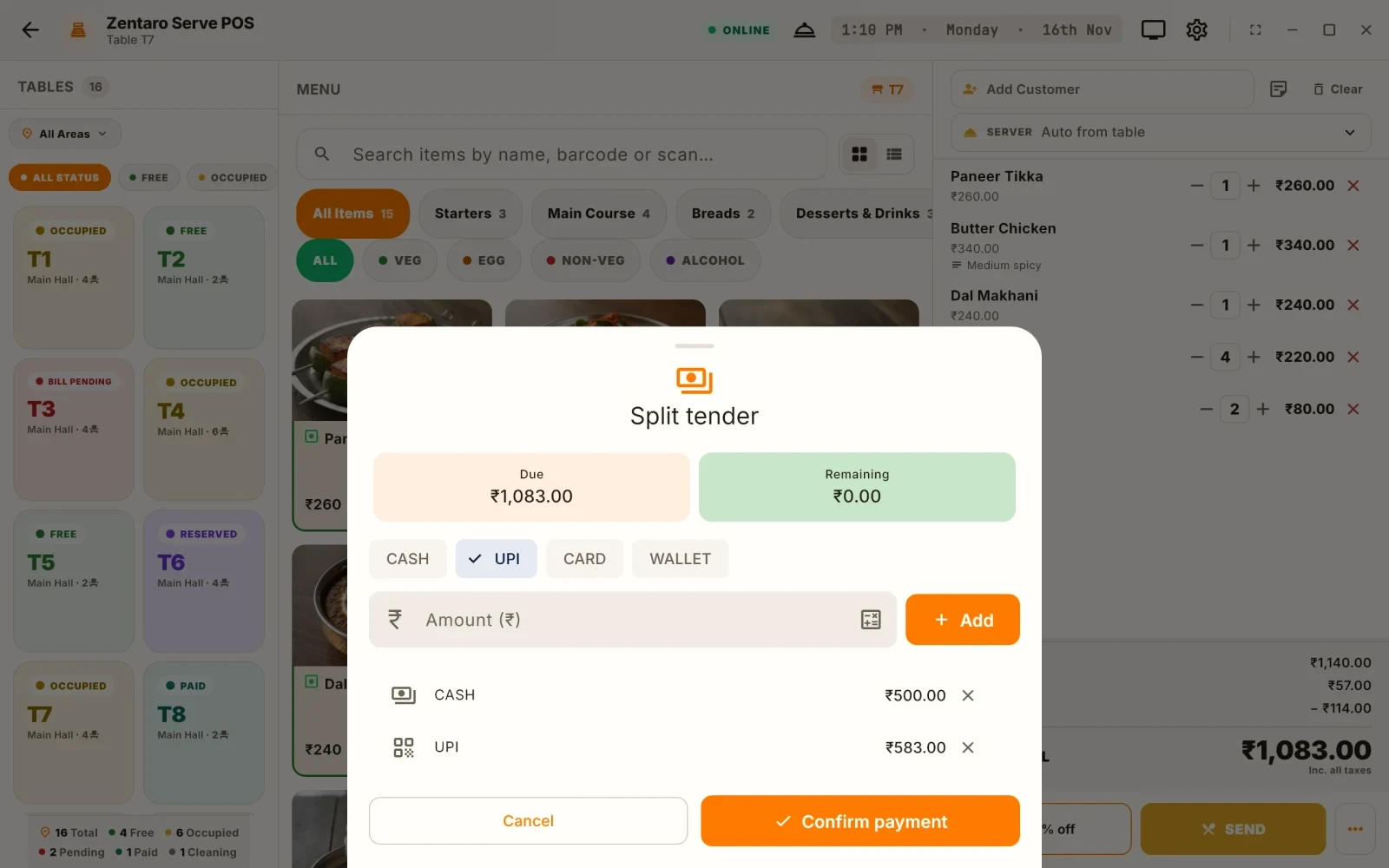
In Zentaro Serve you can bill dine-in, counter, takeaway and delivery orders, and take cash, card and UPI on the same bill. Ask us for a demo on your own menu.
See billing software