
Why restaurants need one
Buying is where a lot of money leaves a restaurant, and where a lot of errors enter. A vegetable seller charges for 20 kg but delivers 18. A rate quietly rises by a rupee. A bill is paid twice, or not at all. Without a register, these things live in a file of crumpled slips.
A purchase register gives you three answers:
- What did we buy this week, and from whom?
- What do we owe each vendor, and when?
- Did the rate or quantity change from last time?
The columns
| Column | Why it matters |
|---|---|
| Date received | When the goods arrived |
| Vendor | Who supplied them |
| Bill number | Links the line to the paper bill |
| Item and unit | What and in which measure |
| Quantity billed | What the bill says |
| Quantity received | What you actually counted |
| Rate | Price per unit on the bill |
| Amount | Quantity × rate |
| Payment due | The date it should be paid |
| Status | Open, part paid or paid |
The two quantity columns do most of the work. If they differ, you have a short delivery to raise with the vendor.
Goods received: the step that saves money
A goods received note, often called a GRN, is a simple record that goods came in. In a small kitchen, it can be a tick and a signature on the bill. In a bigger one, it is a form.
At the door:
- Weigh or count the goods in front of the delivery person.
- Check quality. Reject what is bad and note it.
- Write the received quantity on the bill.
- Sign and date it.
- Hand the bill to the person who keeps the register, the same day.
This takes two minutes. It is the cheapest control in the restaurant.
Purchase order: do you need one?
A purchase order, or PO, is a written order to a vendor. It says what you want, how much and at what rate. For a daily vegetable run, a phone call is fine. For regular, large or costly orders, a PO helps. It stops a dispute about what was agreed. Then your register can compare PO, delivery and bill. If the three match, you pay.
A small restaurant may not need POs for everything. Use them for high-value items such as meat, dairy, oil and equipment.
Payment due and credit terms
Many vendors give credit, such as a week or a month. Write the due date for each bill. Once a week, list the bills falling due. Pay in order and mark them paid. Keep payments in the register, so you can see a vendor's total at any time.
Pay on the due date, not much earlier and not later. Early payment ties up cash. Late payment spoils the relationship and may cost you supply when the market is tight.
Price changes
Prices move. A register shows the trend. If you buy tomatoes weekly, compare this week's rate with last week's and last month's. A rise of a few rupees on a high-use item matters more than a large rise on a rarely used spice.
When a price changes, do two things. Tell the cook or manager. And review the plate cost of dishes that use the item. Our vendor comparison calculator helps you compare vendors on the same item.
Example: one week of vegetable purchases matched to bills
This is an example with made-up numbers.
| Date | Vendor | Item | Billed | Received | Rate | Amount | Note |
|---|---|---|---|---|---|---|---|
| Mon | Vegetable vendor | Onion (kg) | 40 | 40 | ₹30 | ₹1,200 | OK |
| Mon | Vegetable vendor | Tomato (kg) | 25 | 23 | ₹40 | ₹1,000 | Short 2 kg |
| Wed | Vegetable vendor | Onion (kg) | 40 | 40 | ₹32 | ₹1,280 | Rate up ₹2 |
| Thu | Dairy vendor | Paneer (kg) | 10 | 10 | ₹320 | ₹3,200 | OK |
| Fri | Vegetable vendor | Coriander (bunch) | 30 | 30 | ₹8 | ₹240 | OK |
The week shows two things at a glance. The tomato bill says 25 kg and the owner counted 23. At ₹40, that is ₹80 that should come off the bill, or the 2 kg should be sent. And the onion rate went from ₹30 to ₹32, a change worth asking about.
Without the register, the ₹80 would have been paid, and the rate rise would not have been noticed until the month's total looked heavy.
Matching at month end
At month end, ask each vendor for a statement. Compare it to your register, line by line. If they differ, find the bill that is missing or doubled. Settle the difference, then pay.
Common mistakes
- Writing the bill later, from memory.
- Paying on the bill amount without checking what arrived.
- Keeping bills in a drawer, not a register.
- Not writing due dates.
- Never comparing rates over time.
- Letting one person order, receive and pay. Split at least two of the three.
A short checklist
- Are goods counted at the door and the bill signed?
- Is every bill entered the same day?
- Do I have a due date for each?
- Do I review rates weekly?
- Do I match vendor statements monthly?
Common questions
What is a purchase register?
It is a list of everything you buy, with vendor, bill, item, quantity, rate, amount and due date.
What is a goods received note?
It is a record that goods arrived, with the counted quantity. It can be a signature on the bill.
Do I need purchase orders?
Not for every item. They help for costly or regular orders, and they prevent disputes.
How do I track supplier bills I owe?
Write the due date in the register and review the list weekly.
How do I spot price changes?
Compare each week's rate with the last. A register makes this easy.
Why should different people order, receive and pay?
It reduces the chance of error or fraud, because no single person controls the whole chain.
Where Zentaro Serve fits
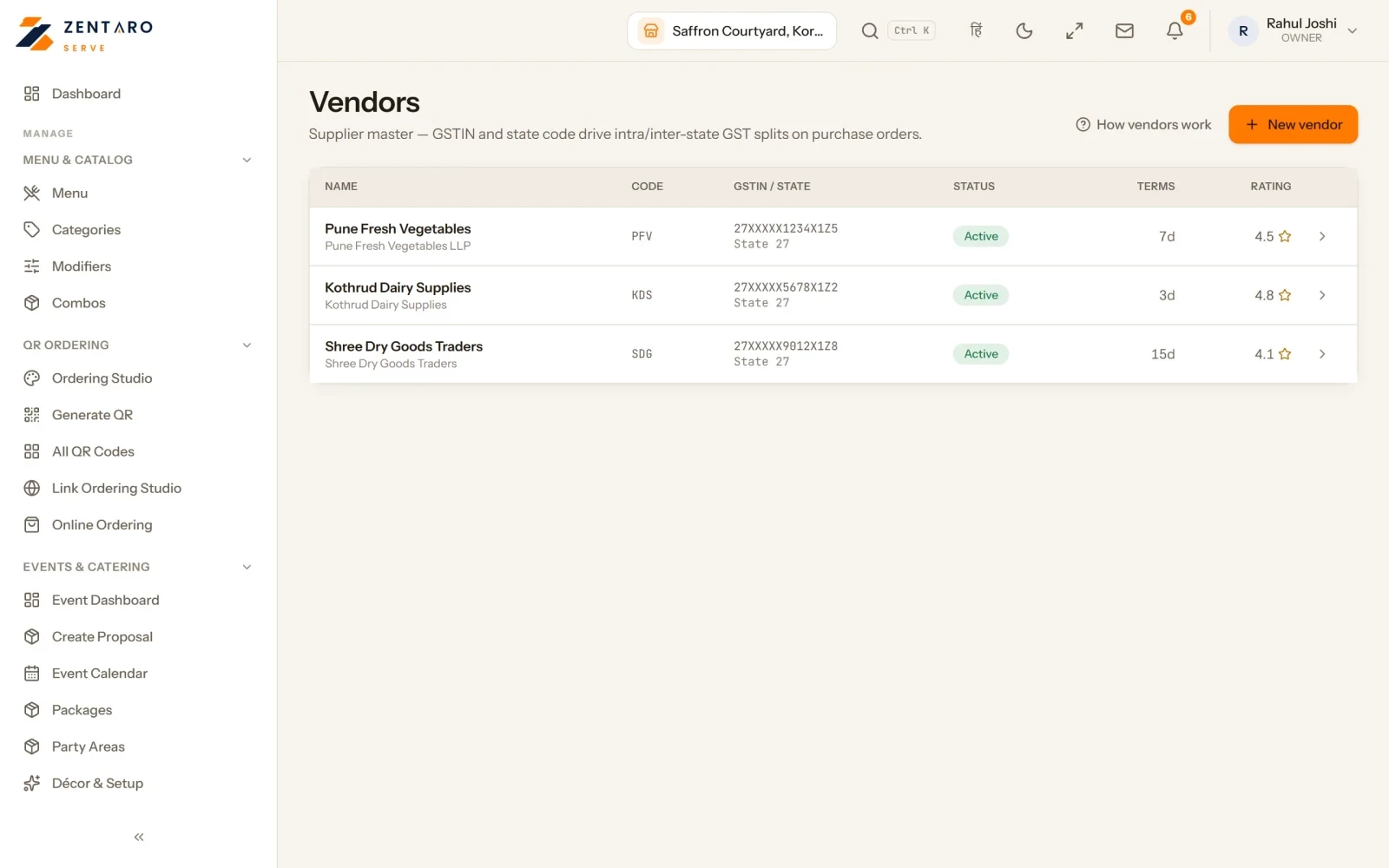
In Zentaro Serve you record supplier bills and receive goods into stock. It suggests what to reorder and lets you compare suppliers.
See inventory software