When one tablet is enough
A tablet POS works best when:
- One or two people take orders at the counter.
- The menu is short, say under a hundred items.
- Orders are mostly counter orders, with a few tables.
- You have one kitchen or one bar to send tickets to.
If you have a big dining room, many waiters and a long menu, a bigger screen or more devices will serve you better. See our note on Android and Windows counters.
The set-up, piece by piece
| Part | What to get | Why |
|---|---|---|
| Tablet | A modern tablet with a good screen and battery | A slow tablet makes a rush worse |
| Tablet stand | A heavy, firm stand that does not tip | A tablet that falls breaks, and cups get spilled on it |
| Printer | An 80mm thermal printer for bills | Guests expect a printed bill |
| Cash drawer | Optional, linked to the printer | Keeps cash safe and tidy |
| Charger | A long cable and a spare | A flat tablet stops the counter |
| Router | A decent router, in a safe spot | The tablet needs a steady network |
| UPI | A QR code or a payment link on the bill | Many guests pay by UPI now |
Our guide to thermal printers tells you what to check before you buy.
Menu items that work on a small screen
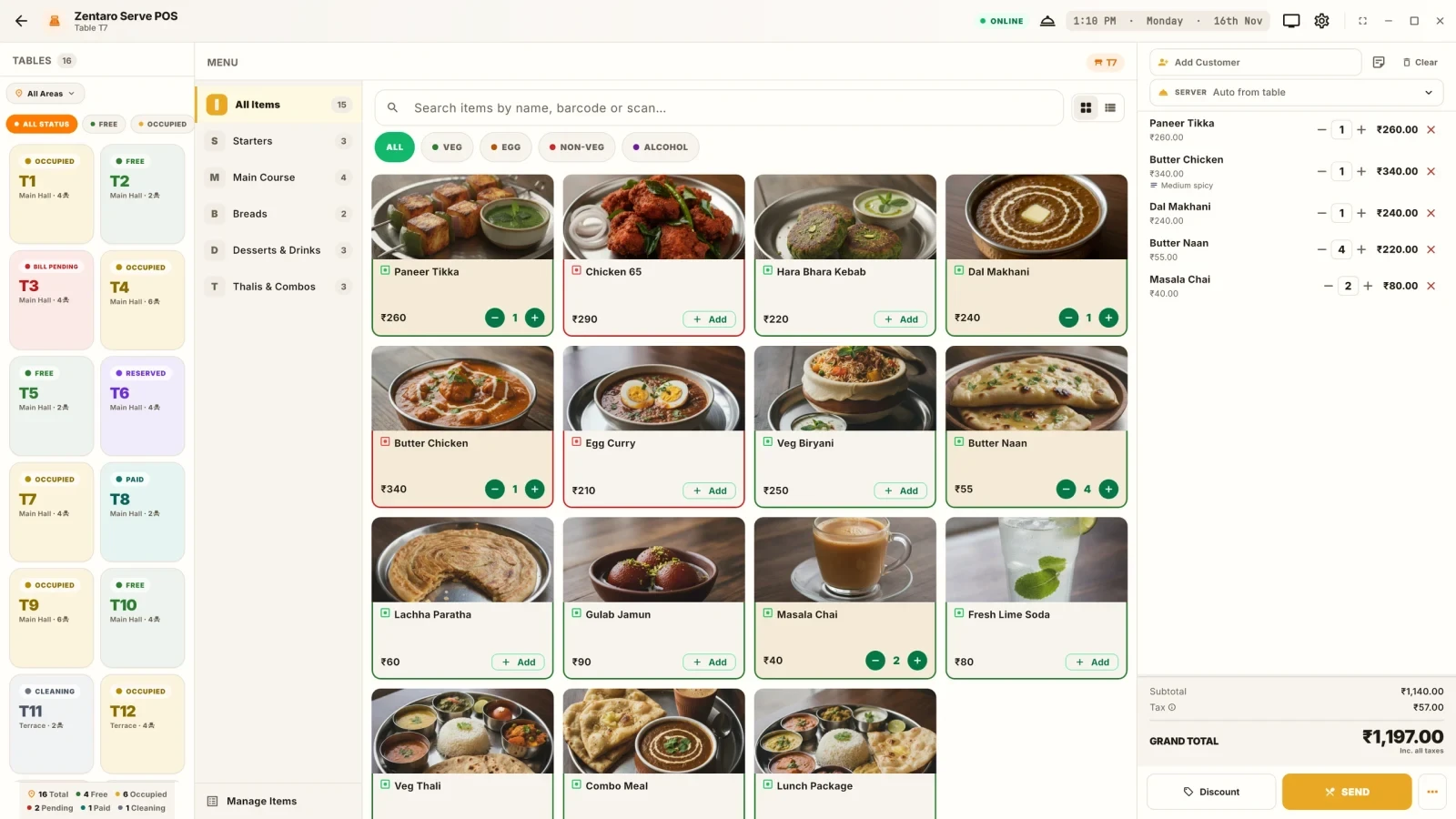
A tablet screen is small. A long menu is slow to scroll. Help your cashier:
- Group items under short headings: Coffee, Tea, Sandwiches, Cakes.
- Put the top sellers first.
- Keep names short, so they fit on one line.
- Use add-ons for milk type and extra shots, instead of many near-duplicate items.
- Remove items you no longer sell.
Taking UPI
Many cafe guests pay by UPI. Plan for it.
- Show a QR code that carries the bill amount, so the guest does not type it.
- Check that the money arrived before you hand over the food. A screenshot is not proof.
- Keep cash for the guests who prefer it.
Read more in UPI QR on the bill and checking payment.
Offline
A cafe cannot stop billing when the internet drops. Ask your software seller what happens. A good system keeps taking orders and prints bills, then catches up later. Test it once with the router off. Our article on billing without internet has a five-step test.
Day close
At closing time, count the cash and compare it with the tablet's total. Do this every day, so a gap is small and easy to trace.
- Check that no order is left open.
- Print or view the day's total by payment type.
- Count the cash drawer.
- Compare the cash with the total for cash.
- Write down any gap, with a reason if you know it.
Our guide to the day-end ritual goes into more detail.
Example: a 20-seat cafe set-up list
This is an example, with made-up details. A 20-seat cafe has one cashier and one small kitchen. The owner makes this list before opening day.
| Item | Decision | Done |
|---|---|---|
| One tablet on a heavy stand at the counter | Yes | Yes |
| 80mm bill printer at the counter | Yes | Yes |
| Printer in the kitchen for tickets | Yes, on the network cable | Yes |
| Cash drawer linked to the bill printer | Yes | Yes |
| UPI QR on every bill | Yes | Yes |
| Menu with 45 items in 6 groups | Yes | Yes |
| Spare charger and a spare roll | Yes | Yes |
| Test with the router off | Yes | Yes |
| A paper pad for a real emergency | Yes | Yes |
The paper pad is a last resort. If the tablet fails, the cashier writes orders and bills by hand, and enters them later.
Common mistakes
- A light stand. The tablet tips, and a coffee spill ends the day.
- No backup device. Keep an old phone or tablet that can log in.
- A long menu on a small screen. Cashiers slow down.
- Trusting a UPI screenshot. Check the payment in your app or bank.
- Skipping day close. Small gaps grow when nobody looks.
A short checklist
- Is the stand firm, and is there a spare charger?
- Is the printer tested with your software?
- Is UPI set up, with a payment check?
- Is the menu short and grouped?
- Have you tested with the internet off?
- Do you close the day every night?
Common questions
Can one tablet run a cafe?
Yes, for a small cafe with a short menu and one or two people at the counter. It needs a printer, a stand and a plan for offline use.
What do I need besides the tablet?
A firm stand, a bill printer, a charger, a router and a way to take UPI. A cash drawer is optional.
Will a tablet POS work without internet?
It depends on the software. Ask the seller, and test with the router off.
How do I take UPI on a tablet POS?
Show a QR code with the bill amount, or send a payment link. Check that the money arrived before you hand over the food.
What if the tablet breaks?
Keep a spare device that can log in, and a paper pad as the last resort.